Base64 Guide
Base64 Guide covering encoding, decoding, padding, UTF-8, Base64URL, APIs, data URLs, common errors, security, and practical examples.
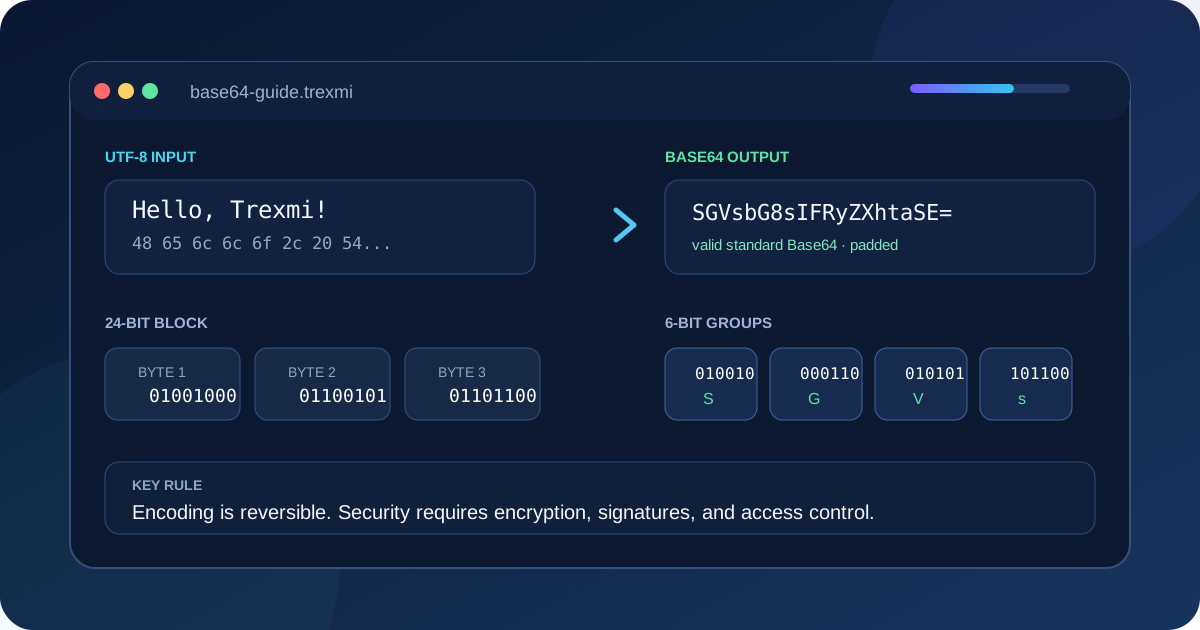
Base64 Guide explains how Base64 encoding works, why developers use it, where it appears in APIs and data URLs, and why it must never be treated as encryption. This practical guide covers the Base64 alphabet, padding, UTF-8 conversion, Base64URL, browser and server examples, common errors, security limits, and a reliable encode-and-decode workflow.
Important: Base64 changes how bytes are represented. It does not hide, encrypt, sign, or protect the original information.
What is Base64 encoding?
Base64 is a binary-to-text encoding scheme. It converts arbitrary bytes into a restricted set of printable ASCII characters. The standard alphabet contains uppercase letters, lowercase letters, digits, plus, and slash. An equals sign may be added at the end as padding.
This Base64 Guide focuses first on transport compatibility. Systems that are designed primarily for text may not safely carry raw binary bytes, control characters, or arbitrary file content. Base64 turns those bytes into text that can travel through JSON fields, XML documents, email bodies, configuration values, and command-line interfaces.
The encoded output is larger than the original data. Three source bytes normally become four Base64 characters, so the size increases by roughly one third before any surrounding markup or protocol overhead is added.
How Base64 works step by step
- The input is converted into bytes using a character encoding such as UTF-8.
- The byte stream is split into groups of three bytes, or 24 bits.
- Each 24-bit group is divided into four 6-bit values.
- Each 6-bit value selects one character from the 64-character alphabet.
- Padding is added when the final group contains fewer than three bytes.
Text: Trexmi
UTF-8 bytes: 54 72 65 78 6d 69
Base64: VHJleG1p
As this Base64 Guide demonstrates, the conversion is deterministic. The same byte sequence always produces the same Base64 value when the same alphabet and padding rules are used.
Base64 alphabet and padding
| Range | Characters | Count |
|---|---|---|
| 0–25 | A–Z |
26 |
| 26–51 | a–z |
26 |
| 52–61 | 0–9 |
10 |
| 62 | + |
1 |
| 63 | / |
1 |
Padding uses = characters to indicate that the final encoded group represents fewer than three source bytes. A valid standard Base64 value can end with no padding, one equals sign, or two equals signs depending on the source length and the rules of the receiving system.
Tip: Do not add or remove padding blindly. Some systems require it, some omit it, and Base64URL commonly removes it. Follow the specification used by the destination.
Base64 and UTF-8 text
A key Base64 Guide rule is that Base64 operates on bytes, not directly on characters. Before encoding text, the application must convert the text to bytes. UTF-8 is the usual choice for modern web applications because it supports international characters and is widely interoperable.
Input: Привіт, Trexmi!
Encoding: UTF-8
Base64: 0J/RgNC40LLRltGCLCBUcmV4bWkh
A common browser mistake is passing Unicode text directly to an API that expects Latin-1 bytes. The result may be an exception or corrupted output. Reliable implementations explicitly encode text as UTF-8 before Base64 conversion and decode the resulting bytes as UTF-8 afterward.
Base64URL compared with standard Base64
This Base64 Guide also covers Base64URL, a URL- and filename-safe variation. It replaces + with - and / with _. Padding is often omitted. This avoids characters that have special meanings in URLs, query strings, cookies, and filenames.
| Feature | Standard Base64 | Base64URL |
|---|---|---|
| Character 62 | + |
- |
| Character 63 | / |
_ |
| Padding | Commonly retained | Often omitted |
| Typical use | Files, MIME, general payloads | JWT, URLs, cookies |
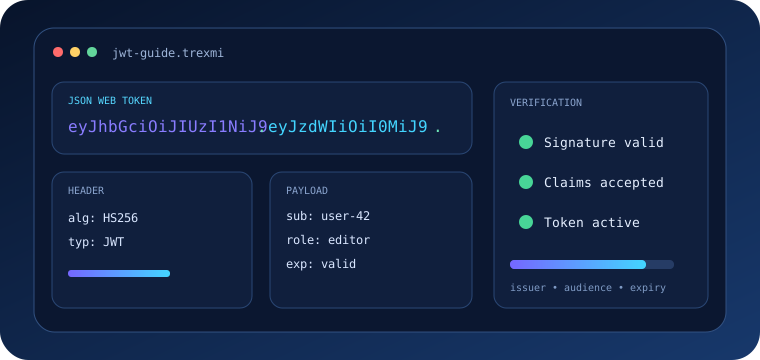
JWT header and payload sections use Base64URL, not ordinary Base64. Use a dedicated JWT Decoder when inspecting tokens because decoding sections alone does not verify the signature or claims.
Common Base64 use cases
JSON and API payloads
Binary values such as small certificates, signatures, or file fragments are sometimes included in JSON as Base64 strings. This keeps the document textual but increases payload size.
Data URLs
data:image/png;base64,iVBORw0KGgoAAA...Data URLs embed content directly in CSS, HTML, or another document. They are useful for small resources but can reduce caching efficiency and make source files difficult to inspect.
Email and MIME
Email systems use transfer encodings to carry attachments and non-ASCII content through infrastructure that historically expected text-safe data.
Basic authentication
HTTP Basic authentication encodes username:password with Base64. The credentials remain reversible, so Basic authentication must be protected by HTTPS and handled carefully.
Configuration and environment values
Some deployment systems store Base64 values because their transport layer expects text. Encoding a secret does not make that secret secure; access controls remain essential.
A reliable Base64 Guide workflow
- Identify whether the destination expects standard Base64 or Base64URL.
- Confirm the source bytes or the text character encoding.
- Encode the value once and preserve the exact output.
- Decode a test copy to confirm round-trip equality.
- Check whether padding must be retained.
- Do not paste confidential production data into untrusted services.
- Validate the decoded data in its real destination format.
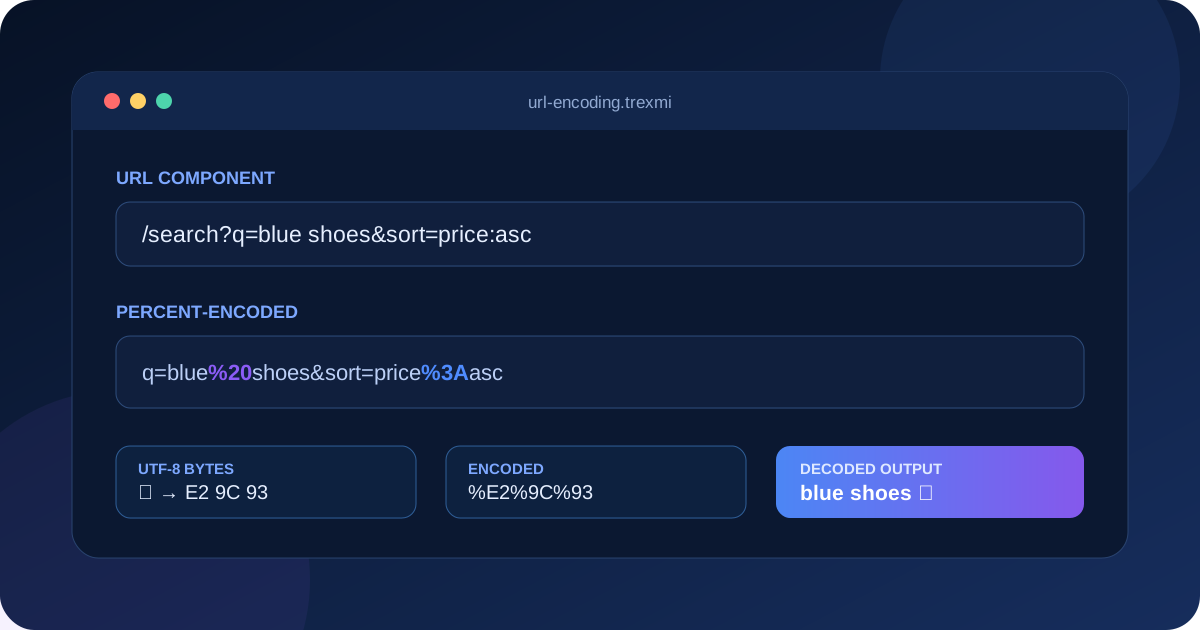
Use Base64 Encoder to encode UTF-8 text and Base64 Decoder to restore readable text. Use URL Encoder for percent-encoding URL components; URL encoding and Base64 solve different transport problems.
Base64 examples in common languages
JavaScript in a modern browser
const bytes = new TextEncoder().encode("Привіт, Trexmi!");
const binary = Array.from(bytes, b => String.fromCharCode(b)).join("");
const encoded = btoa(binary);
Node.js
const encoded = Buffer.from("Hello, Trexmi", "utf8").toString("base64");
const decoded = Buffer.from(encoded, "base64").toString("utf8");
PHP
$encoded = base64_encode($source);
$decoded = base64_decode($encoded, true);
if ($decoded === false) {
    throw new RuntimeException("Invalid Base64");
}
Python
import base64
encoded = base64.b64encode("Hello".encode("utf-8")).decode("ascii")
decoded = base64.b64decode(encoded, validate=True).decode("utf-8")
Common Base64 errors
Using the wrong alphabet
A Base64URL token may fail in a strict standard Base64 decoder because it contains hyphens or underscores. Convert according to the correct variant instead of replacing characters without understanding the format.
Broken or missing padding
A strict decoder may reject input whose length or padding is invalid. Some libraries accept unpadded input, while others require the length to be normalized.
Whitespace and line breaks
MIME Base64 may contain line breaks. Some strict API decoders reject any whitespace. Confirm whether the library ignores whitespace or requires compact input.
Double encoding
Encoding an already encoded value produces another valid-looking Base64 string, but one decode operation will not restore the original data. Keep clear boundaries between raw and encoded values.
Assuming decoded bytes are text
Decoded data may be an image, archive, certificate, or arbitrary binary stream. Do not force it through UTF-8 text handling unless the format is known to be text.
Base64 security limitations
The most important Base64 Guide security lesson is that anyone who can read a Base64 value can normally decode it. Base64 provides no confidentiality, integrity, authenticity, access control, or tamper resistance. Use encryption to protect confidentiality and a cryptographic signature or message authentication code to detect modification.
Large Base64 payloads can consume substantial memory because applications may hold both encoded and decoded copies at once. Apply input-size limits, stream large files when possible, and reject unexpected content types.
Warning: Never publish API keys, passwords, private keys, session cookies, or personal data simply because they have been Base64 encoded.
Base64 compared with URL and hexadecimal encoding
For comparison, this Base64 Guide notes that percent-encoding protects special bytes inside URL components. Hexadecimal encoding represents each byte with two characters and is easy to inspect but doubles the size. Base64 is more compact than hexadecimal and works well for general binary-to-text conversion. Choose the encoding required by the protocol rather than selecting one only because it looks convenient.
Base64 Guide best practices
- Document the alphabet, padding policy, and text encoding.
- Use strict decoder modes when validating untrusted input.
- Confirm round-trip equality during development.
- Keep raw and encoded values clearly named.
- Avoid Base64 for large files when direct binary transport is available.
- Do not use Base64 as a security control.
- Remove secrets before copying encoded values into tickets or logs.
- Use Base64URL only where the destination specification requires it.
Authoritative Base64 references
For protocol-level details, review RFC 4648, which defines Base64 and Base64URL alphabets, and the MDN Base64 reference for browser-focused implementation guidance. These external references complement this Base64 Guide and help verify edge cases before production use.
Base64 Guide summary
This Base64 Guide concludes that Base64 is a predictable method for representing bytes with printable text. Reliable use depends on choosing the correct alphabet, handling UTF-8 deliberately, preserving the expected padding rules, validating decoded output, and understanding that encoding is not encryption. Trexmi tools make it easy to test both directions before integrating a value into an API, configuration file, URL-safe token, or application workflow.
Practice what you learned
Related Trexmi tools
Open a focused workspace and test the patterns from this guide.Clear answers
Frequently asked questions
What is Base64 used for?+
Base64 represents binary bytes with printable ASCII characters so data can travel through text-oriented formats and protocols.
Is Base64 encryption?+
No. Base64 is reversible encoding and provides no confidentiality or protection from tampering.
Why does Base64 sometimes end with equals signs?+
Equals signs are padding that describe an incomplete final group of source bytes in standard Base64.
What is the difference between Base64 and Base64URL?+
Base64URL replaces plus and slash with hyphen and underscore, and it commonly omits padding for URL-safe transport.
Why does Unicode text fail with browser Base64 functions?+
Some browser functions expect byte-oriented Latin-1 strings. Convert Unicode text to UTF-8 bytes before encoding.
Does Base64 make data larger?+
Yes. Base64 output is normally about one third larger than the original byte sequence.
Can Base64 encode files?+
Yes, because Base64 works on bytes, but large files are inefficient and may require streaming or direct binary transport.
Continue learning