Start typing to search 227 tools.
BCrypt Hash Generator
Generate a salted 60-character BCrypt password hash, choose cost 4–15, inspect its parts, measure runtime, and verify it immediately.
Hash generated and verified
A random salt is embedded in every generated hash.
The generated BCrypt string verifies against the exact input used in this run.
The same password should produce different BCrypt strings on separate runs because BCrypt creates a fresh random salt. Verify passwords with a BCrypt-aware function instead of comparing hash strings.
$2y$12$.....................................................
version · cost · salt · checksum
What BCrypt Hash Generator does
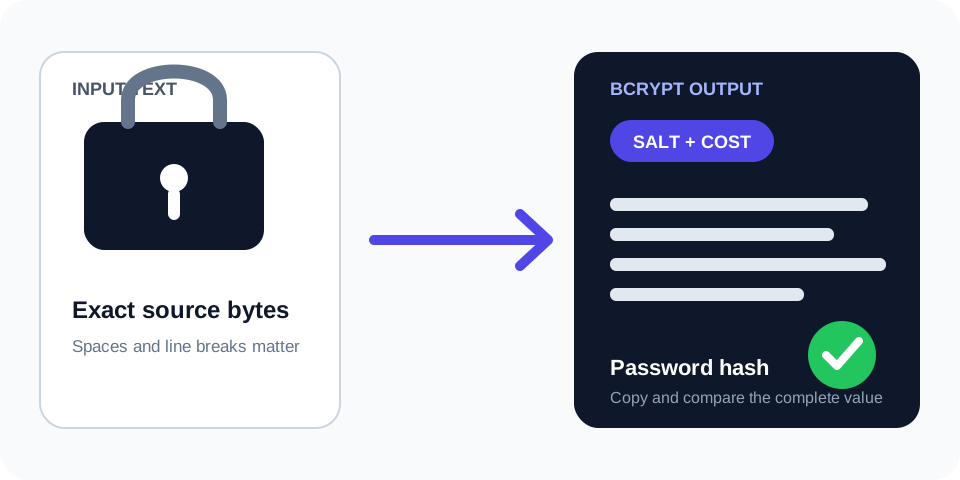
BCrypt Hash Generator creates a salted password hash with a configurable logarithmic cost from 4 to 15. The result includes the version, cost, random salt, and checksum in one 60-character string.
Identical passwords normally create different hashes because a new salt is generated each time. Verification must use a BCrypt-aware function rather than direct string comparison. The result also reports generation time, effective input bytes, and whether BCrypt’s 72-byte input limit was reached.
Use non-sensitive test values here. Production passwords should be hashed inside the trusted application environment.
How to use
- Enter a test value. Do not use an active production password.
- Select a cost. The control accepts 4 through 15; cost 12 is the initial setting, not a universal production recommendation.
- Generate the hash. A new random salt is embedded automatically.
- Review the result. Check runtime, cost, hash length, input bytes, and any truncation warning.
- Verify and store. Keep the entire encoded string and use a standard BCrypt verification function.
Why use BCrypt Hash Generator?
Focused controls, predictable output, and a workflow designed around this exact transformation.
Fresh random salt
Each generated hash embeds its own salt, so repeated runs normally produce different strings.
Visible cost and runtime
Inspect the selected cost, approximate work factor, and measured generation time.
Immediate verification
The processor verifies the generated hash against the original test value before returning it.
72-byte warning
Long UTF-8 input is measured in bytes and flagged when BCrypt’s effective limit is exceeded.
Questions about BCrypt Hash Generator
Practical details about input, output, privacy, limits, and the best way to use this tool.
01 Why does the same password create a different BCrypt hash?
BCrypt creates a new random salt for every hash and stores it inside the encoded result.
02 How should a BCrypt password be verified?
Use password_verify() or an equivalent BCrypt-aware library function. Do not generate another hash and compare strings.
03 What does the BCrypt cost mean?
It controls a logarithmic work factor. Increasing cost by one approximately doubles hashing work, so measure authentication latency on the target system.
04 Is the salt stored separately?
No. The normal encoded BCrypt string contains the version, cost, salt, and checksum.
05 Why does the tool warn after 72 bytes?
BCrypt implementations commonly consider only the first 72 input bytes. Unicode characters may use more than one byte.
06 Can a BCrypt hash be decrypted?
No. Verification tests a candidate value; it does not recover the original password.
07 Is BCrypt a file-checksum algorithm?
No. Its random salt prevents deterministic checksum comparison. Use the algorithm required by the file-integrity workflow.
08 Should I paste a real password here?
No. Use non-sensitive samples. Hash production credentials inside the trusted application boundary.
Read the complete Hashing Guide
Understand SHA hashes, checksums, HMAC, salts, password hashing, verification, and practical integrity workflows.
- SHA and checksum workflows
- HMAC and keyed hashes
- Password hashing and verification
What a BCrypt hash contains
A normal BCrypt result is a self-contained 60-character string. It carries the algorithm version, two-digit cost, a 22-character encoded salt, and a 31-character encoded checksum. Preserve every character, including dollar signs. A truncated database column or copied value cannot be verified correctly.
BCrypt is deliberately different from a fast general-purpose hash. A fresh salt makes identical passwords produce different strings, and the configurable cost slows offline guessing. The stored value does not contain the original password.
Choose cost by measurement
The cost parameter is logarithmic: one increment approximately doubles the calculation work. Higher cost raises attacker expense but also increases login latency and server load. Select a value by benchmarking realistic authentication traffic on production-like hardware, then review it as hardware and usage change.
This generator accepts cost 4 through 15 to keep an interactive request bounded. That interface range is not a statement that every value is suitable for a production deployment.
Verify with a password API
Never generate a fresh BCrypt hash and compare it directly with the stored string. The new salt makes direct equality fail. A verification function reads the cost and salt from the stored hash, calculates the candidate password, and performs the comparison.
Applications can also inspect a successful stored hash and rehash it when the preferred cost or algorithm changes. This supports gradual migration during normal sign-ins.
Understand the 72-byte input limit
BCrypt commonly ignores input after the first 72 bytes. Bytes and visible characters are not equivalent: a Unicode password can reach the limit before it contains 72 characters. The result reports both counts and warns when truncation applies. Document this behavior or use a password-hashing design whose limits match the application requirements.
BCrypt deployment checklist
- Hash inside the trusted application environment.
- Store the complete encoded result without trimming.
- Use a BCrypt-aware verification function.
- Benchmark cost under realistic concurrent load.
- Rate-limit authentication and protect password-reset flows.
- Support parameter rehashing after successful verification.
For implementation guidance, review the PHP password_hash documentation and the OWASP Password Storage Cheat Sheet.
Related Trexmi tools
Use BCrypt Verify to test an existing hash, Password Strength Checker for a transparent structural estimate, or SHA-256 Generator only when a deterministic checksum is required.