01
Field-by-field explanation
Review minute, hour, day-of-month, month, and weekday independently.
Start typing to search 227 tools.
Split a standard five-field cron expression into minute, hour, day-of-month, month, and weekday explanations.
Cron Expression Parser separates a standard five-field cron expression into minute, hour, day-of-month, month, and day-of-week components. It describes wildcards, step values, ranges, lists, and plain numeric values so a compact schedule is easier to review.
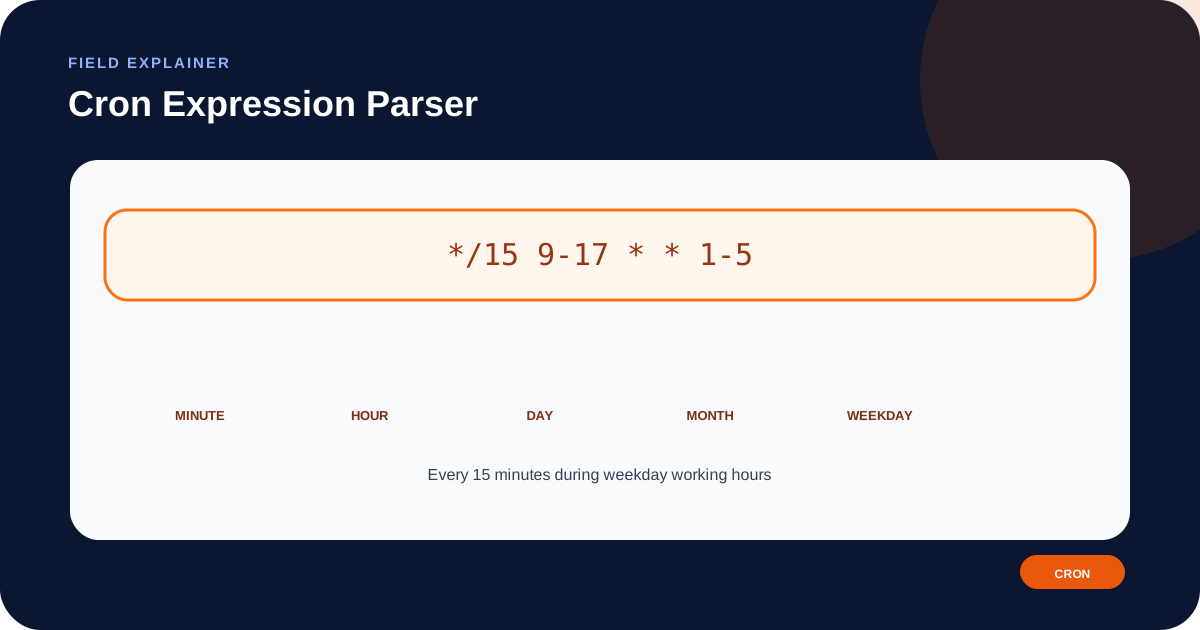
For example, */15 9-17 * * 1-5 means a minute step of 15, hours 9 through 17, every day of the month, every month, and weekdays 1 through 5. The exact moments and timezone still depend on the scheduler that executes the expression.
This parser is intentionally limited to five fields. Quartz, Jenkins, AWS EventBridge, systemd timers, and other platforms may use different field counts, special tokens, or day-of-week numbering.
Focused controls, predictable output, and a workflow designed around this exact transformation.
Review minute, hour, day-of-month, month, and weekday independently.
See readable descriptions for wildcards, steps, numeric ranges, and comma-separated lists.
Compare the original expression with the explanation without rewriting it.
The guide distinguishes standard five-field cron from platform-specific variants.
Practical details about input, output, privacy, limits, and the best way to use this tool.
The order is minute, hour, day of month, month, and day of week.
No. It expects exactly five fields. Six- or seven-field dialects must be checked with their platform documentation.
An asterisk means every allowed value for that field, subject to the scheduler implementation.
It is a step expression meaning every 15 values in that field. In the minute field, it commonly selects minutes 0, 15, 30, and 45.
The expression itself usually carries no timezone. The operating system, container, control panel, or managed scheduler supplies it.
No. Many implementations use 0 or 7 for Sunday and 1 for Monday, but platform rules differ.
No. The tool explains five tokens; the destination scheduler remains authoritative for supported ranges and extensions.
Paste only the five schedule fields. Do not include the command, environment assignment, or username column.
A standard cron schedule places five whitespace-separated fields before the command. The minute field normally selects 0–59, the hour field 0–23, the day-of-month field 1–31, the month field 1–12, and the day-of-week field a platform-defined representation of Sunday through Saturday.
The parser labels these positions but does not know the command, server timezone, missed-run policy, or scheduler extensions. Keep those operational settings beside the expression in project documentation.
* selects all allowed values. A step such as */10 selects every tenth value. A range such as 9-17 selects the values from 9 through 17, while a list such as 1,3,5 selects specific values. Combinations and named months or weekdays may be supported, but the exact grammar belongs to the destination implementation.
A readable explanation can still hide an invalid range. For example, a day-of-month value may be impossible for a particular month. Test real execution dates when calendar behavior matters.
Five-field cron syntax does not normally state a timezone. A schedule such as 0 9 * * * means 09:00 in the timezone used by the scheduler. Containers, hosting panels, WordPress jobs, CI services, and managed clouds can use different defaults.
Daylight-saving transitions may skip a local time or cause it to occur twice. For billing, notifications, backups, or data imports, document whether the job must follow local civil time or a fixed UTC time.
Quartz often adds seconds and optional year fields. AWS EventBridge uses its own six-field expression and special rules. Jenkins supports hashed scheduling tokens. Some Unix implementations accept names such as MON or JAN, while others have narrower syntax.
Do not convert between these systems by field count alone. Compare every token with the official documentation for the exact runtime and version.
Create a schedule with Cron Expression Generator or convert exact instants with Timestamp Converter.
For the traditional utility and crontab model, review the POSIX crontab specification. Platform documentation remains authoritative for extensions.