01
Predictable alternating capitalization
Apply one consistent uppercase-and-lowercase pattern without editing every letter manually.
Start typing to search 227 tools.
Convert ordinary text into alternating uppercase and lowercase letters while preserving spaces, punctuation, numbers, and line breaks.
An alternating case converter changes successive letters between uppercase and lowercase while leaving spaces, punctuation, numbers, and line breaks in their original positions. It is useful for playful social copy, visual mockups, headings, test strings, and quality-assurance checks where mixed capitalization must be produced consistently.
The conversion follows the sequence of letters rather than the sequence of every character. A space or punctuation mark is preserved but does not need to become uppercase or lowercase. This makes the output easier to compare with the source and keeps sentences readable even when the capitalization pattern changes.
Because capitalization can affect names, acronyms, code, identifiers, and accessibility, review the generated result before publishing it. The tool creates a predictable styling effect; it does not decide whether alternating capitalization is appropriate for a particular audience or platform.
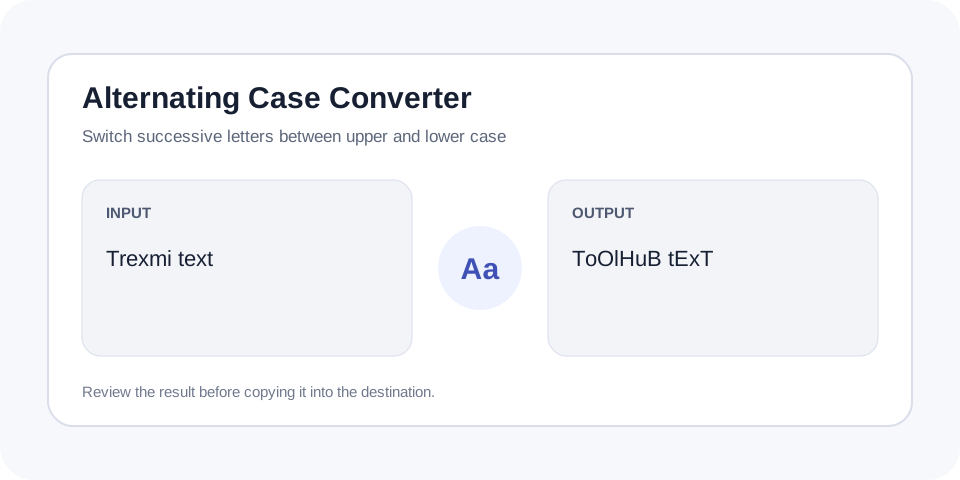
Focused controls, predictable output, and a workflow designed around this exact transformation.
Apply one consistent uppercase-and-lowercase pattern without editing every letter manually.
Keep spaces, punctuation, numbers, and line breaks in place while letter case changes.
Prepare stylized captions, mockups, examples, and case-handling test strings quickly.
The transformed output appears separately, so the original text can still be reviewed or revised.
Practical details about input, output, privacy, limits, and the best way to use this tool.
It changes the capitalization of successive letters. It does not remove words, punctuation, spaces, numbers, or line breaks.
Punctuation remains in place. The letter sequence continues according to the converter rule, while non-letter characters are not rewritten.
Yes, when the platform accepts mixed capitalization. Review readability and community rules before posting.
The tool is designed to preserve non-letter characters, although the visual result should still be checked when complex Unicode sequences are present.
Heavy mixed capitalization can be harder to read. Use it sparingly and avoid it for essential instructions, long paragraphs, or accessibility-critical content.
The converter evaluates letters in sequence and switches their capitalization. Non-letter characters remain where they were, so the source structure is preserved. This rule gives the same result for the same input and makes manual comparison straightforward.
Alternating capitalization is commonly used for humorous captions, mockups, visual demonstrations, and software tests. Developers can also use mixed-case samples to verify whether search, comparison, or validation features are case-sensitive.
Continue the workflow with Title Case Converter or Uppercase Converter when the source needs another focused transformation.
Mixed capitalization is a visual effect rather than a neutral writing style. Long passages can become difficult to scan, especially for readers using assistive technology. Keep important instructions in ordinary sentence case and reserve the effect for short, nonessential text.
Names, abbreviations, URLs, usernames, and code may lose their intended appearance after conversion. Compare the result with the source and restore any capitalization that carries meaning.
Before copying the result, compare several details that automated capitalization cannot judge. Confirm that product names, abbreviations, usernames, paths, and code samples still communicate the intended meaning. Test a short section in the destination because fonts and platform formatting can change how the mixed pattern looks. When the text is part of a public interface, keep a normal-case version available for labels, instructions, error messages, and accessibility support. A deliberate final review prevents a decorative transformation from becoming confusing or damaging important identifiers.
Alternating Case Converter creates a predictable mixed-case pattern while preserving layout. Use Alternating Case Converter for stylized examples and testing, then review readability before publishing.
For additional background, consult W3C guidance on readable text.