01
Consistent capitals
Applies one clear rule so the result is easier to inspect.
Start typing to search 227 tools.
Convert letters to uppercase instantly while preserving punctuation, numbers, spacing, and line order.
Uppercase Converter is a focused browser utility that helps you convert letters to uppercase instantly while preserving punctuation, numbers, spacing, and line order.
The uppercase converter workflow keeps the source available, applies one clearly named operation, and displays the result separately. This makes every change easier to inspect before the text is published, imported, shared, or reused.
Paste the complete source whenever possible, verify values that depend on context, and retain a backup for important documents or structured data.
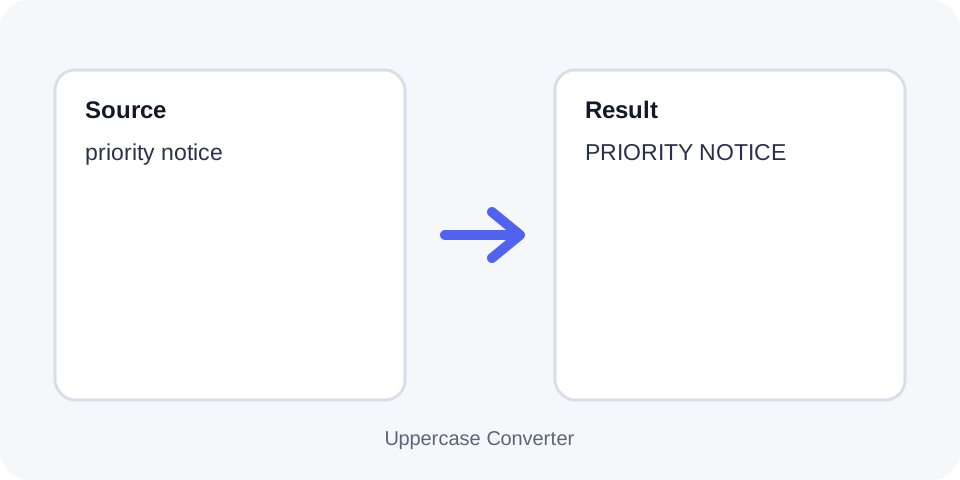
Focused controls, predictable output, and a workflow designed around this exact transformation.
Applies one clear rule so the result is easier to inspect.
Keeps the original text available for comparison and recovery.
Displays processed content separately before it is copied elsewhere.
Supports a deliberate workflow for publishing, importing, or reuse.
Practical details about input, output, privacy, limits, and the best way to use this tool.
It changes letters to uppercase while leaving non-letter characters in place.
No. Digits remain unchanged.
No. Punctuation stays in the same position.
Yes. Line order and breaks are preserved.
No. It only changes letter casing.
Not exactly, because the original capitalization pattern is lost. Keep the source for recovery.
Yes, although all-uppercase text can be harder to read in long passages.
Modern Unicode-aware conversion can uppercase many accented letters, but unusual scripts should be reviewed.
The operation applies uppercase casing to letters while preserving the sequence of characters, punctuation, digits, spaces, and line breaks.
Work with a complete sample, compare the generated result with the source, and confirm the final text in its destination before replacing important data.
All-capital text can make warnings, labels, identifiers, and short headings visually consistent. Avoid using it for long passages when readability matters.
Work with a complete sample, compare the generated result with the source, and confirm the final text in its destination before replacing important data.
Digits, symbols, URLs, and punctuation are not intentionally rewritten. Only characters with an uppercase form are transformed.
Work with a complete sample, compare the generated result with the source, and confirm the final text in its destination before replacing important data.
Casing rules vary across languages and scripts. Review accented characters, Turkish letters, German sharp s, and specialized names when precision matters.
Work with a complete sample, compare the generated result with the source, and confirm the final text in its destination before replacing important data.
Once mixed capitalization becomes uppercase, the previous pattern cannot be reconstructed automatically. Retain the editable source or a backup.
Work with a complete sample, compare the generated result with the source, and confirm the final text in its destination before replacing important data.
Inspect names, product codes, acronyms, and non-English words before copying the result into a CMS, spreadsheet, or application.
Work with a complete sample, compare the generated result with the source, and confirm the final text in its destination before replacing important data.
Continue with a related utility, another focused tool, or a complementary workflow. Separate operations are easier to understand and reverse.
For general string-processing concepts, consult the MDN String reference.