01
Header or value
The leading header name is stripped automatically.
Start typing to search 227 tools.
Split a Content-Type header into media type, subtype, charset, boundary and other parameters. Accepts the full header line or just the value.
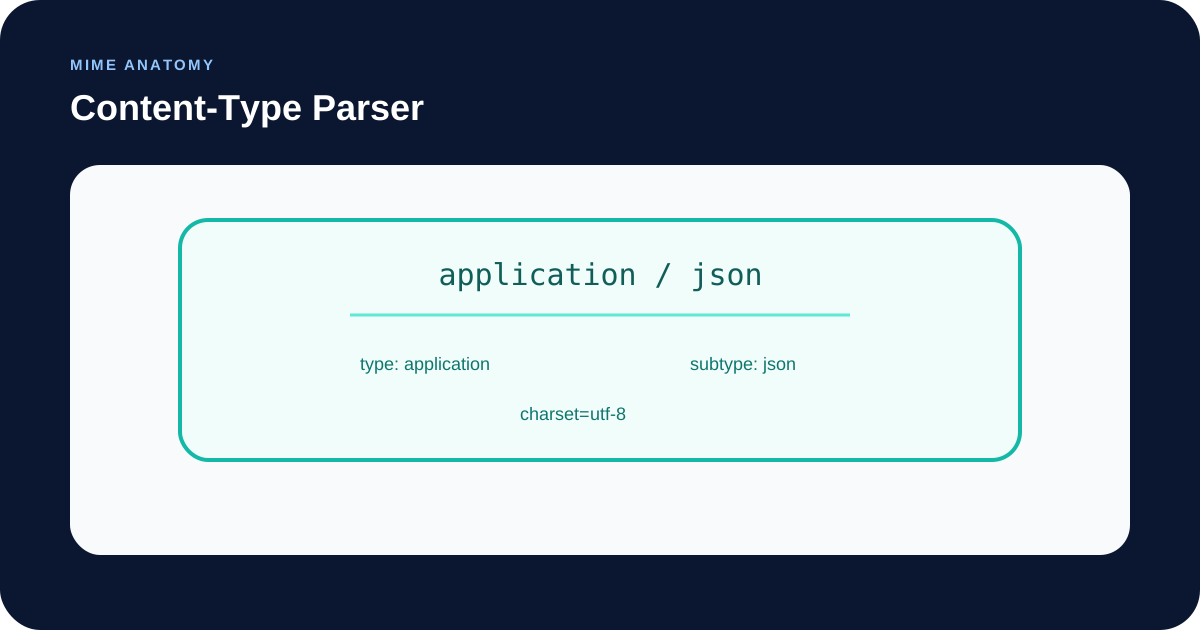
The Content-Type parser breaks an HTTP Content-Type header into its parts: the media type (for example application/json), the top-level type and subtype, the charset, the multipart boundary and any other parameters. Paste either the whole line, such as Content-Type: text/html; charset=UTF-8, or only the value.
It is handy when an API client rejects a response, a file upload fails on the server, or a multipart body will not parse and you need to see exactly what the header says. To inspect a full set of response headers, use the HTTP Header Checker.
Content-Type:.Focused controls, predictable output, and a workflow designed around this exact transformation.
The leading header name is stripped automatically.
The two parameters you usually look for are shown first, even when absent.
Input that is not a valid type/subtype pair is rejected instead of guessed.
Extra parameters such as version or profile are shown as key and value.
Practical details about input, output, privacy, limits, and the best way to use this tool.
It names the media type of a message body, such as text/html or application/json, followed by optional parameters separated by semicolons, such as charset=utf-8 or boundary=....
No. The tool accepts both the full header line and the bare value.
In multipart/* bodies, such as file uploads, the boundary is the string that separates the parts. The receiving side needs it to split the body, so it must match the one used in the body exactly.
The first part of the input is not a valid type/subtype pair. Check for a missing slash, spaces inside the type, or a stray character in front of it.
No. The charset is reported as written. Verify that the name is one your server or client actually supports.
Not fully. The value is split at every semicolon, so a quoted parameter that itself contains a semicolon would be cut in two. This is rare in practice, but check such headers by hand.
No. It parses only the header text you give it. The declared type can differ from the actual content of a file.
The header starts with a media type made of a top-level type and a subtype, separated by a slash. After it come optional parameters written as name=value and separated by semicolons. Common top-level types are text, application, image, audio, video, multipart and font. Media types and parameter names are case-insensitive.
utf-8. It is typical for text/* and for JSON served with an explicit charset.multipart/form-data and multipart/mixed bodies.multipart/form-data without a boundary, so the server cannot split the body.text/plain or application/x-www-form-urlencoded, so the server does not parse it.The tool parses the text you paste. It does not fetch URLs, does not check that the body matches the declared type and does not validate charset names. A header can be syntactically valid and still be wrong for your endpoint, so confirm the expected value in the API documentation.
Check a whole response with the HTTP Header Checker, compose headers with the HTTP Header Builder, or decode a data: URL, which also carries a media type, with the Data URL Decoder.
The header is defined in RFC 9110, section 8.3, and multipart bodies in RFC 2046, section 5.1.