01
Direct Requests output
Generate a compact requests.request call with readable variables for headers and body.
Start typing to search 227 tools.
Convert one cURL HTTP request into Python Requests code with explicit method, headers, inline body, redirect behavior, timeout, and HTTP error handling.
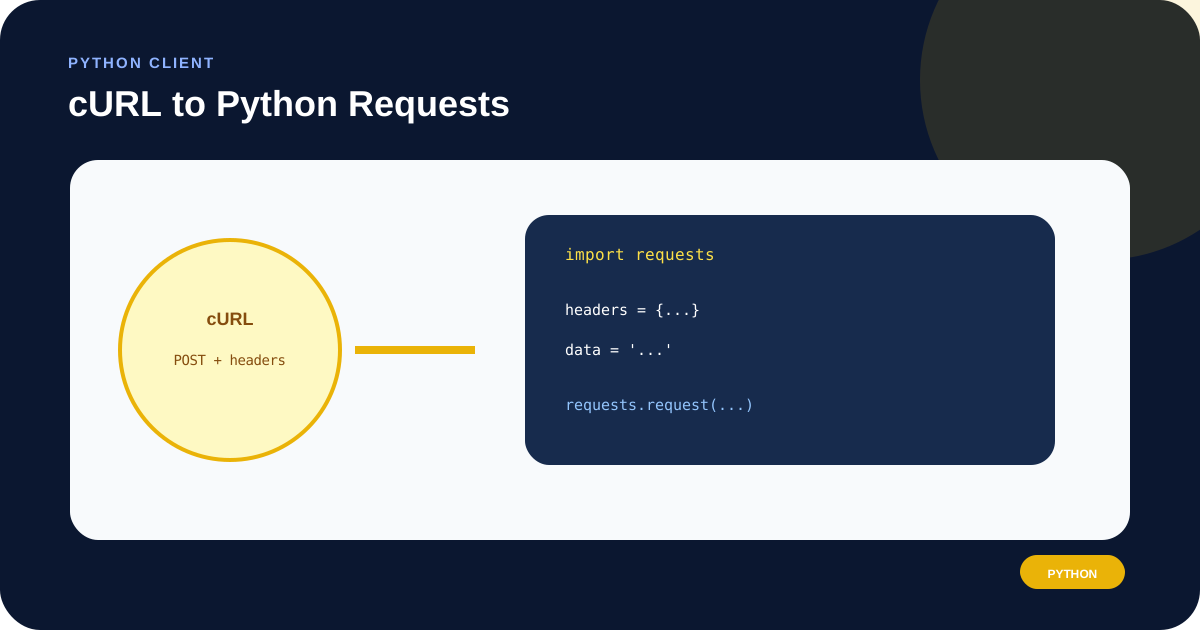
cURL to Python Requests Converter turns one cURL HTTP request into readable Python code using requests.request(). It preserves the parsed method, URL, common headers, inline body, redirect intent, and maximum time, then adds an HTTP status check.
The tool does not execute the command, install Python packages, read local files, or contact the target server. Unsupported behavior is rejected explicitly. This matters for multipart uploads, proxy rules, certificates, cookie jars, command substitution, and other cURL features that cannot be represented accurately by copying a few visible values.
The generated body uses data= so the transmitted string remains close to the source. If the input is JSON and your application owns the Python object, you may prefer to parse it and use Requests json=; that is a deliberate code change, not a lossless text substitution.
-d, --data-raw, --data-binary, or --json content rather than @filename.json=, form fields, files, a streaming body, or a session.Focused controls, predictable output, and a workflow designed around this exact transformation.
Generate a compact requests.request call with readable variables for headers and body.
Reject @file bodies, cookie jars, multipart forms, and certificate settings.
Avoid an unbounded generated request by carrying --max-time or using 30 seconds.
Call raise_for_status before the response text is consumed by later code.
Practical details about input, output, privacy, limits, and the best way to use this tool.
No. It returns source code only. You choose the environment, dependencies, credentials, and destination where it is run.
data= preserves the inline source string. json= serializes a Python object and can change whitespace or encoding, so switch only after intentionally parsing and validating the payload.
Requests and cURL have different defaults in some entry points. The generated flag records whether the source command included -L.
No. It raises for unsuccessful HTTP status codes. Network failures, timeouts, redirects, invalid response data, and application-level errors need their own handling.
Not automatically. Multipart requests require explicit file handles, field tuples, MIME types, and cleanup, so the parser rejects them.
They are joined with an ampersand, matching the common cURL data behavior. Verify whether the target expects form encoding, raw text, or another media type.
No. The output is one request. Add a requests.Session, retry adapter, logging, and application-specific exception handling when the workflow needs them.
Redact Authorization and Cookie values, signed query parameters, usernames, passwords, API keys, private hosts, and personal payload data.
Connect DNS, redirects, HTTP headers, requests, responses, caching, security, and practical web diagnostics.
Authorization and content type remain explicit; replace the placeholder before testing.
curl -X POST 'https://api.example.com/v1/jobs' -H 'Authorization: Bearer TOKEN' -H 'Content-Type: application/json' -d '{"task":"export"}'
headers = {...} · data = "{...}" · requests.request("POST", url, headers=headers, data=data, timeout=30, allow_redirects=False)
The converter represents cURL Basic credentials as the equivalent header; avoid sharing the resulting value.
curl -u 'demo:secret' 'https://api.example.com/account'
Authorization: Basic ZGVtbzpzZWNyZXQ= in the generated headers
Query intent is retained without sending a GET body.
curl -G 'https://api.example.com/items' -d 'limit=25' -d 'status=active'
requests.request("GET", "https://api.example.com/items?limit=25&status=active", timeout=30, allow_redirects=False)
Requests files and multipart tuples need explicit filenames, content types, and file lifecycle handling.
curl https://api.example.com/upload -F 'file=@report.csv'
Error: --form is not supported because its behavior cannot be converted safely.
An explicit cURL request method becomes the first argument to requests.request(). Header lines become a Python dictionary, inline request data becomes a separate string, -G appends data to the URL query, -L controls allow_redirects, and --max-time becomes the Requests timeout. Basic and Bearer credentials are represented as Authorization headers.
Inspect the endpoint with URL Parser and review any repeated or encoded parameters with Query String Parser.
A cURL body is ultimately bytes, but Python Requests offers higher-level inputs. Keep generated data= when byte-level similarity matters. Use json=python_object when you want Requests to serialize JSON. Use a dictionary for form data only after confirming the API encoding. Build files= manually for multipart uploads and close every opened file.
Content-Type alone does not prove that a body is valid JSON. Validate and test the payload with the receiving API.
The output sets a timeout and calls raise_for_status(). Production code should catch requests.exceptions.Timeout, connection errors, and HTTP errors at the appropriate boundary. A retry may be safe for an idempotent GET but unsafe for a payment or other non-idempotent POST.
Use HTTP Header Checker for a separate view of public endpoint responses, or cURL to Fetch when the request must run in JavaScript.
This converter supports one HTTP(S) URL and a deliberately limited set of common request flags. It rejects local files, multipart forms, uploads, proxy configuration, client certificates, insecure TLS, cookie jar files, multiple transfers, and unknown options. Shell variables and command substitution are not evaluated.
Use synthetic data whenever possible. Verify option behavior in the official cURL manual and Python behavior in the Requests quickstart.