01
Focused operation
One clearly defined action produces a result that is easy to review.
Start typing to search 227 tools.
Format and beautify SQL queries online with readable indentation and line breaks for SELECT, INSERT, UPDATE, JOIN, subquery, and database review workflows.
SQL Formatter online restructures compact or hard-to-read SQL with clearer line breaks and indentation. Use it to format SQL queries for code review, debugging, documentation, migration scripts, and database development.
SQL Formatter is a focused browser utility for format SQL statements with clearer indentation and line breaks for review, debugging, documentation, and database development.
The sql formatter workflow keeps the source settings visible and produces a separate result that can be inspected before reuse. This makes accidental copying, missing characters, malformed input, and destination-specific problems easier to catch.
Formatting improves readability but does not validate database-specific syntax or guarantee that a query is safe. Review table names, joins, filters, parameters, and transaction behavior before execution.
Use representative input, keep an untouched backup for important work, and verify the final result in the application, database, API, importer, or account where it will actually be used.
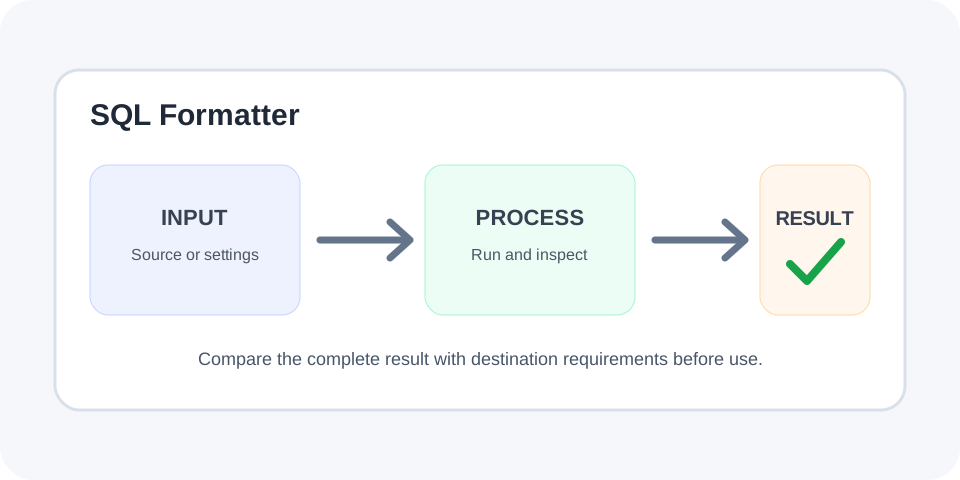
Focused controls, predictable output, and a workflow designed around this exact transformation.
One clearly defined action produces a result that is easy to review.
Source data and selected options remain available for comparison.
Generated or validated output is shown independently from the source.
Review the result before moving it into another system.
Practical details about input, output, privacy, limits, and the best way to use this tool.
No. The source or selected settings remain available while the result is shown separately.
Yes. The utility is designed for direct browser-based processing.
No. Always verify the output against the actual destination requirements.
No. The destination application, parser, database, schema, API, or account policy remains authoritative.
Yes. Whitespace, quoting, escaping, Unicode, casing, delimiters, and hidden characters can influence compatibility.
Yes, especially when working with production code, configuration, identifiers, or imported data.
Avoid pasting private keys, production credentials, customer records, or confidential data into any environment you do not trust.
Review syntax, structure, length, character set, destination rules, and the complete generated result.
The sql formatter applies one defined operation and returns a separate result without silently replacing the source.
Review the complete output before using it in production.
Typical uses include query reviews, debugging sessions, code documentation, migration scripts, pull requests, analytics work, and database maintenance. The sql formatter is most reliable when the input and selected settings match the destination requirements.
Test realistic edge cases instead of relying on one simple example.
Formatting improves readability but does not validate database-specific syntax or guarantee that a query is safe. Review table names, joins, filters, parameters, and transaction behavior before execution.
Whitespace, quoting, casing, escaping, namespaces, separators, and invisible characters may affect technical compatibility.
If the output looks incorrect, check for incomplete input, unsupported syntax, hidden characters, an unsuitable length or option, or a destination that expects a different format.
Correct the source or settings and run the sql formatter again.
Do not paste private keys, production tokens, customer records, live credentials, or confidential data into an environment you do not trust.
Formatting, generation, decoding, or validation does not by itself make information secure.
Test the result in the actual destination and confirm that it behaves as expected.
Keep the untouched original until the workflow is complete.
Continue with JSON Formatter, XML Formatter or CSS Minifier.
For supporting technical context, consult the MDN SQL overview.