01
Path-based errors
Find the exact property or array item that failed instead of receiving only a generic verdict.
Start typing to search 227 tools.
Validate JSON data against a practical JSON Schema subset and receive errors with exact data paths for types, required fields, arrays, strings and numbers.
JSON Schema Validator checks JSON data against explicit structural rules. It can identify a missing required property, an unexpected type, a disallowed extra field, an array item that fails its rule, or a string or number outside the permitted range.
The result contains a valid status, an error count and a list of messages with paths such as $.customer.email or $.items[2].quantity. This is more useful than a simple pass/fail message when debugging API payloads, webhook events, configuration files and test fixtures.
Trexmi implements a documented practical subset of JSON Schema. It is not a complete Draft 2020-12 implementation, so unsupported keywords must be checked with the validator used by your production application.
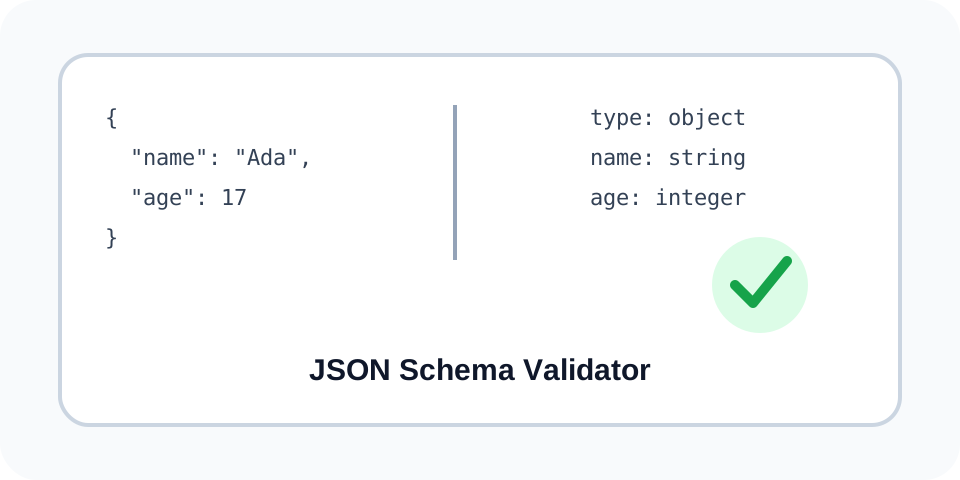
data and schema properties.Focused controls, predictable output, and a workflow designed around this exact transformation.
Find the exact property or array item that failed instead of receiving only a generic verdict.
Apply property and item schemas recursively through objects and arrays.
Reject malformed supported keywords such as invalid types, duplicate required names and impossible ranges.
Copy or download a structured JSON validation report.
Practical details about input, output, privacy, limits, and the best way to use this tool.
The validator supports type, enum, required, properties, items, additionalProperties, minLength, maxLength, pattern, minimum and maximum, including nested schemas.
No. Keywords such as $ref, combinators, conditionals, formats, unevaluated properties and many annotation keywords are not fully implemented here.
Yes. The supported type value can be a string or an array of unique type names.
Yes. Both the data and schema must be valid JSON before schema validation begins.
You can submit {"data":...,"schema":...} in the main field instead of using a separate schema field.
No. The current validator does not implement format assertions. Use your production JSON Schema library for those checks.
Yes. Set additionalProperties to false, or provide a schema object to validate undeclared properties.
JSON Schema implementations can support different drafts, vocabularies and format rules. Your production validator is the final compatibility check.
Learn JSON objects, arrays, value types, validation, formatting, parsing, API workflows, and common syntax errors.
A numeric-looking string is still a JSON string and fails an integer rule.
Data: {"id":"42"}\nSchema: {"type":"object","required":["id"],"properties":{"id":{"type":"integer"}}}
$.id — Expected type integer.
Use additionalProperties false when only declared properties are permitted.
Data: {"name":"Ada","role":"admin"}\nSchema: {"type":"object","properties":{"name":{"type":"string"}},"additionalProperties":false}
$.role — Additional property is not allowed.
The supported type names are object, array, string, number, integer, boolean and null. Object schemas can require properties, define rules for named properties and control additional properties. Array schemas can apply one item schema to every element. Strings can use length and regular-expression rules; numbers can use minimum and maximum boundaries.
A path begins at $. Dotted segments identify object properties and bracketed numbers identify array indexes. If $.items[1].sku fails, inspect the sku property in the second array item. Missing required fields appear at the path where the property should exist.
The schema itself is checked before it is applied. Supported type names must be valid, required-property names must be unique strings, property and item rules must be schema objects, and minimum values cannot exceed maximum values. The first schema-definition problem is returned separately from data-validation errors.
This tool intentionally does not claim full JSON Schema conformance. It does not resolve remote references or implement every applicator, conditional, annotation or format vocabulary. Use the official JSON Schema Draft 2020-12 core specification and the documentation for your production library when those features matter.
If the source cannot be parsed, check it first with JSON Validator or make it readable with JSON Formatter. When the schema belongs to a complete API contract, continue with OpenAPI Validator. For schemas embedded in tool definitions, continue with MCP Schema Validator or JSON to OpenAI Function Schema.
Remove credentials and personal data from real payloads before using an online utility. A valid result confirms the supported rules supplied in this run; it does not prove business correctness, API authorization or compatibility with an unsupported schema keyword.