01
Focused security workflow
Check password strength using length, character variety, repetition, sequences, and common-pattern signals while keeping the result easy to understand.
Start typing to search 227 tools.
Check password strength using length, character variety, repetition, sequences, and common-pattern signals while keeping the result easy to understand.
Password Strength Checker is a free online security utility for developers, testers, administrators, students, and technical teams. Check password strength using length, character variety, repetition, sequences, and common-pattern signals while keeping the result easy to understand.
The source remains visible beside the result so you can confirm every important character before copying the output. Processing uses the reusable Trexmi workspace and does not require an external API request.
For safer testing, use non-sensitive sample values. Do not paste production passwords, private keys, live API secrets, access tokens, or confidential customer information into any environment you do not fully control.
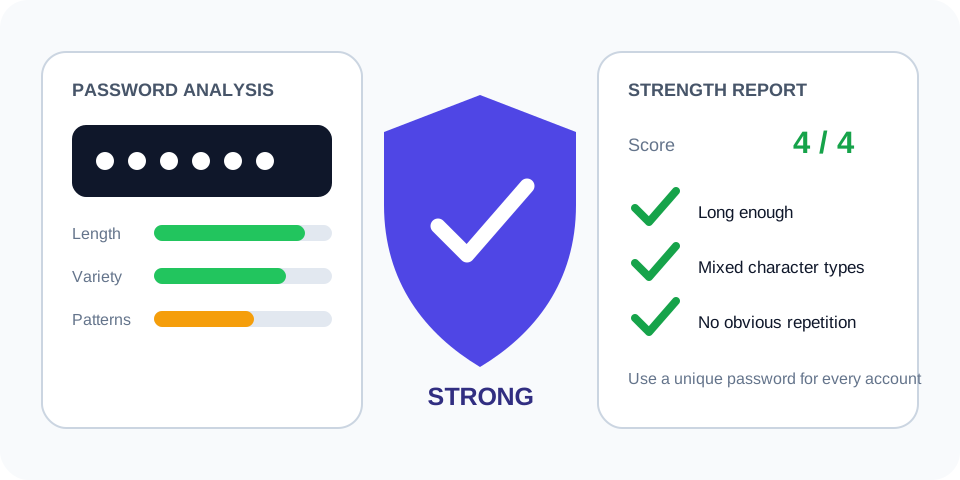
Always verify the selected algorithm, encoding, source bytes, and output format against the destination system. A correctly generated value can still be unusable when the wrong settings were selected.
Focused controls, predictable output, and a workflow designed around this exact transformation.
Check password strength using length, character variety, repetition, sequences, and common-pattern signals while keeping the result easy to understand.
Review spaces, line endings, capitalization, and copied values beside the result.
The output is formatted for fast comparison and controlled testing.
Understand important limits before using a result in a real system.
Practical details about input, output, privacy, limits, and the best way to use this tool.
Check password strength using length, character variety, repetition, sequences, and common-pattern signals while keeping the result easy to understand.
No. The Trexmi processor runs without an external API request.
Spaces, tabs, and line breaks are part of the input and affect deterministic calculations.
Use non-sensitive test values unless you fully control and trust the installation.
Check the algorithm, encoding, case, line endings, prefixes, and whether the complete source was copied.
No. Hashes, checksums, verification results, and strength scores are not reversible encryption.
No. Follow the destination platform, current standards, code review, testing, and organizational security requirements.
Reduce the input to a safe known test value, verify settings, and restore the original data step by step.
Length and character variety cannot rescue a known predictable value.
password123
Very weak with a common-password warning
The checker reports obvious repetition even when several character classes are present.
Aaa111!!!Aaa111!!!
Score reduced for repeated characters
The score still does not prove that the value is unique or absent from breach lists.
A non-production 20-character random sample
Strong or very strong structure
The Password Strength Checker reviews measurable properties such as length, lowercase and uppercase letters, numbers, symbols, repeated characters, predictable sequences, and common patterns. It returns a practical score and explanation rather than claiming that any password is impossible to guess.
A longer unique passphrase can be stronger and easier to remember than a short password filled with predictable substitutions. Adding 1! to a common word does not make it unique. Prefer several unrelated words or a password-manager-generated value with sufficient length.
No offline checker can know every breached password list, personal detail, attacker dictionary, or organizational rule. Treat the result as guidance. A high score does not prove that the password has never been exposed or reused elsewhere.
Use this tool while designing registration forms, testing password policies, preparing security training, evaluating generated test credentials, or explaining why length and uniqueness matter. Do not collect or log real user passwords during testing.
Increase length, avoid names and dates, remove keyboard walks, reduce repeated chunks, and do not reuse a password from another account. A password manager can generate and store a unique value for each service. Enable multifactor authentication where available.
Test with a similar dummy value rather than an active password. If a real password was entered into an environment you do not trust, change it and review the account for suspicious activity. Never send passwords through email, chat, screenshots, or issue trackers.
Password strength is only one part of account security. Secure storage with Argon2id, bcrypt, or scrypt, rate limiting, safe reset flows, breached-password screening, session protection, and multifactor authentication all matter.
Organizations should avoid forcing frequent password changes without evidence of compromise. Rules that require arbitrary composition patterns can lead to predictable choices. Follow current platform requirements and security guidance, and prioritize unique passwords with adequate length.
Use this repeatable process to reduce mistakes:
Long hashes, signatures, or source strings can be truncated by database fields, spreadsheets, log viewers, or chat applications. Compare the complete value and expected length.
Trailing spaces, tabs, line breaks, non-breaking spaces, and Unicode normalization can change a result while leaving the visible text almost identical. Use plain text and inspect the boundaries carefully.
Confirm the exact algorithm, case, hexadecimal or decimal representation, and any required prefix. Do not select an option only because the output looks similar.
For additional technical guidance, consult NIST Digital Identity Guidelines and OWASP Authentication Cheat Sheet. These references explain the underlying standards and security considerations in more detail.
Before reusing the output, confirm the original source, selected algorithm, text encoding, whitespace, expected length, output representation, and security requirements. Keep test data separate from production secrets and verify important results in the receiving application.