01
Fast Dart model scaffolding
Turn a representative JSON object into readable Dart code without recreating every field manually.
Start typing to search 227 tools.
Convert representative JSON into reviewable Dart output with type inference, nested models, arrays, and practical generation settings.
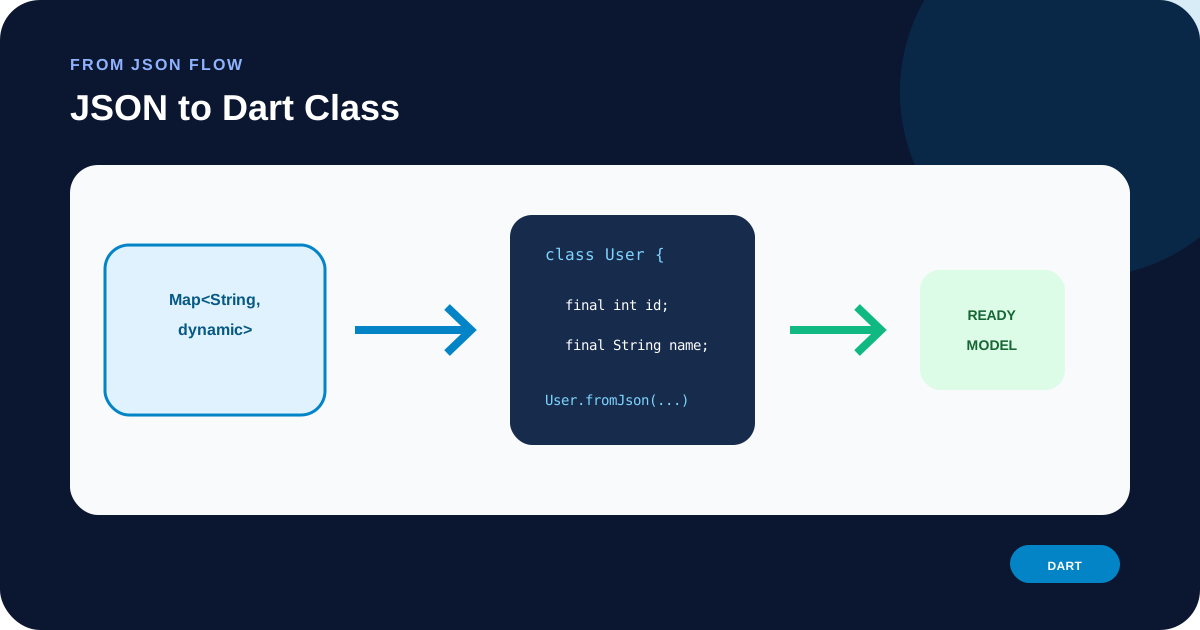
JSON to Dart Class converts representative JSON into a clean Dart model scaffold. It infers basic strings, integers, floating-point values, booleans, arrays, and nested objects, then produces readable code with a root type name you control.
JSON to Dart Class is useful for API integration, SDK work, prototypes, fixtures, webhook payloads, and documentation when a real JSON response already shows the shape of the data. The output saves repetitive typing while keeping the generated model easy to review.
Because one sample cannot describe every optional field, enum, date, union, numeric range, or domain constraint, JSON to Dart Class should be treated as a strong starting point rather than an automatic replacement for the real API contract.
Focused controls, predictable output, and a workflow designed around this exact transformation.
Turn a representative JSON object into readable Dart code without recreating every field manually.
Nested JSON objects become separate named model types referenced by the parent.
Arrays map to practical collection types for the target language.
JSON property names are preserved through language-appropriate tags, keys, attributes, or field naming where needed.
Practical details about input, output, privacy, limits, and the best way to use this tool.
Yes. Nested objects are converted into additional Dart model types and referenced from the parent.
One sample cannot prove that every field is always present. Enable optional or nullable output when the source may omit properties, then review the result against the real contract.
Not reliably from a single sample value. Strings stay strings unless you intentionally adapt the generated code to a date, UUID, URL, enum, or domain-specific type.
Yes. Arrays are mapped to a native or idiomatic collection representation. Heterogeneous arrays still require manual review.
It is a scaffold. Compile or lint it in the real project and review naming, imports, nullability, collections, serialization, validation rules, and framework conventions.
Learn JSON objects, arrays, value types, validation, formatting, parsing, API workflows, and common syntax errors.
JSON to Dart Class reads the structure of the sample JSON and maps each observed value to a practical Dart type. Strings remain strings, booleans map to boolean types, integer and decimal values map to numeric types, arrays become collections, and nested objects become named child models. The source JSON remains the evidence for the generated scaffold.
Representative input produces more useful code than a minimal two-field example. Include nested objects, arrays, booleans, decimals, and fields that reflect the payload your application actually receives. If some properties can be absent or null, enable the optional setting and still compare the output with the official API contract.
JSON to Dart Class can recognize the shape of observed values, but it cannot infer business meaning. The integer 42 may be an ID, counter, enum value, or quantity. A string may actually represent a date, UUID, URL, email address, or constrained code. Replace basic types with richer Dart types when your application semantics require them.
Arrays deserve special attention because one representative item does not prove that every element has the same shape. Heterogeneous collections may require a union, interface, sealed type, generic value, or custom decoder. Missing properties and explicit null values also behave differently across languages and serializers, so review optionality deliberately.
After using JSON to Dart Class, compile or lint the output in the destination project. Check imports, package or namespace placement, type names, nested models, collection item types, serialization metadata, nullable fields, and validation annotations. Add constraints from the real specification rather than guessing from the sample.
Prepare the source with JSON Formatter and continue the workflow with JSON Schema Generator. These internal tools help you inspect the same JSON before or after generation.
For language and platform details, review the Dart language documentation. The official documentation remains authoritative for syntax, serialization behavior, version differences, and production conventions.
Avoid pasting access tokens, passwords, private keys, customer records, or confidential production payloads into any environment you do not trust. JSON to Dart Class only needs representative structure, so synthetic sample data is usually enough. Keep an untouched copy of important source data and verify the generated output in the destination project.