01
Dialect-aware output
Generate a practical starting statement for PostgreSQL, MySQL, or SQLite.
Start typing to search 227 tools.
Convert representative JSON into reviewable SQL output with type inference, nested models, arrays, and practical generation settings.
JSON to SQL CREATE TABLE converts a representative JSON object into a practical SQL table definition. It inspects each sample value, normalizes column names, and maps strings, integers, decimals, booleans, arrays, and nested objects to sensible SQL types for PostgreSQL, MySQL, or SQLite.
JSON to SQL CREATE TABLE is useful when you have API data, fixtures, export data, or an application payload and need a fast schema starting point. The generated statement is intentionally reviewable rather than pretending that a single sample can reveal primary keys, unique constraints, indexes, foreign keys, exact string lengths, or business rules.
Use JSON to SQL CREATE TABLE with representative data, then review every inferred column before running a migration. The visual guide below summarizes the safe JSON → inference → SQL workflow.
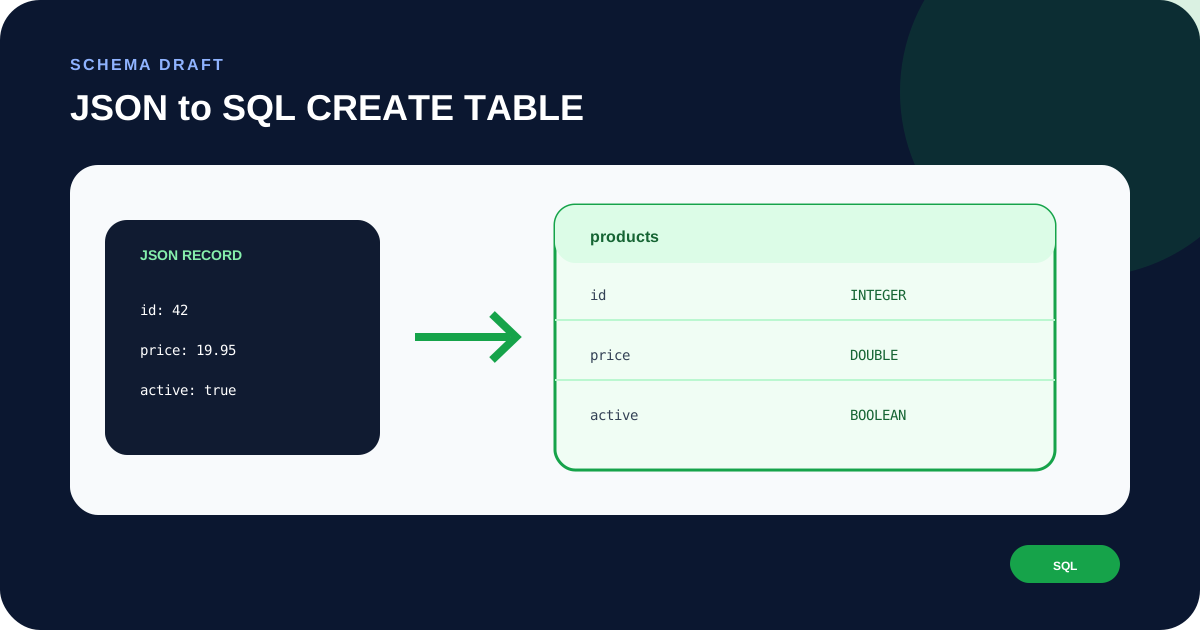
Focused controls, predictable output, and a workflow designed around this exact transformation.
Generate a practical starting statement for PostgreSQL, MySQL, or SQLite.
Strings, integers, decimals, booleans, arrays, and objects map to understandable storage types.
The output stays easy to inspect before you add keys, indexes, relations, defaults, and checks.
Create the draft schema without connecting the tool to your production database.
Practical details about input, output, privacy, limits, and the best way to use this tool.
No. A single JSON sample cannot prove uniqueness or identify the correct primary key. Add keys after reviewing the real data model.
No. Relations are domain decisions. Nested objects and arrays are kept in JSON-compatible or text storage so you can decide whether to normalize them.
The tool provides practical starting syntax for PostgreSQL, MySQL, and SQLite.
Test it first on a disposable development database. Review nullability, precision, lengths, keys, indexes, defaults, relations, and constraints.
No. It generates text only and does not connect to a database.
Learn JSON objects, arrays, value types, validation, formatting, parsing, API workflows, and common syntax errors.
JSON to SQL CREATE TABLE looks at the concrete values present in one JSON object. An integer can become a numeric column, a decimal can become a floating-point column, a boolean maps to a boolean-compatible type, and nested data maps to a JSON-friendly or text representation depending on the dialect. The generator does not execute SQL; it produces a draft you can inspect.
A tiny artificial payload can hide the fields that matter. Use a realistic record containing the same primitive values, nested objects, arrays, and null cases that appear in your application. Compare more than one record before deciding that the inferred schema covers the real dataset.
JSON to SQL CREATE TABLE cannot know that id is unique merely because it is named id. It cannot determine that an email must be unique, that a price needs exact decimal precision, or that a string should have a strict maximum length. Those rules come from the application domain and must be added deliberately.
PostgreSQL, MySQL, and SQLite have different strengths and conventions. PostgreSQL can store nested data in JSONB, MySQL has a JSON type, and SQLite often relies on flexible storage with application-level conventions. Treat the selected dialect as a starting syntax choice rather than a complete migration strategy.
Before applying a schema, add primary keys, indexes, unique constraints, foreign keys, defaults, checks, accurate numeric precision, and any required string limits. Run the statement in development, load realistic data, and verify queries before using it against valuable records.
Prepare the source with JSON Formatter and continue the workflow with JSON Validator. These internal tools help you inspect the same JSON before or after generation.
For language and platform details, review the PostgreSQL DDL documentation. The official documentation remains authoritative for syntax, serialization behavior, version differences, and production conventions.
Avoid pasting access tokens, passwords, private keys, customer records, or confidential production payloads into any environment you do not trust. JSON to SQL CREATE TABLE only needs representative structure, so synthetic sample data is usually enough. Keep an untouched copy of important source data and verify the generated output in the destination project.