01
Focused result
The output highlights the fields that matter for this specific format.
Start typing to search 227 tools.
Encode text as a standards-friendly data URL with a selected media type and encoding mode.
Data URL Encoder is a focused browser utility that helps you encode text as a standards-friendly data URL with a selected media type and encoding mode.
Data URL Encoder keeps the original source separate from the result so developers, QA teams, support specialists, and technical users can compare input and output before reuse. This is especially useful when compact HTTP, authentication, cookie, token, MIME, or encoded data is difficult to inspect manually.
Use sanitized representative values rather than production secrets. Review the generated result carefully and confirm destination-specific behavior before deployment.
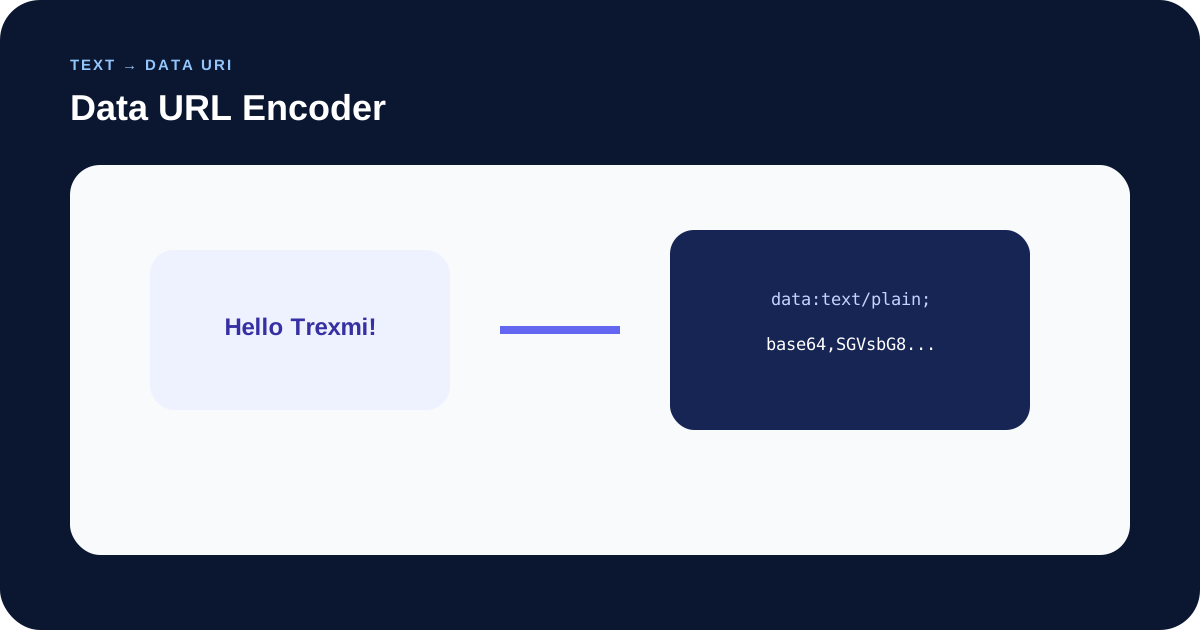
Focused controls, predictable output, and a workflow designed around this exact transformation.
The output highlights the fields that matter for this specific format.
Compare the original value with the parsed or generated result.
Clear limitations help avoid treating decoded or parsed data as automatically trusted.
Use the reviewed result in documentation, tests, or development workflows.
Practical details about input, output, privacy, limits, and the best way to use this tool.
Encode text as a standards-friendly data URL with a selected media type and encoding mode.
No. The original source remains available while the result is generated separately.
Use sanitized values whenever possible. Avoid passwords, live session cookies, private tokens, and confidential customer data.
No. Parsing, decoding, or formatting does not authenticate the source or guarantee destination compatibility.
Yes. Review the complete output first, then use the normal copy or download workflow.
The tool returns a validation message instead of silently inventing missing structure.
Learn percent-encoding, UTF-8 URLs, query strings, path segments, spaces, plus signs, and double-encoding mistakes.
Data Url Encoder helps you review the important parts of this format without hiding the original input. Use data url encoder when you need a fast second look during development, testing, documentation, or API troubleshooting.
The data url encoder is most useful with realistic but sanitized samples. Compare the source and result, check unexpected fields, and confirm security-sensitive values independently before production use.
Run data url encoder with a small known example first, then repeat the check with a production-shaped sample. This makes the data url encoder output easier to validate and keeps subtle encoding, timestamp, header, or delimiter mistakes visible.
Data URL Encoder is designed for a narrow developer task where compact syntax can hide important details. A dedicated parser or converter is faster and less error-prone than manually splitting values in a text editor, especially when delimiters, encoding, timestamps, or security attributes are involved.
Keep the source intact while reviewing the result. If one field looks unexpected, reduce the input to the smallest reproducible example and check the original syntax before changing production code.
Use Data URL Encoder during API debugging, integration testing, documentation, QA, support, and configuration review. The result is intentionally separated from the source so you can verify what was detected or generated.
Protocol data often has context-specific rules. A syntactically valid value can still be rejected by a browser, server, framework, identity provider, or API when its surrounding policy differs.
Do not share real passwords, session cookies, bearer tokens, private keys, or customer information in screenshots or public examples. Replace secrets with placeholders that preserve the same structure and length characteristics where useful.
Decoded content is not automatically verified content. This is particularly important for authentication tokens and HTTP credentials.
Typical mistakes include removing required prefixes, changing case-sensitive values, dropping semicolons or commas, confusing standard Base64 with Base64URL, assuming a missing timezone, or treating a cookie attribute as part of the cookie value.
When troubleshooting, compare the exact source with the generated output and test one change at a time.
Continue with this related Trexmi utility or another developer tool when the next step requires decoding, formatting, or validation.
For protocol details, consult the relevant RFC Editor specifications. The destination implementation remains authoritative.