01
Count sentences quickly
Estimate the number of sentence units in articles, descriptions, essays, and notes.
Start typing to search 227 tools.
Use this sentence counter to estimate the number of sentence units in articles, essays, notes, product descriptions, and other text.
Sentence Counter Use this sentence counter to estimate the number of sentence units in articles, essays, notes, product descriptions, and other text.
The workspace keeps the source available, applies one clearly named operation, and displays the result separately. This makes the output easier to compare before it is published, imported, shared, or reused.
Use the complete source whenever possible, verify context-sensitive values, and retain a backup for important documents or structured data.
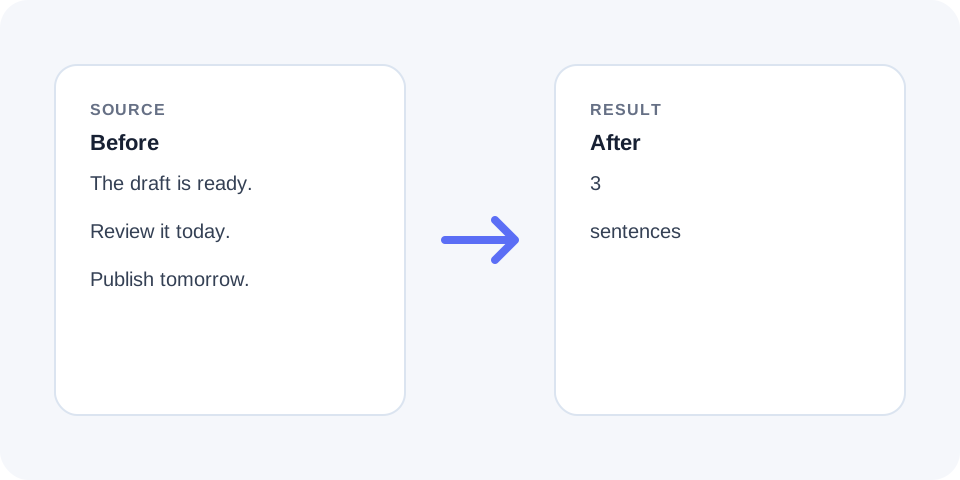
Focused controls, predictable output, and a workflow designed around this exact transformation.
Estimate the number of sentence units in articles, descriptions, essays, and notes.
Revise the text and run the count again without losing the original workspace.
Combine the sentence total with word and paragraph counts to evaluate structure.
Check assignment limits, paragraph balance, and average sentence length workflows.
Practical details about input, output, privacy, limits, and the best way to use this tool.
The counter uses common sentence-ending punctuation and text boundaries to estimate sentence units.
No. Periods in abbreviations and initials can make automatic detection ambiguous.
Yes. Text ending in a question mark is normally counted as a sentence.
Yes. Exclamation marks commonly identify sentence endings.
A long unpunctuated block may be counted as one unit or produce a lower estimate than expected.
Only when their text and punctuation match the detection rules; fragments may not count as full sentences.
No. It estimates sentence quantity and does not judge grammatical correctness.
Yes, but punctuation conventions and abbreviations vary, so verify the result for the language used.
The counter estimates sentence boundaries from punctuation and the surrounding text, then reports a total.
It is designed for practical content measurement rather than full grammatical parsing.
Periods, question marks, and exclamation marks are the most common sentence-ending signals.
Repeated punctuation and decorative symbols can affect automatic detection and should be reviewed.
A period does not always end a sentence; it can appear in abbreviations, initials, web addresses, and decimal numbers.
Automatic rules may interpret some of these cases differently from a human editor.
List items and headings may communicate complete ideas without terminal punctuation.
Decide whether the destination treats those fragments as sentences before relying on the count for a formal requirement.
Sentence totals become more useful when compared with word count, paragraph count, and reading time.
Dividing words by sentences can also provide a rough average sentence length for editorial review.
Inspect abbreviations, quoted dialogue, ellipses, and unpunctuated list items when an exact limit matters.
Keep the full source available and manually confirm borderline cases before submission.
sentence counter detects likely sentence endings and reports a practical total for editorial review. Periods, question marks, and exclamation marks often indicate sentence boundaries, but abbreviations, decimals, initials, quotations, and unusual formatting can affect the result. sentence counter is useful for assignment checks, paragraph balance, content analysis, and estimating average sentence length when combined with a word counter. For high-stakes documents, inspect the source around abbreviations and list items, compare the result with a manual sample, and treat the count as an aid rather than a grammatical judgment.
sentence counter keeps the source and result separate so the transformation remains easy to inspect, explain, and reverse when necessary.
Sentence Counter works best when you start with representative text and keep the original source available. Use sentence counter on a small sample first, compare every change, and confirm the result before processing important content.
When using sentence counter, check whitespace, punctuation, Unicode characters, line endings, and any values whose meaning depends on formatting. This review step helps prevent accidental changes that are difficult to reverse later.
Continue with a related utility, another focused tool, or a complementary workflow. Keeping operations separate makes changes easier to understand and reverse.
For general string-processing concepts, consult the MDN String reference.