01
Focused operation
A clearly defined rule produces an output that is easier to inspect.
Start typing to search 227 tools.
Count non-empty text paragraphs separated by one or more blank lines.
Paragraph Counter is a focused browser utility that helps you count non-empty text paragraphs separated by one or more blank lines.
The workspace keeps the source available, applies one transparent operation, and displays the result separately. This makes the output easier to compare before it is published, imported, shared, or reused.
For important content, work from a complete source, keep an untouched backup, and verify context-sensitive values in the destination system.
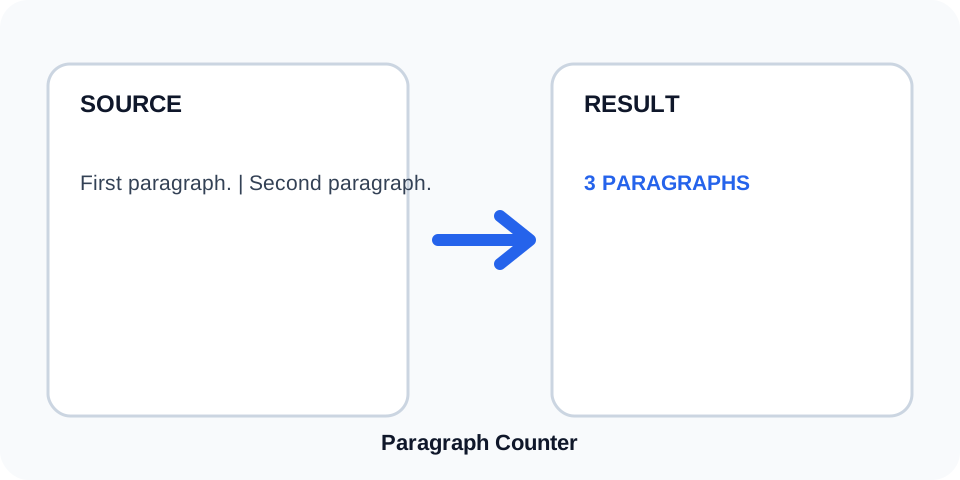
Focused controls, predictable output, and a workflow designed around this exact transformation.
A clearly defined rule produces an output that is easier to inspect.
The original content stays available for comparison and recovery.
Generated content is displayed independently from the source.
Review the complete output before copying it into another system.
Practical details about input, output, privacy, limits, and the best way to use this tool.
A paragraph is a non-empty block of text separated from another block by one or more blank lines.
No. Line breaks inside a populated block remain part of the same paragraph.
No. Blank lines act as separators and are not counted themselves.
No. Consecutive blank lines create one paragraph boundary.
No. Leading spaces do not create a new paragraph by themselves.
It counts plain-text blocks, not HTML p elements as structured markup.
Applications can use different paragraph rules, especially for soft line breaks and imported formatting.
Review where blank lines occur and confirm that each intended paragraph is separated clearly.
Paragraph Counter groups consecutive non-empty lines into one block and treats one or more blank lines as the boundary before the next block. The result is a direct count of populated plain-text paragraphs.
Review the source and generated result together, keep an untouched backup, and confirm the output in the destination system before relying on it.
A single empty line is enough to separate paragraphs. Additional empty lines do not create extra paragraphs because they belong to the same boundary between populated blocks.
Review the source and generated result together, keep an untouched backup, and confirm the output in the destination system before relying on it.
Copied text may contain hard wraps after each visual line. Those line breaks do not necessarily indicate new paragraphs. As long as there is no blank line, the lines remain part of the same counted block.
Review the source and generated result together, keep an untouched backup, and confirm the output in the destination system before relying on it.
Text pasted from PDFs, email clients, page builders, or word processors may carry unusual spacing. Normalize obvious formatting artifacts before relying on the count for publishing or editorial limits.
Review the source and generated result together, keep an untouched backup, and confirm the output in the destination system before relying on it.
The tool is useful for checking article structure, product descriptions, email drafts, assignments, and content templates that require a specific number of text sections.
Review the source and generated result together, keep an untouched backup, and confirm the output in the destination system before relying on it.
Compare the count with the visible source and inspect every blank separator. When exact document formatting matters, verify the result in the destination editor as well.
Review the source and generated result together, keep an untouched backup, and confirm the output in the destination system before relying on it.
Continue with a related utility, another focused tool, or a complementary workflow. Keeping operations separate makes changes easier to understand and reverse.
For general string-processing concepts, consult the MDN String reference.