01
Focused operation
A clearly defined rule produces output that is easy to inspect.
Start typing to search 227 tools.
Estimate how long a text takes to read from its word count using a clear words-per-minute model.
Reading Time Calculator is a focused browser utility that estimates reading time with a transparent, reviewable workflow.
The workspace keeps the source available, applies one clearly named operation, and displays the result separately. This makes the output easier to compare before it is published, imported, shared, or reused.
Use the complete source whenever possible, verify context-sensitive values, and retain a backup for important documents or structured data.
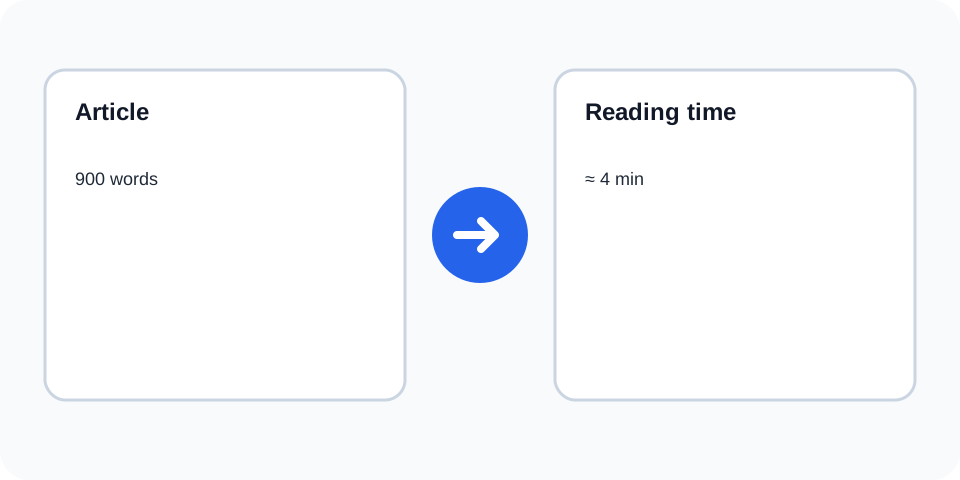
Focused controls, predictable output, and a workflow designed around this exact transformation.
A clearly defined rule produces output that is easy to inspect.
The original text stays available for comparison and recovery.
Processed content is displayed independently from the source.
Review the complete output before copying it elsewhere.
Practical details about input, output, privacy, limits, and the best way to use this tool.
The tool counts words and applies its configured words-per-minute estimate.
No. It is an approximate duration because readers and content types differ.
Any words included in the pasted source are counted.
Formatting itself does not add time unless it introduces additional words, but complex layouts can slow real readers.
Yes, but technical material may take longer than the baseline estimate.
Yes. Short content may display as less than or approximately one minute.
The text estimate does not reliably account for interpreting images, charts, or video.
Use the final complete text and consider your audience and subject complexity.
The calculator counts words and divides the total by a typical reading-speed assumption. The displayed duration is an estimate rather than a promise because reading speed varies by audience, language, complexity, and device.
Review the source and generated result together, keep an untouched backup, and confirm the output in the destination system before relying on it.
Reading-time tools commonly express speed as words per minute and round the result into a practical duration. Very short text may still be shown as less than or approximately one minute depending on the interface.
Review the source and generated result together, keep an untouched backup, and confirm the output in the destination system before relying on it.
Editors can use the estimate to compare drafts, plan content length, and set expectations for readers. It is especially useful when a page must fit a target reading window without removing important information.
Review the source and generated result together, keep an untouched backup, and confirm the output in the destination system before relying on it.
Technical terminology, unfamiliar names, tables, code, and dense instructions may take longer than ordinary prose. Treat the estimate as a baseline and allow extra time for complex or accessibility-sensitive content.
Review the source and generated result together, keep an untouched backup, and confirm the output in the destination system before relying on it.
Paste the complete version of the content, including headings and meaningful captions, when you need a representative estimate. Partial excerpts produce partial results.
Review the source and generated result together, keep an untouched backup, and confirm the output in the destination system before relying on it.
Do not present an estimated duration as exact. Review the final published page after formatting changes because added or removed text changes the calculation.
Review the source and generated result together, keep an untouched backup, and confirm the output in the destination system before relying on it.
Reading Time Calculator works best when you start with representative text and keep the original source available. Use reading time calculator on a small sample first, compare every change, and confirm the result before processing important content.
When using reading time calculator, check whitespace, punctuation, Unicode characters, line endings, and any values whose meaning depends on formatting. This review step helps prevent accidental changes that are difficult to reverse later.
Continue with a related utility, another focused tool, or a complementary workflow. Keeping operations separate makes changes easier to understand and reverse.
For general string-processing concepts, consult the MDN String reference.