01
Focused operation
A clearly defined rule produces an output that is easier to inspect.
Start typing to search 227 tools.
Add the same prefix to every following line while preserving line order and line breaks.
Prefix Lines is a focused browser utility that helps you add the same prefix to every following line while preserving line order and line breaks.
The workspace keeps the source available, applies one transparent operation, and displays the result separately. This makes the output easier to compare before it is published, imported, shared, or reused.
For important content, work from a complete source, keep an untouched backup, and verify context-sensitive values in the destination system.
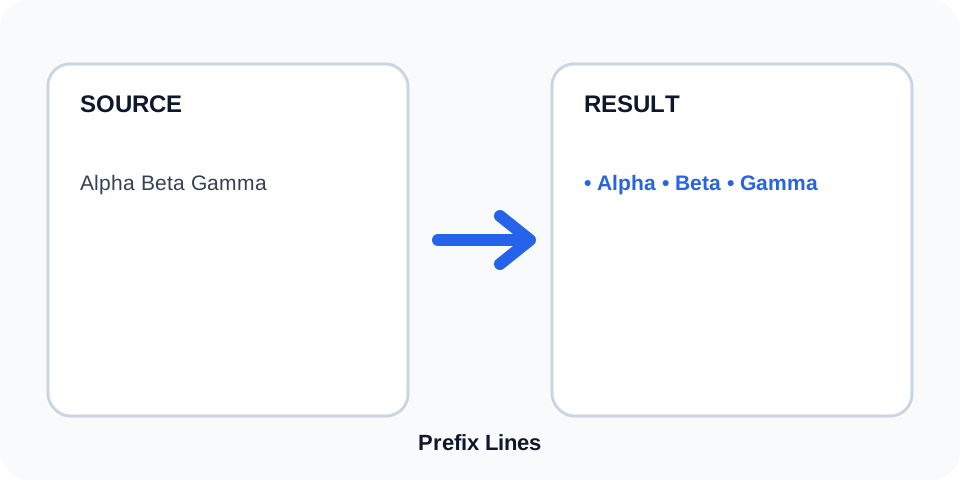
Focused controls, predictable output, and a workflow designed around this exact transformation.
A clearly defined rule produces an output that is easier to inspect.
The original content stays available for comparison and recovery.
Generated content is displayed independently from the source.
Review the complete output before copying it into another system.
Practical details about input, output, privacy, limits, and the best way to use this tool.
Enter the prefix on the first line and place the lines to transform underneath it.
No. The first line is treated as the setting rather than source content.
Depending on the processor, blank rows may receive the prefix. Review the preview before copying.
No. Include any required space inside the prefix itself.
Yes. The following source lines remain in their original order.
Only a fixed repeated prefix is added. Sequential numbering requires a different tool.
Yes, with find-and-replace or another cleanup step, provided the prefix is unambiguous.
Check the first and last rows, blank lines, and whether the prefix includes the intended spacing or punctuation.
Prefix Lines treats the first input row as a fixed setting and adds it before every following source row. The original order and line boundaries remain visible in the generated result.
Review the source and generated result together, keep an untouched backup, and confirm the output in the destination system before relying on it.
The prefix is inserted exactly as entered. Add spaces, punctuation, symbols, or path separators directly to the setting so the output has the intended appearance.
Review the source and generated result together, keep an untouched backup, and confirm the output in the destination system before relying on it.
Common uses include bullets, labels, comment markers, URL paths, directory prefixes, CSS selectors, and repeated text fragments. Review syntax carefully when preparing code or import data.
Review the source and generated result together, keep an untouched backup, and confirm the output in the destination system before relying on it.
Blank source rows may still be transformed, and existing leading spaces remain after the added prefix. Inspect whitespace-sensitive content before using the output.
Review the source and generated result together, keep an untouched backup, and confirm the output in the destination system before relying on it.
The operation does not sort, deduplicate, or otherwise rearrange rows. Each line receives the same prefix in the same sequence as the source.
Review the source and generated result together, keep an untouched backup, and confirm the output in the destination system before relying on it.
Compare the source and result, confirm the first line was used only as the setting, and test a small sample in the destination. Keep a backup so the operation can be reversed safely.
Review the source and generated result together, keep an untouched backup, and confirm the output in the destination system before relying on it.
Continue with a related utility, another focused tool, or a complementary workflow. Keeping operations separate makes changes easier to understand and reverse.
For general string-processing concepts, consult the MDN String reference.