01
Focused transformation
TOML to JSON performs one clear developer workflow without unnecessary setup.
Start typing to search 227 tools.
Convert practical TOML configuration into formatted JSON.
TOML to JSON is a focused browser utility for convert practical TOML configuration into formatted JSON.
TOML to JSON keeps the source separate from the generated result, so you can inspect the complete transformation before copying it into a project, script, scheduler, API client, or configuration file.
Use representative input, review every generated field, and verify the final output in the destination system. The visual guide below shows the specific workflow for TOML to JSON.
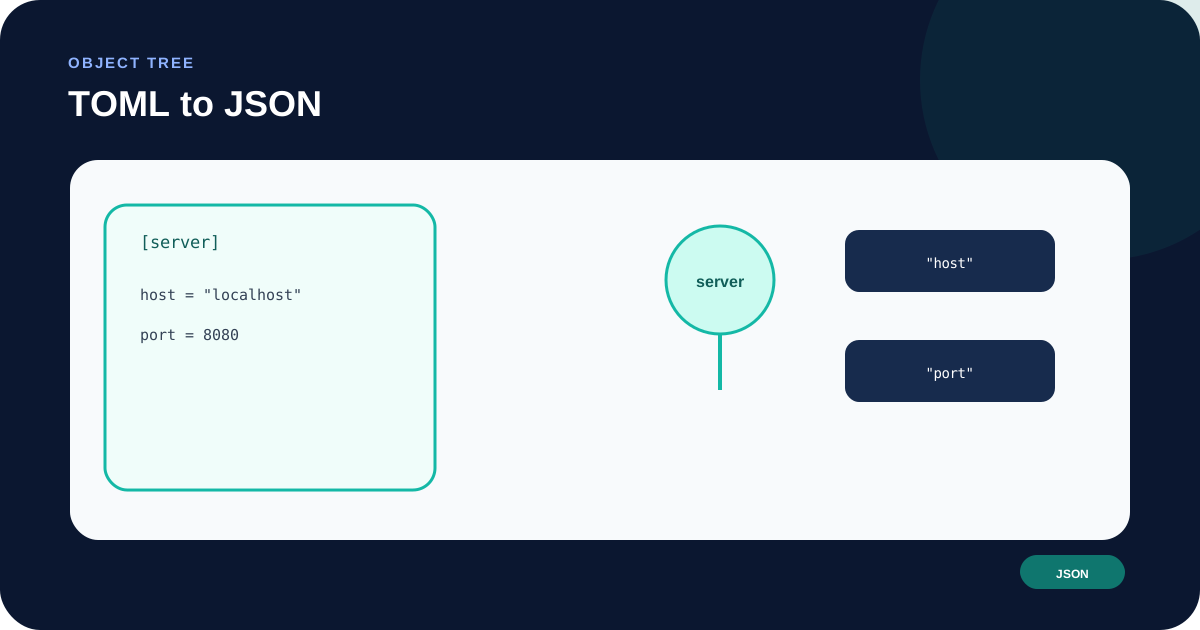
Focused controls, predictable output, and a workflow designed around this exact transformation.
TOML to JSON performs one clear developer workflow without unnecessary setup.
The original source stays separate from the generated output for easier verification.
The core transformation runs through the Trexmi tool workflow without requiring an external AI API.
The final result is formatted for direct review, copying, and downstream testing.
Practical details about input, output, privacy, limits, and the best way to use this tool.
this tool convert practical TOML configuration into formatted JSON.
No. The tool generates or converts text for review. You remain in control of whether that output is used elsewhere.
Avoid pasting passwords, access tokens, private keys, cookies, or confidential customer data into screenshots or shared environments.
Destination runtimes and platforms may use different versions, dialects, timezone rules, quoting behavior, libraries, or validation constraints.
The core tool is designed as a browser-based Trexmi workflow. Review any account limits shown by the site.
Learn JSON objects, arrays, value types, validation, formatting, parsing, API workflows, and common syntax errors.
the converter turns a structured developer task into a result that is easier to inspect and reuse. The tool intentionally keeps the operation narrow so that the generated output can be compared directly with the source rather than hidden behind a large automated workflow.
The source data remains important. A converter can preserve visible values but cannot automatically know every runtime convention, API contract, scheduler dialect, timezone policy, or framework requirement used by the destination.
Start with a representative example rather than an oversimplified placeholder. Include the headers, body, nested values, schedule fields, offsets, or configuration sections that matter to the real use case. Keep an untouched copy of any source that would be difficult to recreate.
Do not paste private credentials into examples intended for screenshots, documentation, support tickets, or public sharing. Replace real tokens, cookies, API keys, passwords, account identifiers, and customer information with synthetic placeholders.
Inspect the beginning, middle, and end of the output. Verify names, quoting, data types, request method, headers, body handling, time fields, or configuration structure depending on the tool. A visually plausible result can still fail when the destination uses a different parser or runtime convention.
Use this related Trexmi tool before the conversion when you need to inspect the source, and continue with another Trexmi utility when the next workflow step requires additional validation or transformation.
Common problems include incomplete source input, shell quoting copied incorrectly, missing authentication headers, unsupported TOML features, scheduler dialect differences, timezone assumptions, and values that have already been transformed once. Reduce the input to the smallest failing example when troubleshooting.
the converter should support verification, not replace destination testing. If a generated request, schedule, configuration, or date appears surprising, compare it with the original data and the official specification before changing production systems.
Run the generated result in a safe development environment first. Check error handling, security settings, redirects, timezones, parser versions, encoding, null values, line endings, and platform-specific syntax. Keep the source available until the final result has been accepted by the real destination.
For syntax and platform details, consult the official or standards-based reference. Trexmi provides a practical transformation workflow, while the destination specification remains authoritative.
the workflow works best with representative synthetic data. Before copying output into production, remove placeholder credentials, confirm every destination-specific setting, and make sure the generated result matches the behavior you actually intend.