01
Remove complex emoji sequences
Strip common emoji, modifiers, variation selectors, and joined sequences in one step.
Start typing to search 227 tools.
Remove emoji symbols and related joiner characters from text while preserving surrounding words, punctuation, spacing, and line structure.
Emoji Remover deletes emoji symbols and associated formatting characters from pasted text while keeping ordinary words, punctuation, numbers, spaces, and line breaks. It is useful for conservative publishing systems, legacy imports, plain-text exports, database cleanup, support records, and environments where emoji are unsupported or unwanted.
Modern emoji can be more complex than one visible symbol. Skin-tone modifiers, variation selectors, flags, keycaps, and zero-width joiner sequences may combine several Unicode code points into one displayed graphic. A reliable removal process must account for these related characters so fragments are not left behind.
Some Unicode symbols can appear either as text or as colorful emoji depending on the platform and font. Review the result when symbols carry meaning, especially in technical notation, accessibility labels, ratings, or international communication. Automated removal should not replace a contextual content review.
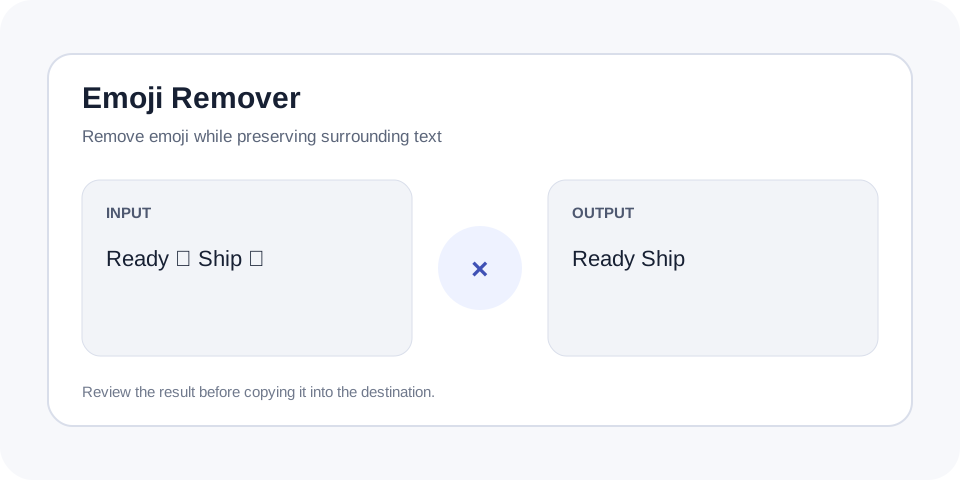
Focused controls, predictable output, and a workflow designed around this exact transformation.
Strip common emoji, modifiers, variation selectors, and joined sequences in one step.
Keep ordinary letters, numbers, punctuation, and line structure available for review.
Clean support notes, imports, descriptions, and records for systems with limited character support.
Use a separate result so meaningful Unicode symbols can be restored before publishing.
Practical details about input, output, privacy, limits, and the best way to use this tool.
It targets emoji symbols and related Unicode formatting characters such as variation selectors and joiners used in complex sequences.
It is intended to preserve ordinary punctuation. Use Remove Punctuation when punctuation and symbols must also be deleted.
Removing a symbol between two spaces can leave repeated spacing. Run Collapse Spaces or Trim Whitespace afterward when necessary.
No. Some characters can display as text or emoji depending on font, platform, and variation settings. Review meaningful symbols manually.
Not necessarily. Emoji can carry meaning, and deleting them without rewriting the sentence may remove context. Review the cleaned copy for clarity.
Many visible emoji are sequences rather than single characters. A base symbol can combine with modifiers, selectors, or joiners, so removing only one code point may leave invisible or broken fragments.
Older databases, export formats, terminals, and integrations may reject or misrender some emoji. Cleaning a copy can make data safer to import, but the destination encoding should still be verified.
Continue the workflow with Remove Punctuation or Remove Numbers when the source needs another focused transformation.
Emoji may replace words, express tone, or signal status. After removal, rewrite incomplete sentences and ensure warnings, confirmations, or labels still communicate their intended meaning.
When emoji were surrounded by spaces, the result can contain double spaces. Use Collapse Spaces or Trim Whitespace only after confirming that the remaining layout is correct.
Read the cleaned text from beginning to end after removing symbols. An emoji may have represented approval, warning, direction, emotion, or a category, so the remaining sentence can become incomplete even when its grammar still looks acceptable. Check repeated spaces, empty list items, labels, and status messages where a symbol previously carried meaning. Test the final copy in the destination encoding and font. When the content supports users or documents a process, replace removed meaning with clear words instead of leaving an ambiguous gap.
Use Emoji Remover when plain-text compatibility matters. Emoji Remover keeps the source available so removed symbols and surrounding spacing can be checked before reuse.
For additional background, consult Unicode Emoji technical documentation.