01
Focused operation
A clearly defined rule produces an output that is easier to inspect.
Start typing to search 227 tools.
Extract likely phone numbers from mixed text while preserving their original appearance and order.
Phone Number Extractor is a focused browser utility that helps you extract likely phone numbers from mixed text while preserving their original appearance and order.
The workspace keeps the source available, applies one transparent operation, and displays the result separately. This makes the output easier to compare before it is published, imported, shared, or reused.
For important content, work from a complete source, keep an untouched backup, and verify context-sensitive values in the destination system.
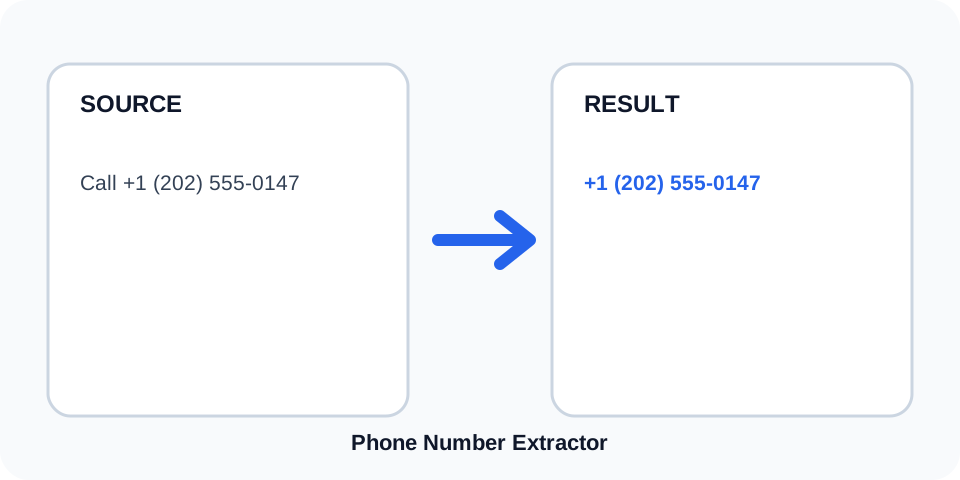
Focused controls, predictable output, and a workflow designed around this exact transformation.
A clearly defined rule produces an output that is easier to inspect.
The original content stays available for comparison and recovery.
Generated content is displayed independently from the source.
Review the complete output before copying it into another system.
Practical details about input, output, privacy, limits, and the best way to use this tool.
The extractor recognizes many common formats using spaces, parentheses, hyphens, and an optional leading plus sign.
Extensions may not be included consistently. Review extension text separately.
No. It detects likely patterns but cannot verify ownership, reachability, or validity.
The current extraction workflow may return unique values; compare the result when repeated occurrences matter.
Yes. Long identifiers, account numbers, or grouped digits can resemble phone numbers.
No. It preserves the matched appearance instead of normalizing country codes or spacing.
No. A leading code may be included, but the tool does not determine the country.
Compare every match with its source context and confirm country codes, extensions, and grouped identifiers manually.
Phone Number Extractor scans text for digit groups that resemble common telephone formats. It can retain spaces, parentheses, hyphens, and an optional international plus sign when those characters are part of the match.
Review the source and generated result together, keep an untouched backup, and confirm the output in the destination system before relying on it.
Source content may include country codes, area codes, grouped local numbers, or compact digit sequences. The tool preserves the visible matched format instead of rewriting all results into a standard notation.
Review the source and generated result together, keep an untouched backup, and confirm the output in the destination system before relying on it.
Order numbers, account references, dates, and long numeric identifiers can resemble phone numbers. Pattern matching alone cannot determine meaning, so each result must be checked against its surrounding text.
Review the source and generated result together, keep an untouched backup, and confirm the output in the destination system before relying on it.
Labels such as phone, mobile, tel, and extension help readers interpret a number but are not necessarily included in the extracted result. Review extension data separately before copying contacts.
Review the source and generated result together, keep an untouched backup, and confirm the output in the destination system before relying on it.
Phone numbers can be personal data. Process only information you are authorized to use, avoid unnecessary sharing, and follow applicable privacy and retention requirements.
Review the source and generated result together, keep an untouched backup, and confirm the output in the destination system before relying on it.
The tool does not call, validate, or identify numbers. Confirm country codes, local length rules, extensions, duplicates, and ownership through an appropriate authorized workflow.
Review the source and generated result together, keep an untouched backup, and confirm the output in the destination system before relying on it.
Continue with a related utility, another focused tool, or a complementary workflow. Keeping operations separate makes changes easier to understand and reverse.
For general string-processing concepts, consult the MDN String reference.