01
Find addresses inside mixed text
Separate likely email addresses from notes, exports, tickets, and other authorized content.
Start typing to search 227 tools.
Extract email addresses from authorized text, HTML, lists, exports, and documents; remove duplicate matches and review a clean copyable list.
Email Extractor online finds email addresses inside authorized text, HTML, lists, exports, support notes, and documents, then returns unique matches in first-seen order for review.
Email Extractor scans pasted text for likely email-address patterns and returns a clean list of unique matches in first-seen order. It helps with authorized contact exports, support transcripts, internal documents, event registrations, migration checks, and other legitimate workflows where addresses are mixed with surrounding text.
Repeated matches are removed from the result, while the source remains editable. The tool is designed to find common address formats, but no pattern can prove that an address exists, belongs to a particular person, or accepts mail. Always verify critical contacts through an appropriate source before using them.
Email addresses are personal or organizational contact data. Process only content you are permitted to use, follow applicable privacy and anti-spam requirements, and avoid collecting addresses from private or restricted sources. Extraction simplifies formatting; it does not provide permission to contact anyone.
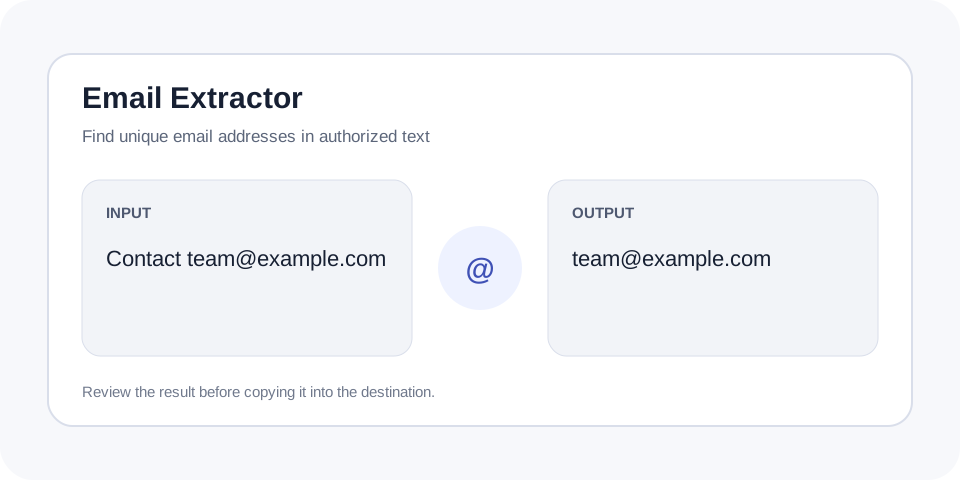
Focused controls, predictable output, and a workflow designed around this exact transformation.
Separate likely email addresses from notes, exports, tickets, and other authorized content.
Avoid copying the same detected address repeatedly when it appears several times.
Retain the editable source so every match can be checked before it is used.
Use a transparent extraction step without assuming consent, ownership, or deliverability.
Practical details about input, output, privacy, limits, and the best way to use this tool.
It finds strings that resemble common email-address formats and returns unique matches in first-seen order.
No. Pattern matching cannot confirm ownership, mailbox status, consent, or deliverability.
Only process content you are legally and contractually permitted to use. Privacy, copyright, platform terms, and anti-spam rules may apply.
Email standards allow complex formats that simple browser tools may not cover. Internationalized or heavily quoted addresses may need specialist validation.
No. It only analyzes the supplied text and displays matches for review. Any later communication must use an approved system and lawful basis.
The extractor searches for recognizable local-part, at-sign, and domain combinations. This catches common addresses efficiently but remains a formatting check rather than mailbox verification.
A string can match an email pattern and still be outdated, mistyped, fictional, or inappropriate to use. Compare each important result with its source context and verify through authorized channels.
Continue the workflow with URL Extractor or Remove Duplicate Lines when the source needs another focused transformation.
Contact information should be handled according to applicable law, organizational policy, and user expectations. Limit collection, protect exported lists, and delete data when it is no longer needed.
After verification, you may sort the output or compare it with an approved contact database. Do not treat automatic extraction as consent for marketing or bulk outreach.
Keep a record of where authorized contact data came from and why it is being processed. Compare every important address with its surrounding source text, especially when punctuation, OCR errors, or line wrapping may have affected the match. Separate operational contacts from personal addresses and apply access controls to any exported list. Before sending a message, verify the address through an approved source and confirm that the intended communication has a lawful basis. Extraction improves formatting, but careful governance determines whether the resulting data should be retained or used.
Email Extractor is designed for authorized text you are permitted to review. Run Email Extractor on the complete source, then verify every detected address before using the result.
For additional background, consult ICO guidance on direct marketing and privacy.