01
Focused operation
A clearly defined rule produces output that is easy to inspect.
Start typing to search 227 tools.
Keep the first occurrence of each exact line, remove later duplicates, and preserve the original line order.
Remove Duplicate Lines is a focused browser utility that removes duplicate lines with a transparent, reviewable workflow.
The workspace keeps the source available, applies one clearly named operation, and displays the result separately. This makes the output easier to compare before it is published, imported, shared, or reused.
Use the complete source whenever possible, verify context-sensitive values, and retain a backup for important documents or structured data.
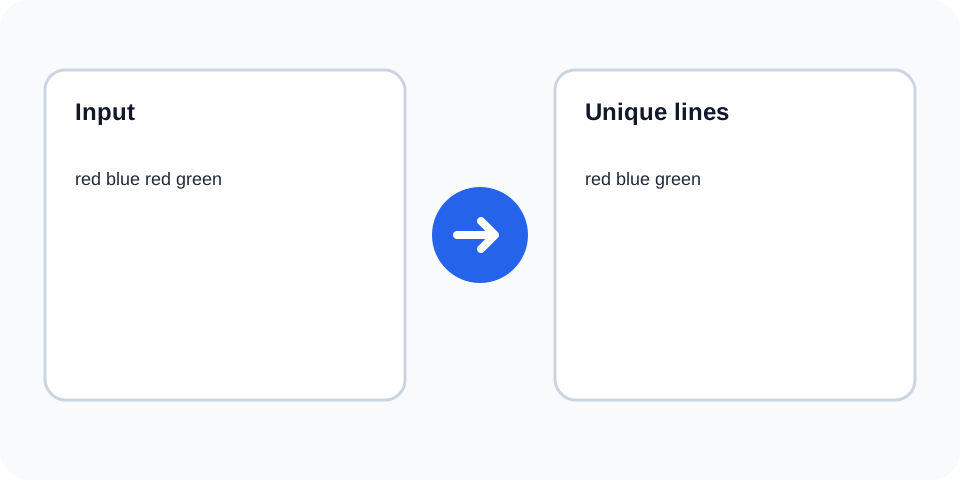
Focused controls, predictable output, and a workflow designed around this exact transformation.
A clearly defined rule produces output that is easy to inspect.
The original text stays available for comparison and recovery.
Processed content is displayed independently from the source.
Review the complete output before copying it elsewhere.
Practical details about input, output, privacy, limits, and the best way to use this tool.
The first occurrence is kept and later exact matches are removed.
Yes. Remaining lines stay in first-seen order.
Exact comparison can distinguish different capitalization, so verify the result.
Yes. Leading, trailing, or repeated spaces can make lines different.
Only later duplicate blank lines may be removed; use Remove Empty Lines to delete all blank rows.
Only when each record occupies one plain line; complex CSV should be parsed structurally.
No. It preserves order rather than sorting.
Compare counts, sample removed values, and retain the original file.
The tool reads lines in source order, keeps the first occurrence of each matching line, and removes later exact repetitions. The first-seen sequence remains unchanged.
Review the source and generated result together, keep an untouched backup, and confirm the output in the destination system before relying on it.
Lines that look similar may still differ because of letter case, leading spaces, trailing spaces, tabs, or Unicode characters. Normalize those differences first when they should count as duplicates.
Review the source and generated result together, keep an untouched backup, and confirm the output in the destination system before relying on it.
Deduplication is useful for merged keyword sets, outreach lists, allowlists, URLs, SKUs, and exports. Preserving first occurrence order makes the result easier to compare with the source.
Review the source and generated result together, keep an untouched backup, and confirm the output in the destination system before relying on it.
A blank line can itself be duplicated. When the goal is to remove all empty rows, use Remove Empty Lines before or after deduplication depending on the desired workflow.
Review the source and generated result together, keep an untouched backup, and confirm the output in the destination system before relying on it.
For large lists, verify the first and last sections and compare line counts. Structured files may contain quoted fields or embedded line breaks that require a dedicated parser.
Review the source and generated result together, keep an untouched backup, and confirm the output in the destination system before relying on it.
Confirm that records intended to remain separate were not identical by accident. Keep a source copy so removed entries can be restored if needed.
Review the source and generated result together, keep an untouched backup, and confirm the output in the destination system before relying on it.
Remove Duplicate Lines works best when you start with representative text and keep the original source available. Use remove duplicate lines on a small sample first, compare every change, and confirm the result before processing important content.
When using remove duplicate lines, check whitespace, punctuation, Unicode characters, line endings, and any values whose meaning depends on formatting. This review step helps prevent accidental changes that are difficult to reverse later.
Continue with a related utility, another focused tool, or a complementary workflow. Keeping operations separate makes changes easier to understand and reverse.
For general string-processing concepts, consult the MDN String reference.