01
Infer nested JSON structures
Objects inside objects and arrays are converted recursively, preserving the shape of realistic API responses and configuration documents.
Start typing to search 227 tools.
Generate JSON Schema from sample JSON with selectable Draft 4, 6, 7, 2019-09 or 2020-12, nested type inference, required fields, and format detection.
JSON Schema Generator online converts sample JSON to a JSON Schema by inferring object properties, arrays, value types, required fields, and common string formats. Generate schema for Draft 4, 6, 7, 2019-09, or 2020-12, then review inferred rules before production use.
Json Schema Generator gives you a focused workflow for this task. Use json schema generator with representative input, review the complete result, and verify the output in the destination system before production use.
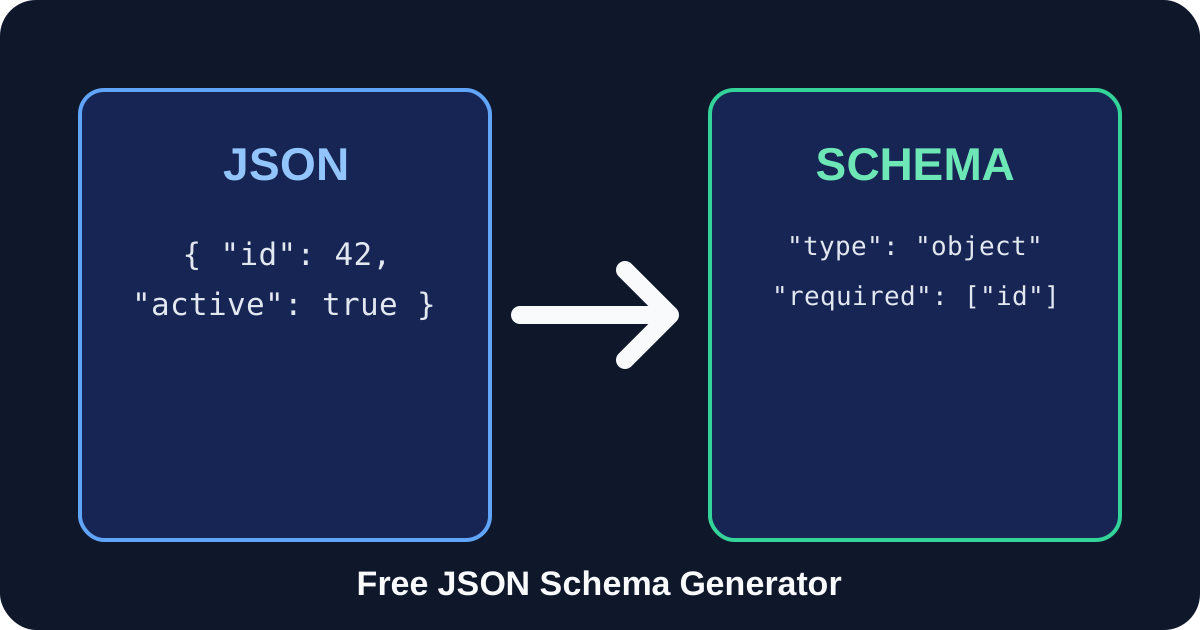
JSON Schema Generator converts a representative JSON document into a structured schema that describes its objects, arrays, properties and primitive values. It is useful when an API already returns sample data but no formal contract exists, when a team needs a starting point for validation, or when test fixtures must be documented consistently.
The generator works entirely inside Trexmi and does not require an external API. Choose Draft 2020-12 for modern projects or select Draft 4, 6, 7 or 2019-09 when an existing validator requires an older vocabulary. The result is an inferred starting point rather than a substitute for domain review: optional properties, unions, numeric limits, regular-expression patterns and business rules cannot always be discovered from one example.
required, then run the JSON Schema Generator.minimum, pattern, enum or additionalProperties manually when your data contract needs them.Focused controls, predictable output, and a workflow designed around this exact transformation.
Objects inside objects and arrays are converted recursively, preserving the shape of realistic API responses and configuration documents.
Generate output for Draft 4, 6, 7, 2019-09 or 2020-12 without rewriting the source JSON.
Recognize common examples such as email, URI, UUID, IPv4, IPv6, date, time and date-time values when format detection is enabled.
The JSON is processed by the Trexmi tool endpoint and is not sent to a third-party AI or schema-generation service.
Practical details about input, output, privacy, limits, and the best way to use this tool.
A this generator examines sample JSON and creates a schema describing the observed types, properties, arrays and nested structures.
Use Draft 2020-12 for new projects unless your validator requires another version. Draft 7 is still common, while Draft 4 and 6 are mainly used for legacy compatibility.
Yes. Nested objects are processed recursively and arrays receive an inferred item schema based on their sample values.
Yes, when format detection is enabled. Detected formats should still be reviewed because a representative-looking string does not prove every future value follows that format.
They are when Generate required fields is enabled. Disable that option or edit the result when some observed fields are optional in the real data contract.
It is a useful starting point, but production schemas should be reviewed for optional fields, unions, bounds, patterns, enums, descriptions and additional property rules.
No external AI or schema-generation API is required. Trexmi processes the document through its own tool infrastructure.
Copy it into the JSON Schema Validator with representative valid and invalid JSON documents, then review every validation result.
Learn JSON objects, arrays, value types, validation, formatting, parsing, API workflows, and common syntax errors.
Json Schema Generator works best when the source is realistic and the result is reviewed before export. Use json schema generator on a small example first, then repeat the same json schema generator workflow with a production-like sample that contains no private data.
After running json schema generator, compare the source and result, check special characters and empty values, and test the output in the receiving application. A reliable json schema generator workflow keeps the original input available until the destination accepts the result.
Typical mistakes include incomplete input, incorrect assumptions about defaults, hidden whitespace, encoding differences, and skipping final validation. When json schema generator gives an unexpected result, reduce the example to the smallest failing case and add complexity back one change at a time.
Continue with Json Schema Validator or Json Validator for a second formatting, validation, or verification step.
Draft 2020-12 is a strong default for new systems because it reflects the current JSON Schema vocabulary and modern array semantics. Draft 7 remains widely supported by libraries and API tooling. Draft 4 or 6 may be necessary for older validators. The selected draft changes the $schema declaration and can affect which keywords are understood by downstream software. Review the official JSON Schema specification when compatibility is critical.
The this generator maps JSON strings, integers, numbers, booleans, null values, arrays and objects to corresponding schema types. It inspects array values to infer an item schema and walks nested objects recursively. When format detection is enabled, recognizable strings receive format annotations. A format is an annotation unless the chosen validation implementation enforces it, so do not treat formats as a complete security boundary.
The source must be valid JSON with double-quoted property names and no trailing commas. A single sample cannot prove that a field is always required, that a string belongs to an enum, or that a number has a fixed range. Arrays containing unrelated value types may require a manual union. Empty arrays provide no evidence about their future item type, while null in one sample does not automatically reveal the non-null type expected at other times.
Start with representative samples from several real requests or responses. Decide which fields are genuinely required instead of accepting every observed property blindly. Add descriptions, examples, bounds, patterns and enum values where they communicate business rules. Decide whether unknown properties should be accepted. Finally, test valid and invalid fixtures in the JSON Schema Validator, format the final file with the JSON Formatter, and compare revisions with the JSON Compare tool.