01
Merge nested objects recursively
Nested object properties are combined at each level instead of replacing the entire parent object unnecessarily.
Start typing to search 227 tools.
Merge two JSON documents with recursive object merging, selectable conflict priority, and replace, append, or unique array strategies.
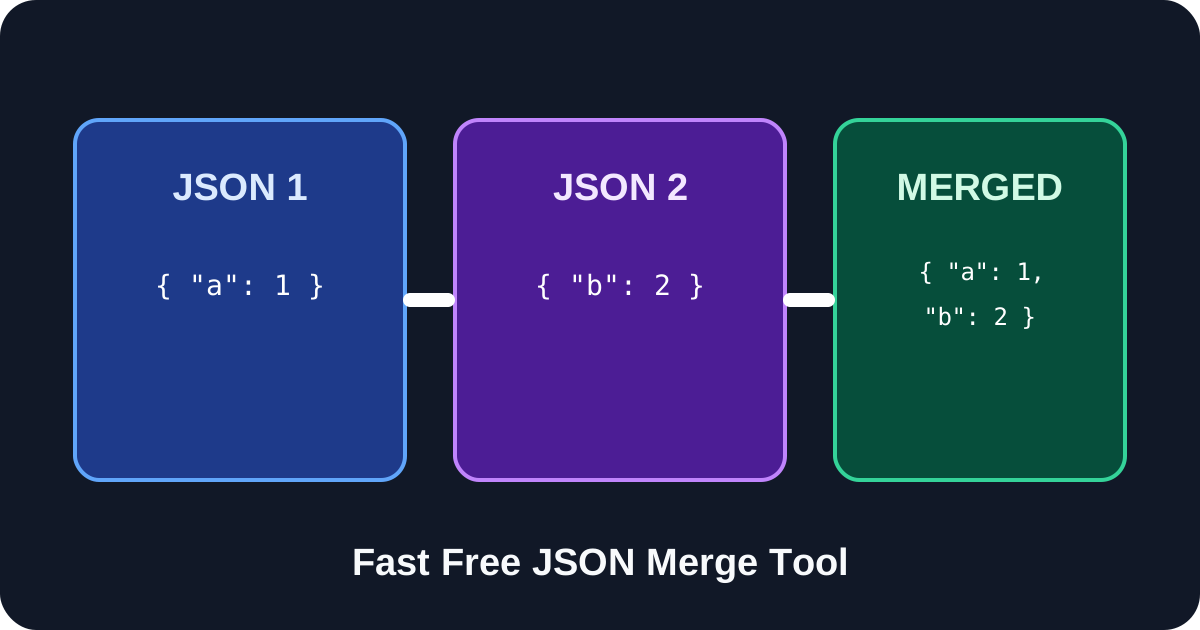
JSON Merge online combines two JSON documents with recursive object merging and configurable conflict handling. Merge JSON objects, combine JSON files, and choose whether arrays are replaced, appended, or deduplicated with a unique strategy.
JSON Merge combines two valid JSON documents into one result. It is designed for configuration overlays, API fixture preparation, localization files, environment settings and other tasks where a base document must be combined with an update. Objects are merged recursively, while scalar conflicts and arrays follow the options selected in the workspace.
This free JSON Merge tool makes the merge rules explicit. You can prefer values from the second document, keep values from the first document or stop when incompatible values meet. Arrays can be replaced, appended in order or appended with duplicate values removed. The result remains valid JSON and is displayed separately from both sources so it can be reviewed before copying.
Focused controls, predictable output, and a workflow designed around this exact transformation.
Nested object properties are combined at each level instead of replacing the entire parent object unnecessarily.
Choose right priority, left priority or error mode so the merge behavior matches a configuration or data workflow.
Replace arrays, append both arrays in order or append only values that are not already present.
The merged JSON remains separate from the two sources and can be copied only after you inspect the result.
Practical details about input, output, privacy, limits, and the best way to use this tool.
JSON Merge combines two valid JSON values. Objects are merged recursively, while value conflicts and arrays follow the selected options.
You decide. Right priority uses the second document, left priority preserves the first document, and error mode stops the merge.
Yes. When both values at a property path are objects, their properties are merged recursively.
Arrays can be replaced by the second array, appended in order, or appended while removing duplicate values.
This version merges two documents at a time. To combine more documents, merge the first pair and use the result as the first input for the next document.
No. The merged result is displayed separately, so both source fields remain available for review.
It is designed to prevent silent replacement. The tool stops when two non-object values at the same path differ.
Run the result through JSON Validator and use JSON Compare or JSON Diff Viewer to inspect the final structure.
Learn JSON objects, arrays, value types, validation, formatting, parsing, API workflows, and common syntax errors.
A conflict occurs when the same property path exists in both documents and the values cannot be recursively combined as objects. Right-priority mode uses the value from the second JSON and is useful for overrides. Left-priority mode preserves the original value. Error mode stops instead of choosing automatically, which is safer when silent replacement could hide a configuration problem.
Array replacement treats the second array as the complete new value. Append mode concatenates both arrays and preserves duplicates. Unique append adds values from the second array only when an equivalent value is not already present. Arrays of complex objects may still require domain-specific identity rules, so review them carefully rather than assuming that two objects with different key order represent different records.
Both sources must be complete valid JSON. JavaScript object syntax with unquoted keys, comments, single-quoted strings or trailing commas is not valid JSON. Error conflict mode can also stop a valid pair of documents intentionally when scalar values disagree. Large differences may be easier to understand after formatting both inputs first.
Keep a copy of the original documents, define the conflict rule before merging and avoid using array append when order or duplicates carry business meaning. Validate the final document with the JSON Validator. Use JSON Diff Viewer to inspect changes, and consult the official JSON specification RFC 8259 when input syntax is unclear.