01
Focused operation
A clearly defined rule produces output that is easy to inspect.
Start typing to search 227 tools.
Delete blank and whitespace-only lines while preserving every populated line in its original order.
Remove Empty Lines is a focused browser utility that removes empty lines with a transparent, reviewable workflow.
The workspace keeps the source available, applies one clearly named operation, and displays the result separately. This makes the output easier to compare before it is published, imported, shared, or reused.
Use the complete source whenever possible, verify context-sensitive values, and retain a backup for important documents or structured data.
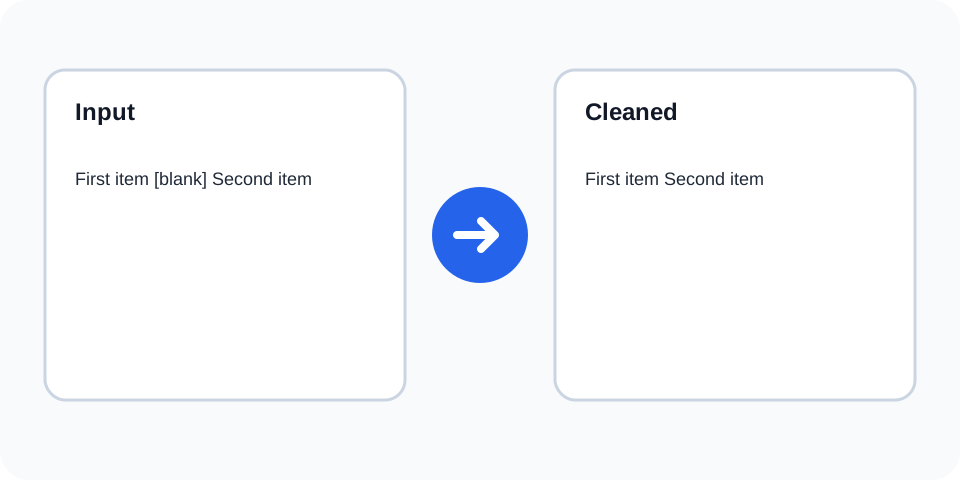
Focused controls, predictable output, and a workflow designed around this exact transformation.
A clearly defined rule produces output that is easy to inspect.
The original text stays available for comparison and recovery.
Processed content is displayed independently from the source.
Review the complete output before copying it elsewhere.
Practical details about input, output, privacy, limits, and the best way to use this tool.
Yes. Whitespace-only lines are treated as empty.
No. Their content and order are preserved.
No. Use Remove Duplicate Lines for repeated populated rows.
Yes, when blank rows were being used as paragraph separators.
Yes for plain line-based exports; structured CSV may need a parser.
No. Tabs on a populated line remain.
This operation removes all detected empty rows.
Compare source and output and check that intentional section gaps were not required.
An empty line contains no visible content or only whitespace such as spaces or tabs. The tool removes those rows and keeps lines containing meaningful characters.
Review the source and generated result together, keep an untouched backup, and confirm the output in the destination system before relying on it.
The operation does not sort, deduplicate, or rewrite populated lines. Their sequence and visible content remain available in the same order.
Review the source and generated result together, keep an untouched backup, and confirm the output in the destination system before relying on it.
Blank rows often appear after copying from spreadsheets, PDFs, editors, or generated reports. Removing them creates a compact list for review or import.
Review the source and generated result together, keep an untouched backup, and confirm the output in the destination system before relying on it.
Empty lines may separate paragraphs or sections intentionally. Removing all of them can flatten document structure, so use the tool mainly for line-based content.
Review the source and generated result together, keep an untouched backup, and confirm the output in the destination system before relying on it.
Blank lines can improve readability in code, configuration, and markup. Although removal may not always break a format, it can make maintenance harder and should be reviewed.
Review the source and generated result together, keep an untouched backup, and confirm the output in the destination system before relying on it.
Compare the first and last lines, confirm section boundaries, and retain the source. Use Line Counter when you need to verify how many rows remain.
Review the source and generated result together, keep an untouched backup, and confirm the output in the destination system before relying on it.
Remove Empty Lines works best when you start with representative text and keep the original source available. Use remove empty lines on a small sample first, compare every change, and confirm the result before processing important content.
When using remove empty lines, check whitespace, punctuation, Unicode characters, line endings, and any values whose meaning depends on formatting. This review step helps prevent accidental changes that are difficult to reverse later.
Continue with a related utility, another focused tool, or a complementary workflow. Keeping operations separate makes changes easier to understand and reverse.
For general string-processing concepts, consult the MDN String reference.