01
Predictable processing
A defined rule makes the result easier to understand.
Start typing to search 227 tools.
Convert cased letters to lowercase while preserving punctuation, spaces, and line breaks.
Lowercase Converter is a focused browser tool that helps you convert cased letters to lowercase while preserving punctuation, spaces, and line breaks.
The workspace keeps the source available for comparison, applies a defined rule, and presents the result separately. This makes the change easier to inspect before content is published, imported, shared, or used in another workflow.
Use the complete source whenever possible, verify context-sensitive values, and retain a backup for important documents or structured data.
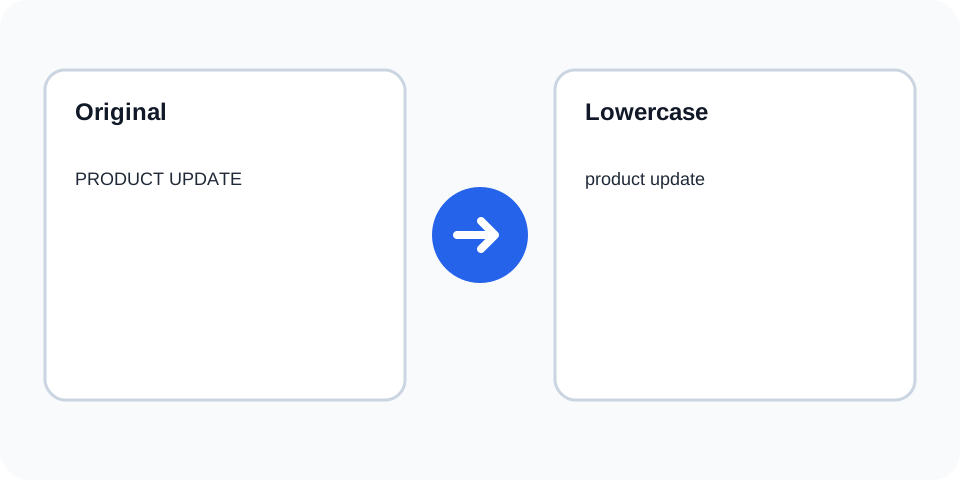
Focused controls, predictable output, and a workflow designed around this exact transformation.
A defined rule makes the result easier to understand.
The original text stays available for comparison.
The generated output is displayed independently.
Review first, then copy the approved result.
Practical details about input, output, privacy, limits, and the best way to use this tool.
It changes cased letters to lowercase and leaves punctuation and layout in place.
No. Spaces and line breaks are preserved.
No. Acronyms are converted too, so review API, URL, names, and product codes.
No. It only changes letter casing.
Yes, when lowercase is valid for the destination system.
The processor uses Unicode-aware lowercase conversion where supported.
No. A separate result is generated.
Restore proper capitalization for names, acronyms, sentence starts, and branded terms.
Lowercase Converter changes every cased letter in the supplied source to its lowercase form. Punctuation, numbers, spaces, tabs, and line breaks remain in their existing positions. This predictable conversion is useful for identifiers, tag normalization, comparisons, search preparation, and controlled cleanup.
Review the source and generated result together, keep an untouched backup, and confirm the output in the destination system before relying on it.
The tool does not rewrite grammar, translate language, remove punctuation, or collapse spacing. Only letter casing changes. That separation makes the result easy to inspect and allows additional cleanup to be performed as a deliberate second step.
Review the source and generated result together, keep an untouched backup, and confirm the output in the destination system before relying on it.
Automatic lowercase conversion cannot know which words should retain special capitalization. Acronyms, initials, model codes, company names, and branded spellings may need manual restoration. Review any public-facing result before publication.
Review the source and generated result together, keep an untouched backup, and confirm the output in the destination system before relying on it.
Lowercasing can make text comparisons more consistent and can prepare tags, slugs, test data, or case-insensitive matching inputs. Confirm the destination rules because some passwords, IDs, paths, and programming symbols are case-sensitive.
Review the source and generated result together, keep an untouched backup, and confirm the output in the destination system before relying on it.
Many writing systems have language-specific casing rules. Unicode-aware conversion handles common characters, but locale-sensitive edge cases can still require review. The destination application remains authoritative for its own normalization behavior.
Review the source and generated result together, keep an untouched backup, and confirm the output in the destination system before relying on it.
Keep the original, convert a copy, inspect proper nouns and codes, and then apply any other transformation separately. For headings, title case or sentence case may be more appropriate than converting every character to lowercase.
Review the source and generated result together, keep an untouched backup, and confirm the output in the destination system before relying on it.
Continue with a related converter, a cleanup tool, or a text analysis tool. Each operation remains separate so changes are easier to understand and reverse.
For general string-processing concepts, consult the MDN String reference.