01
Predictable processing
A defined rule makes the result easier to understand.
Start typing to search 227 tools.
Find and replace every exact occurrence of a chosen word, phrase, label, ID, or text value while keeping the source available for comparison.
Find and Replace online searches the complete input for an exact text value and replaces every match with the chosen replacement. Use it as a text replace tool for repeated words, phrases, labels, IDs, product codes, and controlled bulk text changes.
Find and Replace is a focused browser tool that helps you replace every exact occurrence of a chosen text value while keeping the source available for comparison.
The workspace keeps the source available for comparison, applies a defined rule, and presents the result separately. This makes the change easier to inspect before content is published, imported, shared, or used in another workflow.
Use the complete source whenever possible, verify context-sensitive values, and retain a backup for important documents or structured data.
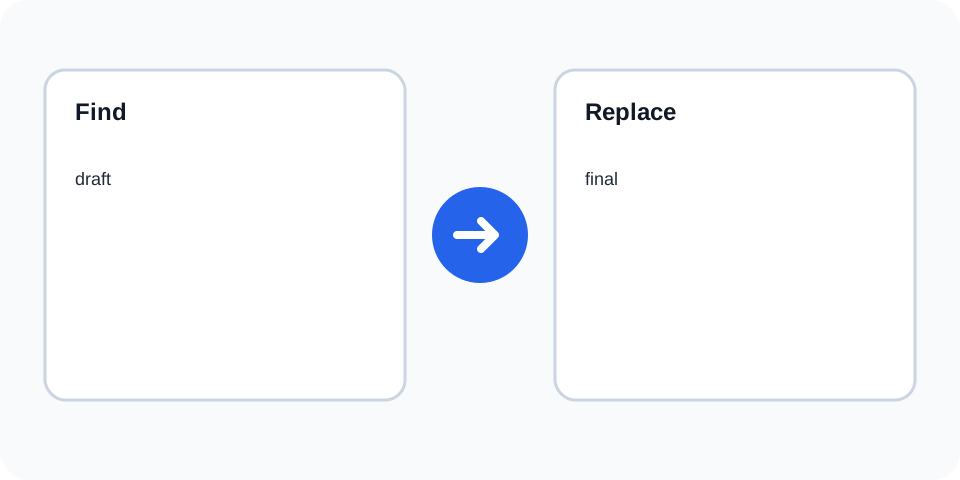
Focused controls, predictable output, and a workflow designed around this exact transformation.
A defined rule makes the result easier to understand.
The original text stays available for comparison.
The generated output is displayed independently.
Review first, then copy the approved result.
Practical details about input, output, privacy, limits, and the best way to use this tool.
Yes. The current processor replaces exact text, so Draft and draft are different values.
Yes. Every exact occurrence of the Find value is replaced in the generated result.
Yes. Leaving the replacement empty removes the exact matching value.
No. The source remains available and the changed result is shown separately.
No. This tool performs literal exact replacement rather than pattern-based replacement.
The tool should not run a destructive replacement when no search value is supplied.
Only when the exact selected value includes a line break.
Compare the source and result, review several changed locations, and keep a backup.
The Find and Replace tool applies one literal search value and one replacement value to the complete source. It does not guess synonyms, alter capitalization automatically, or rewrite nearby phrases. This predictable rule is useful for terminology updates, repeated typo corrections, identifiers, labels, short code fragments, and controlled editorial changes.
Review the source and generated result together, keep an untouched backup, and confirm the output in the destination system before relying on it.
Exact matching protects text that only looks similar. Uppercase letters, lowercase letters, punctuation, spaces, and line breaks can all change whether a value matches. Decide whether capitalization is meaningful before running the operation. For broad editorial changes, test a short sample first.
Review the source and generated result together, keep an untouched backup, and confirm the output in the destination system before relying on it.
An empty replacement can remove every exact match. That is useful for deleting a repeated marker or obsolete label, but it can also join words or leave doubled spaces. Review the surrounding characters after removal and run a separate spacing cleanup only when needed.
Review the source and generated result together, keep an untouched backup, and confirm the output in the destination system before relying on it.
For product exports, templates, code, and structured records, replacement may affect IDs, URLs, or values that were not intended for editing. Work on a copy, use a distinctive search value, and inspect the output in its destination format before publishing or importing.
Review the source and generated result together, keep an untouched backup, and confirm the output in the destination system before relying on it.
A successful operation is not only one that produces output. Count expected changes where possible, inspect the beginning and end of the document, search the result for the old value, and confirm that the replacement does not create invalid grammar or broken syntax.
Review the source and generated result together, keep an untouched backup, and confirm the output in the destination system before relying on it.
Use one transformation at a time. Normalize casing only when the workflow requires it, remove a whole word when exact replacement is too broad, and review text statistics after major edits. Separate steps make mistakes easier to identify and reverse.
Review the source and generated result together, keep an untouched backup, and confirm the output in the destination system before relying on it.
Continue with a related converter, a cleanup tool, or a text analysis tool. Each operation remains separate so changes are easier to understand and reverse.
For general string-processing concepts, consult the MDN String reference.