01
Focused operation
A clearly defined rule produces an output that is easier to inspect.
Start typing to search 227 tools.
Wrap every source line in quotation marks while preserving line order and line breaks.
Quote Lines is a focused browser utility that helps you wrap every source line in quotation marks while preserving line order and line breaks.
The workspace keeps the source available, applies one transparent operation, and displays the result separately. This makes the output easier to compare before it is published, imported, shared, or reused.
For important content, work from a complete source, keep an untouched backup, and verify context-sensitive values in the destination system.
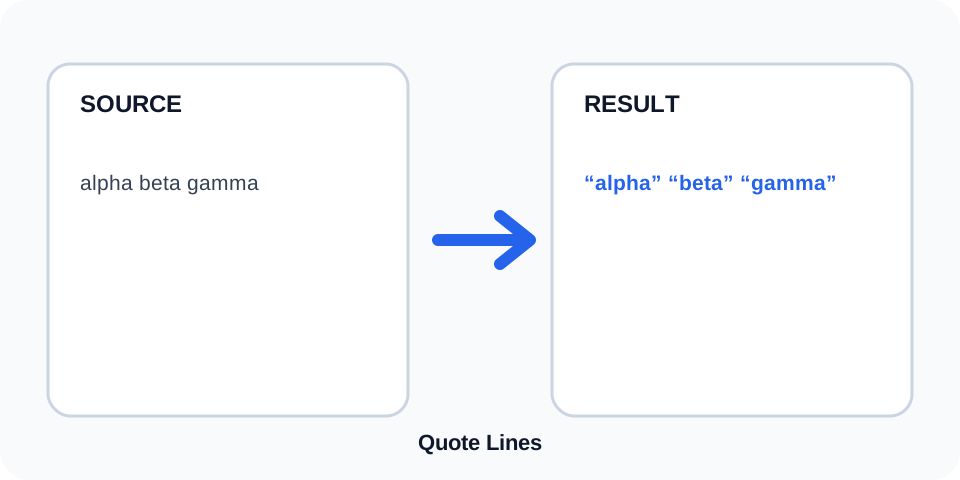
Focused controls, predictable output, and a workflow designed around this exact transformation.
A clearly defined rule produces an output that is easier to inspect.
The original content stays available for comparison and recovery.
Generated content is displayed independently from the source.
Review the complete output before copying it into another system.
Practical details about input, output, privacy, limits, and the best way to use this tool.
The tool wraps each line with standard double quotation marks.
Review embedded quotation marks carefully because destination formats use different escaping rules.
Yes. A blank row can become an empty quoted string.
No. Existing spaces inside the line are preserved inside the added quotes.
Not always. CSV also requires specific escaping and separator rules.
This tool is designed for double quotes; use prefix and suffix tools for custom wrappers.
Yes. Every row remains in the original sequence.
Check embedded quotes, backslashes, blank rows, and the exact escaping required by the destination system.
Quote Lines adds an opening and closing double quotation mark around every source row. It preserves the original sequence and keeps each transformed value on its own line.
Review the source and generated result together, keep an untouched backup, and confirm the output in the destination system before relying on it.
An empty source line can become an empty quoted string. Spaces and tabs already inside a row remain inside the added quotation marks, which matters for whitespace-sensitive data.
Review the source and generated result together, keep an untouched backup, and confirm the output in the destination system before relying on it.
A line that already contains double quotes may require escaping. Programming languages, CSV files, JSON, shell commands, and databases use different rules, so the visible wrapper alone may not be sufficient.
Review the source and generated result together, keep an untouched backup, and confirm the output in the destination system before relying on it.
The result can help prepare simple lists, arrays, test fixtures, or values for manual editing. It should not be treated automatically as valid syntax for every structured format.
Review the source and generated result together, keep an untouched backup, and confirm the output in the destination system before relying on it.
CSV may double internal quotes, while JSON uses backslash escapes and additional structural syntax. Use a dedicated encoder when strict machine-readable output is required.
Review the source and generated result together, keep an untouched backup, and confirm the output in the destination system before relying on it.
Inspect the first and last rows, blank lines, internal quotes, backslashes, and destination-specific escaping. Test a small sample before importing a large list.
Review the source and generated result together, keep an untouched backup, and confirm the output in the destination system before relying on it.
Continue with a related utility, another focused tool, or a complementary workflow. Keeping operations separate makes changes easier to understand and reverse.
For general string-processing concepts, consult the MDN String reference.