01
Complete PHP snippet
Generate initialization, options, execution, status inspection, cleanup, and output.
Start typing to search 227 tools.
Convert one cURL HTTP command into PHP cURL code with method, headers, inline body, redirects, millisecond timeout, execution errors, status checks, and cleanup.
cURL to PHP Converter translates one command-line cURL HTTP request into PHP code for the cURL extension. The generated snippet initializes a handle, configures the request method, headers, inline data, redirects, and timeout, executes the transfer, checks transport and HTTP errors, closes the handle, and prints a successful response.
The converter parses source text without executing it. It never reads @file data or cookie jars. Multipart forms, uploads, proxies, client certificates, insecure TLS flags, multiple URLs, and unknown options are rejected because a trustworthy conversion needs more information than the command exposes safely.
Command-line curl and PHP cURL both use libcurl concepts, but their option surfaces are not interchangeable line for line. Review PHP runtime version, extension configuration, CA trust, redirects, response size, and application error rules before production use.
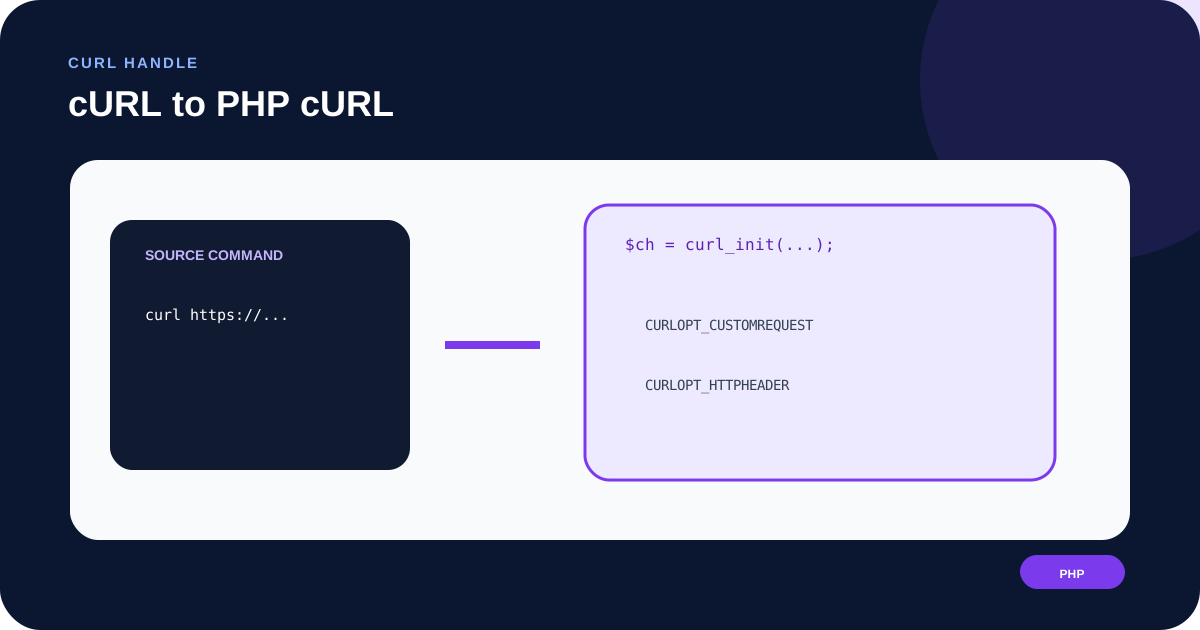
curl_setopt() call and the final execution block.Focused controls, predictable output, and a workflow designed around this exact transformation.
Generate initialization, options, execution, status inspection, cleanup, and output.
Map --max-time to CURLOPT_TIMEOUT_MS with a bounded 30-second default.
Detect curl_exec failure before closing the handle and preserve curl_errno details.
Read CURLINFO_RESPONSE_CODE and reject non-2xx responses separately from transport errors.
Practical details about input, output, privacy, limits, and the best way to use this tool.
No. It only generates PHP source. The command is not executed and its URL is not requested.
It returns the response as a string so code can inspect transport errors and HTTP status before printing or processing it.
It represents explicit and inferred methods consistently across GET, POST, PUT, PATCH, DELETE, HEAD, and other valid method tokens.
No. curl_exec can fail because of DNS, connection, TLS, or timeout problems. A completed transfer can still return HTTP 400 or 500, which is checked separately.
No. It reads response text because the converter cannot know the response media type. Check Content-Type and use json_decode with error handling when appropriate.
No. PHP uploads should use deliberate CURLFile objects, validated file paths, MIME types, size limits, and cleanup.
They affect trust and network routing. Translating them safely requires environment-specific secrets, files, and threat-model decisions.
Remove Authorization and Cookie values, signed URLs, usernames, passwords, API keys, internal hostnames, and personal request data before sharing.
Connect DNS, redirects, HTTP headers, requests, responses, caching, security, and practical web diagnostics.
The explicit method and inline JSON string are kept separate and reviewable.
curl -X PATCH 'https://api.example.com/v1/users/42' -H 'Content-Type: application/json' -d '{"active":false}'
CURLOPT_CUSTOMREQUEST => PATCH · CURLOPT_HTTPHEADER · CURLOPT_POSTFIELDS · CURLOPT_TIMEOUT_MS
Without -L, redirect following is explicitly false.
curl -L --max-time 8 'https://example.com/download'
CURLOPT_FOLLOWLOCATION, true · CURLOPT_TIMEOUT_MS, 8000
The converter does not read cookie files and the generated value must be treated as sensitive.
curl -b 'session=example; theme=dark' 'https://example.com/account'
CURLOPT_HTTPHEADER contains Cookie: session=example; theme=dark
Fix the development trust chain or configure a deliberate, isolated transport policy.
curl -k 'https://dev.example.com'
Error: -k is not supported because disabling verification must not be copied silently.
The URL is passed to curl_init. The request method becomes CURLOPT_CUSTOMREQUEST, header pairs become a CURLOPT_HTTPHEADER list, and inline data becomes CURLOPT_POSTFIELDS. -L maps to CURLOPT_FOLLOWLOCATION; --max-time maps to CURLOPT_TIMEOUT_MS. With -G, data is moved to the URL query before PHP is generated.
Use URL Parser to inspect the endpoint and Query String Parser for encoded, blank, or repeated parameters.
A false curl_exec result indicates a cURL-level failure, so the code captures curl_error and curl_errno before closing the handle. A completed transfer is checked with CURLINFO_RESPONSE_CODE. The generated 2xx rule is useful for many APIs but should be changed when 3xx, 304, or another status is expected.
The body is treated as text. Validate response Content-Type and size before decoding or storing it. Inspect a public endpoint separately with HTTP Header Checker.
The converter rejects -k rather than generating disabled certificate verification. It also rejects client certificate, key, and proxy options. These settings can expose credentials or redirect traffic and must be configured for the deployment environment.
Authorization, cookies, and signed query values remain secrets even in generated source. Keep them in environment-specific secret storage and prevent them from entering logs or version control.
The supported subset covers one HTTP(S) request, shell quotes and line continuations, method, common headers, inline bodies, Basic or Bearer auth, cookie text, referer, user agent, redirects, GET-query mode, HEAD, and maximum time. Files, forms, uploads, cookie jars, proxies, certificates, shell evaluation, multiple transfers, and unsupported flags are refused.
Compare the source flags with the official cURL manual and verify PHP option types and runtime behavior in the PHP curl_setopt manual. For a standard-library Go version, use cURL to Go net/http.