01
Runnable Go structure
Generate imports, main function, request construction, client execution, and output handling.
Start typing to search 227 tools.
Convert one cURL HTTP request into complete Go net/http code with method, headers, inline body, redirect policy, client timeout, response close, and status checks.
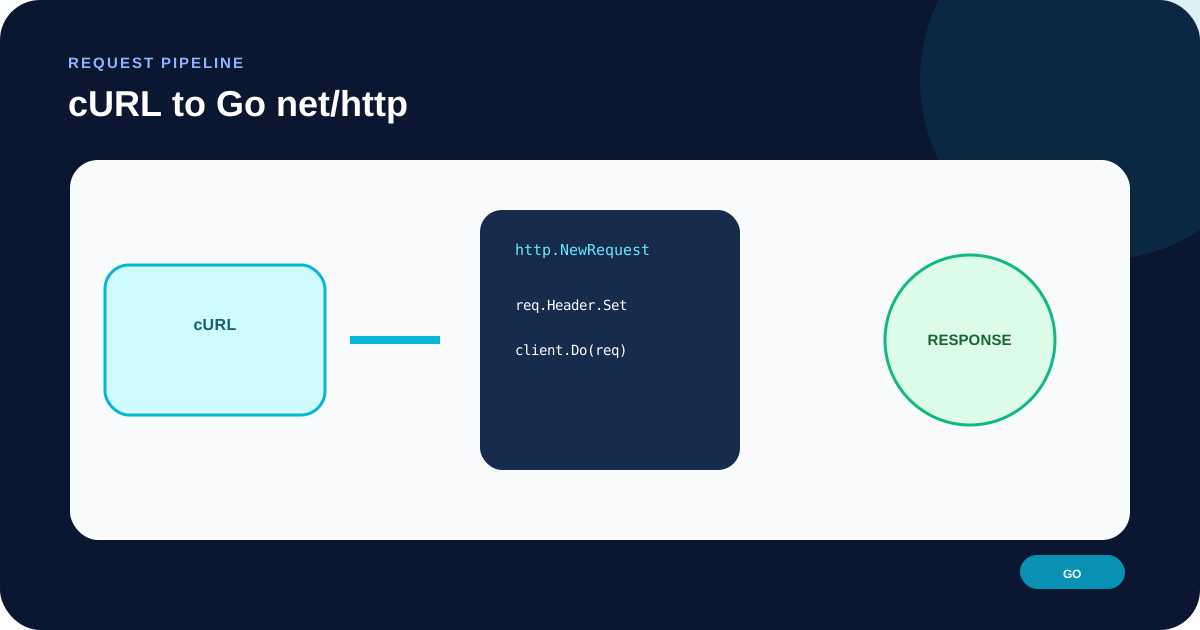
cURL to Go HTTP Converter creates a complete Go program using the standard net/http package. The output builds an http.Request, applies parsed headers, configures an http.Client, performs the request, closes the response body, reads it, and checks the HTTP status.
The input is parsed as text and is never executed. One HTTP or HTTPS URL is accepted. Common inline data, header, authentication, cookie, redirect, GET-query, HEAD, and timeout options are supported; ambiguous features such as file uploads, multipart forms, proxies, certificates, and multiple transfers are rejected.
The generated program is intentionally direct. A production Go service will often add a context, dependency-injected client, structured errors, a limited response reader, tracing, retry policy, and typed JSON decoding. Those decisions depend on the application and cannot be inferred from a cURL snippet.
curl and provide one absolute HTTP(S) URL.@payload, multipart forms, and uploads are deliberately refused.strings.Reader; each parsed header is added to the request.gofmt, pass a context, limit response size, decode the expected media type, and test safely.Focused controls, predictable output, and a workflow designed around this exact transformation.
Generate imports, main function, request construction, client execution, and output handling.
Use --max-time when supplied or a 30-second default instead of http.DefaultClient without a total timeout.
Close resp.Body and check errors from both the request and body read.
Disable automatic redirects unless the source cURL command includes -L.
Practical details about input, output, privacy, limits, and the best way to use this tool.
No. It generates Go source only. Nothing is compiled and the URL is not contacted by the converter.
It provides one request object where the custom method, body, and headers can be reviewed before Client.Do.
The generated code needs an explicit total timeout and redirect policy. A dedicated client makes those choices visible.
The generated code defers resp.Body.Close() immediately after a successful request, as required for responsible response handling.
Usually yes. Build the request with http.NewRequestWithContext when cancellation, deadlines, tracing, or request-scoped work must propagate.
No. The generated program checks StatusCode separately and reports the response body with the HTTP status.
No. A correct Go multipart request needs a multipart writer, field and file handling, content type boundary, and resource cleanup.
Consider response-size limits, typed decoding, context cancellation, observability, safe retries, redacted logs, a shared client, and application-specific error types.
Connect DNS, redirects, HTTP headers, requests, responses, caching, security, and practical web diagnostics.
The inline JSON remains a string body and the media type remains an explicit header.
curl 'https://api.example.com/v1/events' -H 'Content-Type: application/json' -d '{"type":"build.completed"}'
http.NewRequest("POST", url, strings.NewReader("{...}")) · req.Header.Set(...) · client.Do(req)
HEAD is represented without a request body and the timeout is bounded.
curl -I --max-time 5 'https://example.com/health'
http.NewRequest("HEAD", ...) · http.Client{Timeout: 5000 * time.Millisecond, ...}
Adding -L removes that callback so the Go client can use its normal redirect handling.
curl 'https://example.com/old-path'
CheckRedirect returns http.ErrUseLastResponse
Go TLS client certificates require loading credentials and building a dedicated Transport.
curl --cert client.pem --key client.key https://api.example.com/private
Error: certificate options are not supported because transport configuration must be implemented manually.
The parsed method and URL become arguments to http.NewRequest. An inline body becomes a strings.Reader, while a request without data uses nil. Parsed headers are applied with Header.Set. With -G, data is appended to the URL query and no body reader is created.
Check complex endpoints with URL Parser and inspect encoded or repeated parameters with Query String Parser.
The generated http.Client has a total timeout expressed in milliseconds. It also returns http.ErrUseLastResponse from CheckRedirect when the cURL source omitted -L. This keeps a redirect response available instead of silently following it.
A production service may need separate dial, TLS handshake, response header, and idle connection timeouts in an http.Transport. The single client timeout is a safe, readable starting point rather than a complete transport policy.
When Client.Do succeeds, the caller owns a non-nil response body and must close it. The output checks the read error and then treats statuses outside 200–299 as failures. Adjust that range if redirects, 304, or another response is valid for your application.
For public endpoint diagnostics, use HTTP Header Checker. To keep the same request in PHP, use cURL to PHP cURL.
The parser supports one HTTP(S) request and common options only. It does not evaluate shell variables, substitutions, or local paths. Multipart forms, file uploads, proxy settings, certificate configuration, insecure TLS, cookie jars, multiple URLs, and unknown flags are rejected so missing behavior is not hidden.
Confirm cURL flags in the official cURL manual and request, client, redirect, and body responsibilities in the Go net/http package documentation.