TOON Format Guide
TOON Format Guide covering TOON v4.1 syntax, JSON conversion, tabular arrays, LLM prompts, token efficiency, strict validation, and practical workflows.
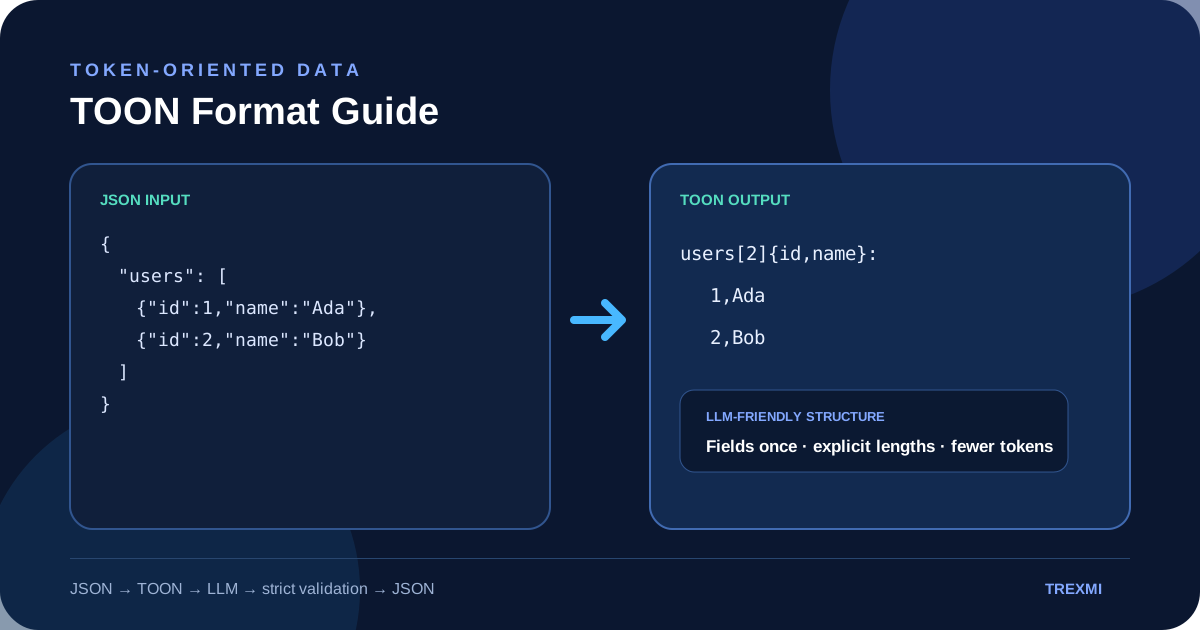
TOON Format Guide explains Token-Oriented Object Notation, a compact, line-oriented encoding of the JSON data model designed for structured data in LLM prompts. This practical guide covers TOON v4.1 syntax, objects, primitive arrays, mixed lists, tabular arrays, quoting, delimiters, strict validation, JSON round trips, token efficiency, and the situations where ordinary JSON is still the better choice.
Quick rule: TOON is strongest when your data contains repeated objects with the same fields. Keep JSON when data is deeply nested, highly irregular, or consumed directly by software that already expects JSON.
What is TOON Format?
In this TOON Format Guide, TOON stands for Token-Oriented Object Notation. It represents the same core data model as JSON—objects, arrays, strings, numbers, booleans, and null—but removes much of the repeated punctuation and quoting. Nested objects use indentation, arrays declare their length, and uniform arrays of objects can be represented as compact tables.
The current TOON v4.1 specification is a Working Draft. Its goal is deterministic, human-readable structured data with explicit guardrails that are useful when data is sent to or generated by large language models. The authoritative reference is the TOON v4.1 specification, while the official getting started guide provides implementation examples.
TOON is best understood as a translation layer rather than a replacement for every JSON file. Your application can continue storing and processing JSON, then encode selected structured data as TOON before placing it into an LLM prompt.
TOON Format Guide example: JSON vs TOON
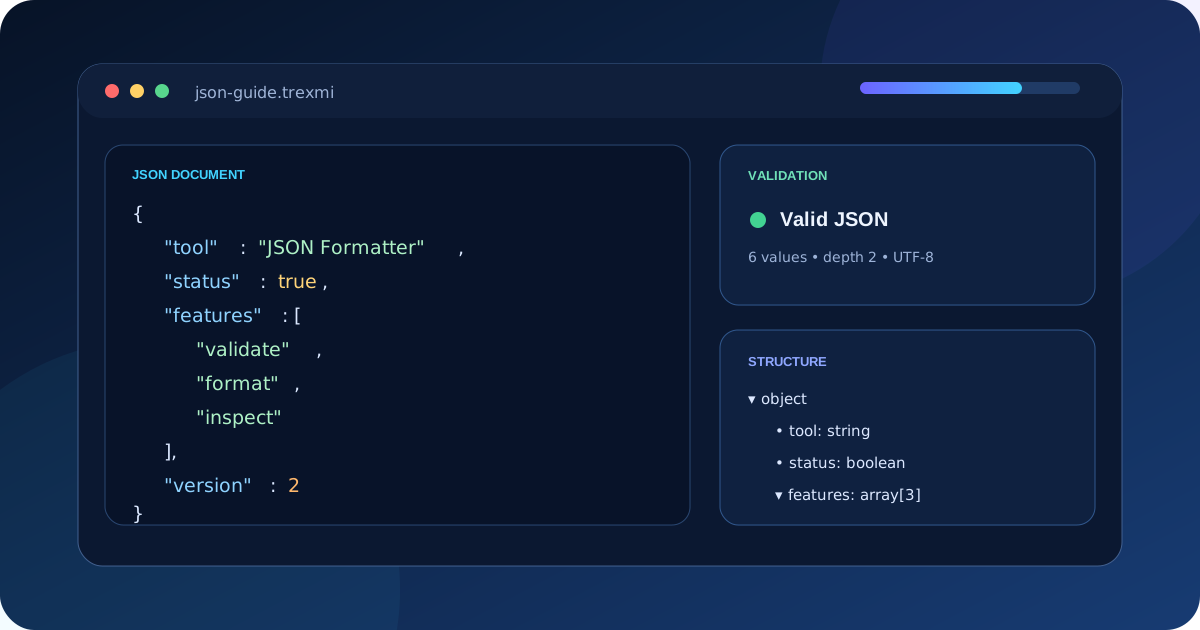
Consider a JSON payload containing two users:
{n "users": [n {"id": 1, "name": "Ada", "role": "admin"},n {"id": 2, "name": "Bob", "role": "user"}n ]n}Because every object has the same fields, TOON can declare those fields once and write each object as one row:
users[2]{id,name,role}:n 1,Ada,adminn 2,Bob,userThe [2] declares the expected number of array items. The {id,name,role} section declares the row fields. This removes repeated keys while keeping enough structure to validate the data.
Try the same transformation in JSON to TOON Converter, then restore it with TOON to JSON Converter. A round trip is an easy way to verify that values and types survive the conversion.
7 powerful TOON syntax rules to know
1. Objects use indentation
user:n id: 17n name: Adan active: trueBraces are unnecessary. Two-space indentation expresses nesting in canonical TOON output.
2. Primitive arrays declare their length
tags[3]: api,json,llmThe explicit item count is both documentation and a validation guardrail.
3. Uniform object arrays become tables
tools[2]{name,status}:n Formatter,readyn Validator,readyThis is TOON’s most efficient structural pattern because field names are written once instead of once per object.
4. Mixed arrays use list form
items[3]:n - 1n - a: 1n - textA heterogeneous array cannot be flattened into one uniform table, so each element receives a list marker.
5. Types still matter
true, false, null, and numeric values decode as their corresponding JSON types. Strings that look like those literals must be quoted when they need to remain strings.
count: 25nnumericString: "25"nenabled: truenboolString: "true"6. Quotes are used only when required
Simple strings can usually remain unquoted. Values containing syntax-sensitive characters or values that could be mistaken for another type require quoting. This selective quoting is one reason TOON can be more compact than JSON.
7. Array delimiters can vary
Comma is the familiar default, but the specification also supports tab and pipe delimiters. The official documentation notes that tabs can be especially efficient for large tabular datasets because they are single characters and often reduce escaping.
Using TOON with LLM prompts
This TOON Format Guide focuses heavily on structured LLM input because TOON is designed for that workflow. Instead of spending prompt tokens repeating braces, quotes, commas, and field names in every object, you can encode suitable JSON data before sending it to a model. Explicit lengths and field headers also provide structural cues that can help detect incomplete output.
The official TOON guide for LLM prompts recommends showing the model the data format directly and validating model-generated TOON in strict mode. Strict decoding can catch count mismatches, malformed indentation, and invalid escaping rather than silently accepting broken structured output.
Use AI Token Counter to compare representative JSON and TOON samples before changing a production prompt. Token savings depend on the data shape and tokenizer, so measure your actual payload instead of assuming every document becomes smaller.
How much can TOON reduce tokens?
A key lesson from this TOON Format Guide is that there is no universal token-saving percentage. Savings vary with nesting, repetition, quoting, delimiters, and the model tokenizer. Official TOON benchmarks report strong reductions for many structured datasets, especially uniform tabular data, but the same benchmark suite also shows cases where compact JSON is competitive or smaller.
The reason is structural. JSON repeats keys for every object. TOON tabular arrays declare the field list once. As row count and field count increase, removing those repeated keys can produce a substantial reduction. Flat objects and primitive arrays can also save syntax, while deeply nested or irregular data loses much of the advantage.
When should you use TOON?
| Data shape | Recommendation | Why |
|---|---|---|
| Large uniform array of objects | TOON | Excellent tabular compression |
| Shallow structured LLM context | TOON | Readable with less repeated syntax |
| Primitive lists | Test TOON | Often compact and explicit |
| Deep irregular configuration | JSON | Indentation and low tabularity can erase savings |
| Arrays of arrays | Usually JSON | TOON list headers add overhead |
| Pure flat table | CSV or TOON | CSV can be smaller; TOON adds structural guardrails |
| Existing JSON-only API | JSON | Avoid needless conversion at the API boundary |
A reliable JSON → TOON → LLM workflow
- Start with valid JSON and normalize the structure.
- Inspect whether arrays contain uniform objects that can use tabular form.
- Convert the payload with JSON to TOON Converter.
- Compare token counts on representative real data.
- Place the TOON document in a clearly delimited prompt section.
- If the model returns TOON, decode it in strict mode.
- Convert back with TOON to JSON Converter before normal application processing.
- Validate the restored JSON against your application rules or schema.
If the source JSON is difficult to inspect, first clean it with JSON Formatter. Formatting does not change the data model, but it makes malformed or unexpected structures easier to spot before conversion.
Common TOON mistakes
Assuming every JSON document becomes smaller
As this TOON Format Guide emphasizes, TOON is optimized for specific structural patterns. Deeply nested or non-uniform data can be more compact as minified JSON. Benchmark the exact payload you intend to use.
Ignoring declared array lengths
The length marker is meaningful. If a header declares three elements but only two are present, strict decoding should reject the document rather than guess.
Changing indentation manually
Indentation expresses structure. Accidental spaces can move values into the wrong scope or make a document invalid. Prefer an encoder over hand-editing complex TOON.
Forgetting string-versus-literal ambiguity
The string "true" is not the boolean true, and "25" is not the number 25. Correct quoting preserves the original JSON type.
Using TOON directly as an API contract without support
Most public APIs still expect JSON. Use TOON where it creates value—often the LLM boundary—and decode it back to JSON for systems that require JSON.
TOON validation and round-trip testing
For the testing workflow in this TOON Format Guide, a good converter should preserve the JSON data model. Test nested objects, empty structures, primitive arrays, uniform tables, mixed arrays, escaped strings, numbers, booleans, and null values. Then perform a round trip: JSON → TOON → JSON. The restored structure should contain the same values and types after normalization.
Production tip: Never trust model-generated structured output solely because it looks readable. Decode it, validate counts and syntax, and then validate the resulting data against your application schema.
TOON Format Guide checklist
- Use TOON primarily for structured data passed to or from LLMs.
- Prefer tabular form for arrays of uniform objects.
- Keep explicit array lengths intact.
- Preserve strings that resemble numbers, booleans, or null with correct quoting.
- Use strict decoding for generated output.
- Measure tokens on your own model and data.
- Keep JSON for deeply nested or highly irregular structures when it performs better.
- Round-trip important payloads before production use.
The main takeaway from this TOON Format Guide is that TOON is useful because it is selective: it keeps the JSON data model while reducing repeated syntax where structure allows it. Treat it as an optimization tool, measure the result, and keep validation at every boundary.
Practice what you learned
Related Trexmi tools
Open a focused workspace and test the patterns from this guide.Clear answers
Frequently asked questions
What is TOON format?+
TOON, or Token-Oriented Object Notation, is a compact line-oriented encoding of the JSON data model designed to reduce structural overhead while remaining readable and deterministic.
Is TOON a replacement for JSON?+
Not universally. TOON is especially useful as a compact representation at LLM boundaries, while JSON remains the standard choice for many APIs and application interfaces.
When is TOON most token efficient?+
TOON is strongest for arrays of uniform objects because field names can be declared once and values represented as tabular rows.
When can JSON be smaller than TOON?+
Compact JSON can be better for deeply nested or highly irregular structures, and arrays of arrays can add more structural overhead in TOON.
Can TOON convert back to JSON without losing data?+
A conforming encoder and decoder can preserve the JSON data model through a normalized round trip, including objects, arrays, strings, numbers, booleans, and null.
Why does TOON include array lengths?+
Explicit array lengths provide structural information and allow strict decoders to detect truncation or count mismatches.
Should model-generated TOON be validated?+
Yes. Use strict decoding and then validate the restored data against your application rules before production use.
What TOON version does this guide cover?+
This guide covers the v4.1 Working Draft and focuses on its core object, array, tabular, delimiter, quoting, and validation rules.
Continue learning