01
Random line order
Rearranges complete lines without changing the text inside each line.
Start typing to search 227 tools.
Shuffle lines into a random order while keeping every line available for review in a separate result.
Shuffle Lines is a focused browser utility that helps you shuffle lines into a random order while keeping every line available for review in a separate result.
The workspace keeps the source available, applies one clearly named operation, and displays the result separately. This makes the output easier to compare before it is published, imported, shared, or reused.
Use the complete source whenever possible, verify context-sensitive values, and retain a backup for important documents or structured data.
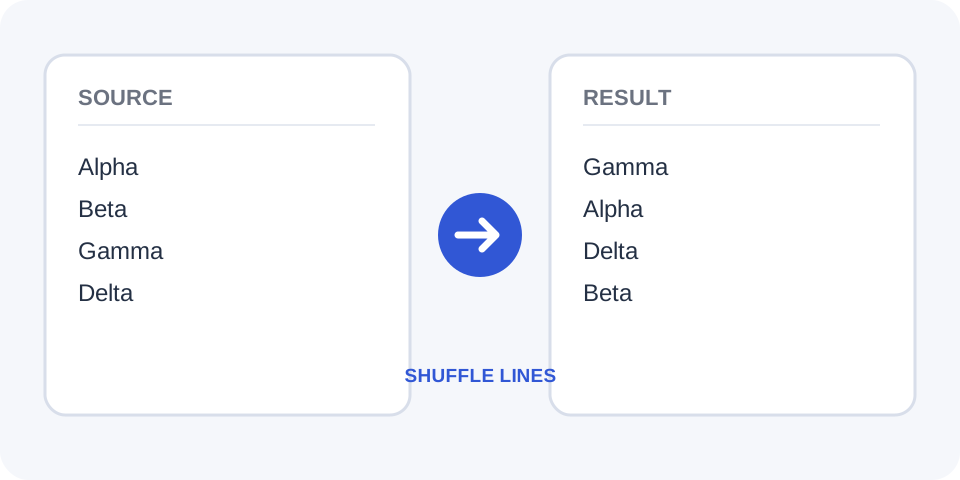
Focused controls, predictable output, and a workflow designed around this exact transformation.
Rearranges complete lines without changing the text inside each line.
Keep the original order available while reviewing the randomized result.
Run the operation again whenever a different random order is needed.
Inspect the full shuffled list before copying it into another system.
Practical details about input, output, privacy, limits, and the best way to use this tool.
No. It changes the order of complete lines and keeps each line's text intact.
Usually yes. Each run can produce another random arrangement.
Empty lines may be treated as entries, so remove them first when they should not participate.
Use the source panel or your saved copy because a random result does not contain the previous positions.
It can randomize a list, but important selections should follow the rules and audit requirements of the activity.
No. Duplicate entries remain unless you process them separately.
Yes, but the numbers move with their lines.
The Trexmi workflow is designed to process the entered text and display a separate result for review.
Each complete line is treated as one item. The processor rearranges those items and returns them in a newly generated order.
Compare the randomized list with the source to confirm that every original line is still present exactly once.
Place one intended item on each line. Remove accidental blank lines and confirm that wrapped text has not created extra entries.
For test data or participant lists, save the source separately so you can reproduce or audit the original ordering later.
Repeated lines remain repeated. This is useful when duplicates are intentional, but unwanted duplicates should be removed before shuffling.
Shuffle only the rows you intend to randomize; headers, labels, or fixed control lines may need to stay outside the input.
A new run may produce a different sequence. Compare several results only when your workflow genuinely needs another random arrangement.
After shuffling, scan for accidental blank lines or grouped records that should have remained together.
Numbers, labels, and punctuation move together with the line. Check that any dependencies between lines are not broken.
When random order matters operationally, copy the reviewed result into the destination only after confirming the line count matches.
Confirm that the same entries are present before copying the output, especially when working with long lists or important records.
A line shuffle changes order, not content, so verify any multi-line records before treating each line as an independent item.
Shuffle Lines works best when you start with representative text and keep the original source available. Use shuffle lines on a small sample first, compare every change, and confirm the result before processing important content.
When using shuffle lines, check whitespace, punctuation, Unicode characters, line endings, and any values whose meaning depends on formatting. This review step helps prevent accidental changes that are difficult to reverse later.
Continue with a related utility, another focused tool, or a complementary workflow. Keeping operations separate makes changes easier to understand and reverse.
For general string-processing concepts, consult the MDN String reference.