01
Descending order
Reorders complete lines from Z to A or from higher to lower natural values.
Start typing to search 227 tools.
Sort lines from Z to A or from higher to lower natural values with a separate result for verification.
Sort Lines Descending is a focused browser utility that helps you sort lines from Z to A or from higher to lower natural values with a separate result for verification.
The workspace keeps the source available, applies one clearly named operation, and displays the result separately. This makes the output easier to compare before it is published, imported, shared, or reused.
Use the complete source whenever possible, verify context-sensitive values, and retain a backup for important documents or structured data.
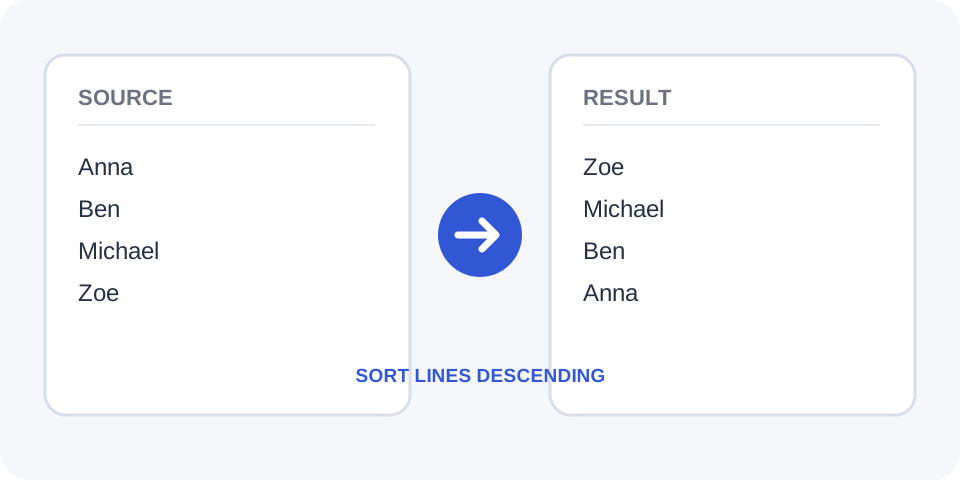
Focused controls, predictable output, and a workflow designed around this exact transformation.
Reorders complete lines from Z to A or from higher to lower natural values.
Keeps the text inside every line together while changing its position.
Compare the original sequence and the descending result side by side.
Prepare ranked values, reverse indexes, names, and labels for another workflow.
Practical details about input, output, privacy, limits, and the best way to use this tool.
It arranges entries from Z to A or from higher to lower natural values.
No. It sorts by value in descending order rather than simply reversing positions.
Natural sorting can place Item 10 before Item 2 instead of comparing only the first digit.
No. Complete lines are moved as units.
Yes. Sorting changes order but does not remove repeated lines.
They may move to one end of the result, so remove accidental empty lines first.
Yes. Leading symbols can affect comparison and should be reviewed.
Use the standard Sort Lines tool for ascending order.
Each full line is compared with the others and placed in reverse alphabetical or reverse natural order.
Review the descending result against the source and confirm whether alphabetical or natural-number ordering matches your intended workflow.
A descending sort compares values. Reversing lines only flips their current positions without evaluating the text.
Check mixed values such as file names with numbers because natural sorting can differ from simple character-by-character ordering.
Digit groups are interpreted as numeric values where supported, so larger values can appear first in a human-friendly sequence.
Keep headers or labels out of the sortable input when they should remain fixed above the reordered data.
Case differences, leading punctuation, and special characters can influence placement. Inspect unusual entries after processing.
Inspect uppercase, lowercase, punctuation, and leading spaces when exact ordering matters for exports or comparisons.
Trim unwanted spaces and remove empty lines to prevent invisible characters from affecting the sequence.
Before replacing the source list, verify the highest values or Z-prefixed entries appear where you expect them.
Check representative entries and confirm that the result matches the expected Z-to-A or high-to-low pattern.
If the sorted output will feed another system, confirm that reordering lines does not break relationships between separate records.
Sort Lines Descending works best when you start with representative text and keep the original source available. Use sort lines descending on a small sample first, compare every change, and confirm the result before processing important content.
When using sort lines descending, check whitespace, punctuation, Unicode characters, line endings, and any values whose meaning depends on formatting. This review step helps prevent accidental changes that are difficult to reverse later.
Continue with a related utility, another focused tool, or a complementary workflow. Keeping operations separate makes changes easier to understand and reverse.
For general string-processing concepts, consult the MDN String reference.