JSON Guide
Learn JSON syntax rules, objects, arrays, formatting, validation, parsing, escaping, common errors, and API workflows with practical examples.
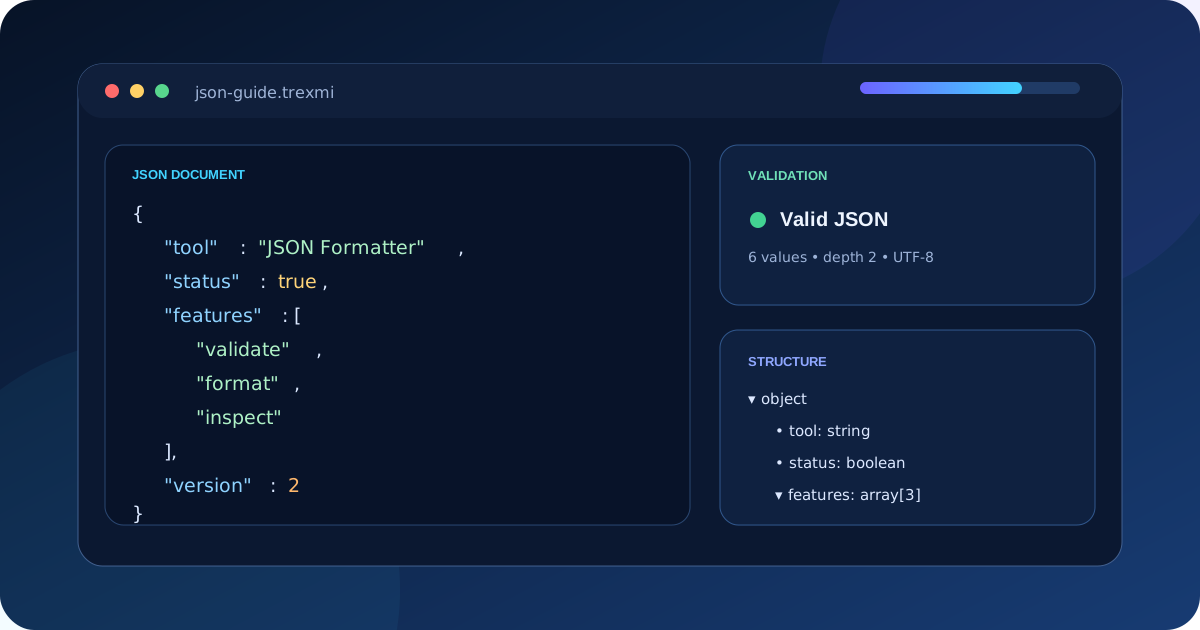
JSON Guide explains JSON syntax rules, objects, arrays, strings, numbers, booleans, null values, formatting, validation, escaping, parsing, and common errors with practical examples. Use it as a reference when reading API responses, debugging invalid JSON, or checking how structured data should be written.
If you are learning JSON syntax, start with the six value types and the core rules below. Property names and strings use double quotes, objects use braces, arrays use brackets, trailing commas are invalid, and standard JSON does not support comments.
Tip: Treat JSON as data, not executable code. Parse it with a proper JSON parser and validate its expected structure before using values in an application.
What is JSON and why is it widely used?
JSON stands for JavaScript Object Notation. It is a lightweight text format used to exchange structured data between applications, browsers, APIs, databases, command-line tools, and configuration systems. Although its syntax resembles JavaScript object literals, JSON is language-independent and is supported by nearly every modern programming language.
A JSON document contains one top-level value. That value may be an object, array, string, number, boolean, or null. In practice, API responses usually use an object or array at the top level because those structures can hold multiple related values.
The official syntax is defined by RFC 8259. Browser developers can also consult the MDN JSON guide for practical parsing examples.
JSON Guide to the six value types
| Type | Example | Typical use |
|---|---|---|
| Object | {"name":"Trexmi"} |
Named properties |
| Array | ["json","xml"] |
Ordered lists |
| String | "active" |
Text values |
| Number | 42.5 |
Numeric values |
| Boolean | true |
Two-state values |
| Null | null |
Explicit absence |
Objects
An object is enclosed in braces and stores key-value pairs. Every key must be a double-quoted string. A colon separates each key from its value, and commas separate pairs.
{
  "id": 17,
  "name": "JSON Formatter",
  "active": true
}
Arrays
An array is enclosed in square brackets and stores ordered values. Values may have different JSON types, although consistent item structures are easier for applications to process.
{
  "tools": [
    {"slug": "json-formatter", "status": "ready"},
    {"slug": "json-validator", "status": "ready"}
  ]
}Essential JSON syntax rules
- Property names must use double quotes.
- Strings must use double quotes, not single quotes.
- Trailing commas are not allowed.
- Comments are not part of standard JSON.
- Numbers cannot contain leading plus signs, hexadecimal notation,
NaN, orInfinity. - Literal values are lowercase:
true,false, andnull. - Special characters inside strings must be escaped.
Warning: JavaScript object syntax is not automatically valid JSON. Unquoted keys, single quotes, functions, comments, and trailing commas may work in JavaScript source code but fail in a JSON parser.
Formatting and minifying JSON
Pretty-printed JSON uses indentation and line breaks to improve readability. Minified JSON removes unnecessary whitespace to reduce transfer size. Both forms represent the same data as long as no characters inside strings are changed.
Use JSON Formatter when inspecting data manually. Use JSON Minifier when preparing compact payloads for transport or storage. Formatting should never be used as a substitute for validation because an invalid document cannot be safely reformatted.
How JSON validation works
Syntax validation confirms that a document follows JSON grammar. It checks quotes, braces, brackets, separators, escape sequences, numbers, and literal values. Syntax validation does not prove that the data has the fields or types your application expects.
For application-level validation, use a schema or explicit code checks. For example, an API may require email to be a string and roles to be an array. A syntactically valid document can still violate those requirements.
Paste questionable input into JSON Validator to locate syntax errors, then inspect the structure in JSON Viewer.
JSON strings and escaping
Characters such as a quotation mark, backslash, newline, tab, and carriage return require escape sequences inside strings. Common escapes include ", , n, t, and r. Unicode characters may appear directly in UTF-8 JSON or be represented with uXXXX escapes.
{
  "message": "Line onenLine two",
  "path": "C:datafile.json",
  "quoted": "She said "hello""
}
Use JSON Escape when preparing text for safe insertion into a JSON string. Use JSON Unescape to inspect escaped content. Avoid manually adding backslashes because double-escaping is a common source of broken payloads.
Parsing and serialization
Parsing converts JSON text into native objects, arrays, maps, lists, strings, numbers, booleans, and null values. Serialization converts native data back into JSON text. Always handle parser errors because network responses, user input, logs, and copied payloads may be incomplete or malformed.
JavaScript example
const data = JSON.parse(source);
const output = JSON.stringify(data, null, 2);
PHP example
$data = json_decode($source, true, 512, JSON_THROW_ON_ERROR);
$output = json_encode($data, JSON_PRETTY_PRINT | JSON_UNESCAPED_SLASHES);
A reliable JSON Guide workflow for APIs
- Capture the exact request or response body.
- Validate the JSON syntax before editing it.
- Format the document for inspection.
- Confirm top-level object or array expectations.
- Check required properties and data types.
- Inspect escaped strings and nested values.
- Remove sensitive values before sharing examples.
- Minify only when the final payload is correct.
Common JSON errors and how to fix them
Trailing commas
{"name":"Trexmi",}Remove the comma after the final property or array item.
Single-quoted strings
{'name':'Trexmi'}Replace single quotes with double quotes around both keys and string values.
Unescaped quotation marks
{"message":"She said "hello""}Escape quotation marks that belong inside a string.
Missing separators
A colon is required between a property name and value, while commas are required between neighboring properties or array items.
Truncated JSON
Incomplete network responses and partial copy operations often leave a missing closing brace or bracket. Compare the opening and closing structure and retrieve the original payload again when possible.
JSON security and privacy
Do not assume parsed JSON is safe merely because it is valid. Validate expected properties, reject unexpected types, apply size limits, and avoid exposing secrets, access tokens, personal data, or internal identifiers in public examples.
Never build JSON by concatenating untrusted strings. Use the language serializer so quotation marks, control characters, and Unicode values are escaped correctly. When displaying parsed values in HTML, apply context-appropriate output escaping to prevent injection problems.
Pro tip: Log the parser error and a safe request identifier, not an entire sensitive payload. This preserves debugging value without copying secrets into logs.
JSON compared with XML, YAML, and CSV
JSON is compact, widely supported, and well suited to hierarchical API data. XML offers namespaces, attributes, and mature document standards. YAML is comfortable for human-edited configuration but has more complex parsing rules. CSV is efficient for flat tables but does not naturally represent deeply nested objects.
Choose the format based on the data model and ecosystem rather than converting everything automatically. Conversion can lose comments, attributes, types, ordering expectations, or schema information.
JSON Guide best practices
- Use stable and descriptive property names.
- Keep field types consistent across records.
- Represent missing values intentionally instead of mixing empty strings, zero, and null without rules.
- Document date, time, identifier, and numeric formats.
- Use arrays for ordered collections and objects for named properties.
- Version public APIs when changing response contracts.
- Validate size and nesting depth for untrusted payloads.
- Preserve integers that exceed the safe numeric range of the destination language.
JSON Guide summary
Reliable JSON work starts with valid syntax, predictable structures, deliberate escaping, and proper parsers. Validate before formatting, inspect nested values carefully, use schemas or explicit type checks for application requirements, and remove sensitive data before sharing payloads. Trexmi JSON tools provide a clear workflow for validation, formatting, viewing, minifying, escaping, and debugging.
Practice what you learned
Related Trexmi tools
Open a focused workspace and test the patterns from this guide.Clear answers
Frequently asked questions
What is JSON?+
JSON is a language-independent text format for exchanging structured data with objects, arrays, strings, numbers, booleans, and null.
What are the basic JSON syntax rules?+
Use double quotes for property names and strings, colons between keys and values, commas between neighboring items, braces for objects, and brackets for arrays. Standard JSON does not allow trailing commas or comments.
Are comments allowed in JSON?+
No. Standard JSON does not support comments. Use documentation or a format designed for commented configuration when comments are required.
Why is my JSON invalid?+
Common causes include trailing commas, single quotes, unquoted keys, missing separators, invalid escape sequences, malformed numbers, and incomplete braces or brackets.
What is the difference between JSON formatting and validation?+
Validation checks whether the JSON follows valid syntax. Formatting changes whitespace and indentation to make valid JSON easier to read without changing its represented data.
Should JSON keys always use double quotes?+
Yes. Standard JSON requires object property names to be double-quoted strings.
Can JSON safely store large integers?+
JSON syntax supports numbers, but some destination languages cannot represent very large integers exactly. Use strings when exact preservation is required.
Is valid JSON automatically safe?+
No. Applications should still validate expected fields and types, apply input limits, protect secrets, and escape values appropriately when displaying them.
Continue learning