HTTP Status Codes Guide
HTTP Status Codes Guide covering 2xx, 3xx, 4xx and 5xx responses, redirects, API errors, SEO, caching, authentication, rate limits, and debugging.
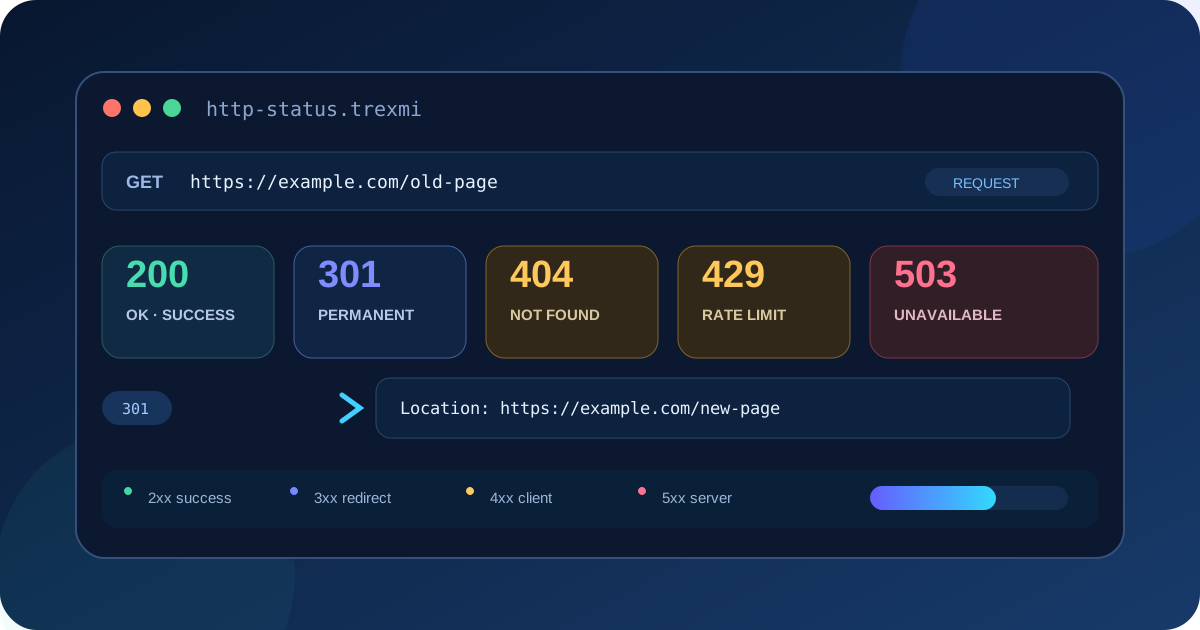
HTTP Status Codes Guide explains what HTTP response codes mean, how browsers and API clients interpret them, which codes matter most for SEO, and how to debug unexpected responses. This practical HTTP Status Codes Guide covers 1xx, 2xx, 3xx, 4xx, and 5xx responses, redirects, caching, authentication, rate limits, API errors, and production troubleshooting.
Quick rule: The first digit identifies the response family: 1xx is informational, 2xx is success, 3xx is redirection, 4xx is a client-side request problem, and 5xx is a server-side failure.
HTTP Status Codes Guide: what are HTTP status codes?
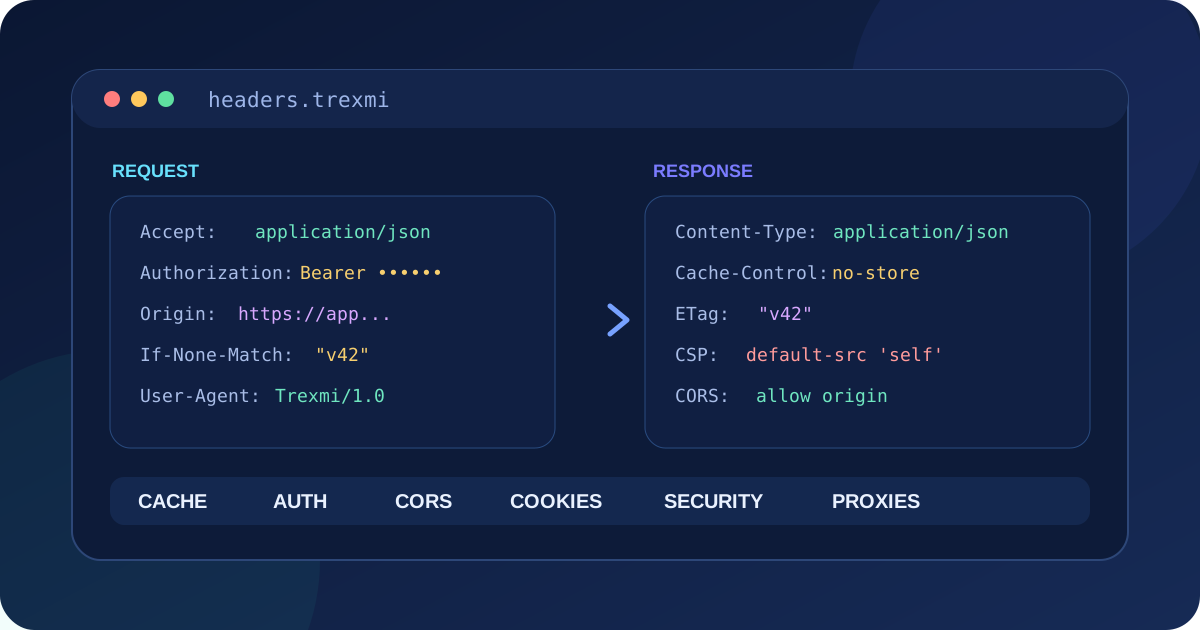
An HTTP status code is the three-digit result sent by a server with an HTTP response. It tells the client whether a request succeeded, needs another action, was invalid or unauthorized, or failed on the server. The status line is only one part of the response: headers such as Location, Retry-After, Cache-Control, and WWW-Authenticate often explain what the client should do next.
HTTP/1.1 200 OKnContent-Type: application/jsonnCache-Control: max-age=60Status codes are standardized by HTTP specifications, but application behavior still matters. A server can return 200 OK with an error message in the body, or return a valid 404 Not Found page with a helpful interface. Always inspect both the code and the response context.
The five HTTP status code classes
| Class | Meaning | Typical examples |
|---|---|---|
| 1xx | Informational | 100 Continue, 101 Switching Protocols |
| 2xx | Successful request | 200 OK, 201 Created, 204 No Content |
| 3xx | Redirection or cache handling | 301, 302, 304, 307, 308 |
| 4xx | Client/request problem | 400, 401, 403, 404, 409, 422, 429 |
| 5xx | Server/upstream problem | 500, 502, 503, 504 |
HTTP Status Codes Guide to 2xx success responses
200 OK
200 OK is the standard successful response for many GET requests and APIs. The response usually contains a representation of the requested resource.
201 Created
201 Created is appropriate when a request successfully creates a new resource. APIs often return a Location header or a body identifying the newly created resource.
202 Accepted
202 Accepted means the request was accepted for processing but the work may not be complete. It is useful for queues, background jobs, exports, or asynchronous workflows.
204 No Content
204 No Content reports success without a response body. It is common for successful updates or delete operations where no representation needs to be returned.
HTTP Status Codes Guide to redirects: 301, 302, 307 and 308
Redirect codes tell a client to use another URL. The Location header contains the destination. Redirect chains should be kept short because every additional hop adds latency and another opportunity for configuration errors.
| Code | Meaning | Method behavior |
|---|---|---|
| 301 | Moved Permanently | Historically clients may change POST to GET |
| 302 | Found / temporary redirect | Historically clients may change POST to GET |
| 307 | Temporary Redirect | Preserves method and body |
| 308 | Permanent Redirect | Preserves method and body |
Use the Redirect Chain Checker to trace every hop, final URL, HTTP status, temporary redirects, and unnecessary chains. For permanent URL moves, a direct 301 or 308 is usually clearer than several chained redirects.
304 Not Modified is not a normal redirect
304 Not Modified is part of conditional caching. It tells the client that its cached representation can still be used. It normally appears after headers such as If-None-Match or If-Modified-Since.
HTTP Status Codes Guide to important 4xx client errors
400 Bad Request
The server cannot process the request because its syntax or framing is invalid. For APIs, return a useful error body that identifies invalid parameters instead of a generic message.
401 Unauthorized
Despite its name, 401 means authentication is required or failed. A response can include WWW-Authenticate to describe the authentication scheme.
403 Forbidden
The server understood the request but refuses to authorize it. Unlike 401, repeating the same request with basic authentication credentials is not necessarily the solution.
404 Not Found
404 means the target resource is not available at the requested URI. For websites, the HTTP status must actually be 404; returning a friendly “not found” page with status 200 creates a soft-404 problem.
405 Method Not Allowed
The resource exists but does not support the request method. A compliant response can include an Allow header listing permitted methods.
409 Conflict
409 represents a conflict with the current resource state, such as a version conflict or duplicate operation.
410 Gone
410 Gone explicitly states that a resource has been intentionally removed and is expected to remain unavailable. Use it only when that stronger meaning is accurate.
422 Unprocessable Content
A request can be syntactically valid but semantically invalid. Validation errors in APIs are a common use case for 422.
429 Too Many Requests
429 is used for rate limiting. A Retry-After header can tell the client when to retry. Clients should use backoff instead of retrying in a tight loop.
HTTP Status Codes Guide to 5xx server errors
500 Internal Server Error
500 is a generic server failure. Log the internal exception securely, return a stable public error format, and avoid exposing stack traces or secrets.
502 Bad Gateway
A gateway or proxy received an invalid response from an upstream service. Reverse proxies, load balancers, CDNs, and API gateways commonly produce 502 responses.
503 Service Unavailable
503 means the service is temporarily unable to handle the request, often because of overload or maintenance. A Retry-After header can be appropriate.
504 Gateway Timeout
A gateway did not receive a timely response from an upstream server. Investigate upstream latency, network timeouts, overloaded workers, database calls, and dependency failures.
HTTP status codes and SEO
Search engines use HTTP responses to decide whether a URL is available, moved, missing, or temporarily unavailable. A normal indexable page should return a successful response. A permanent move should use a permanent redirect, and a missing page should return an actual 404 or 410 rather than a 200 response containing an error template.
- 200: normal successful page.
- 301/308: permanent move to another URL.
- 302/307: temporary move when the original URL should remain conceptually active.
- 404/410: missing or intentionally removed content.
- 5xx: server failure; persistent errors can prevent crawling and indexing.
When consolidating duplicate URLs, combine correct HTTP behavior with a consistent canonical URL. The Canonical URL Checker helps inspect canonical syntax and page alignment, while redirect testing confirms what actually happens over HTTP.
Choosing HTTP status codes for APIs
An API should use status codes consistently and keep machine-readable error bodies predictable. Do not force every result into 200. A client can make better retry, authentication, validation, and user-interface decisions when the transport status represents the outcome accurately.
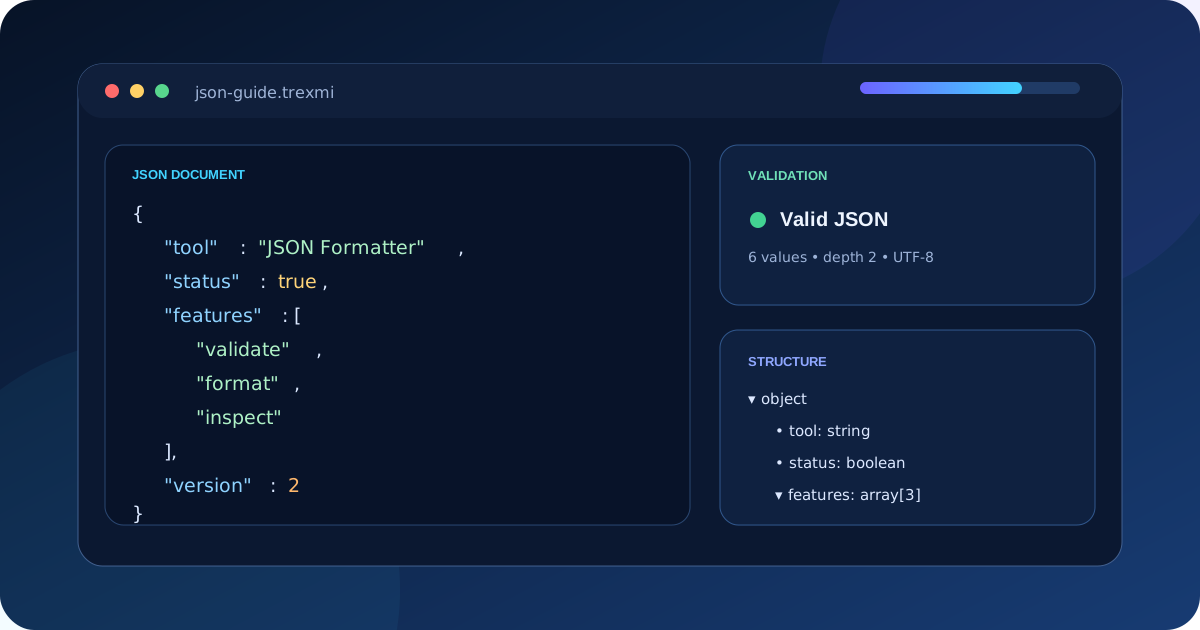
{n "error": "validation_failed",n "message": "Email is not valid",n "field": "email"n}Build and inspect request headers with HTTP Header Builder, and generate reproducible command-line requests with cURL Builder.
How to debug an unexpected HTTP status
- Record the exact URL, method, request headers, and body.
- Disable automatic redirect following temporarily so each 3xx response is visible.
- Inspect the response status, headers, and body together.
- Check proxy, CDN, load-balancer, web-server, and application logs.
- Repeat the request with a reproducible client such as cURL.
- Compare authenticated and unauthenticated requests.
- Check DNS, TLS, upstream health, and timeout boundaries for 5xx problems.
- Verify cache behavior when 304 responses or stale content are involved.
curl -i https://example.com/pagencurl -I https://example.com/pagencurl -i -X POST https://api.example.com/itemsCommon HTTP status code mistakes
- Returning 200 for an error that should be 4xx or 5xx.
- Displaying a 404 page while the server still returns 200.
- Using 302 for a permanent migration and leaving it indefinitely.
- Creating multi-hop redirect chains instead of linking directly to the final URL.
- Confusing 401 authentication failures with 403 authorization failures.
- Retrying every 5xx or 429 response immediately without backoff.
- Returning sensitive stack traces in 500 responses.
- Ignoring response headers that explain caching, authentication, redirect, or retry behavior.
Practical HTTP status code reference
| Code | Name | Typical use |
|---|---|---|
| 200 | OK | Successful request |
| 201 | Created | Resource created |
| 204 | No Content | Successful response without body |
| 301 | Moved Permanently | Permanent redirect |
| 302 | Found | Temporary redirect |
| 304 | Not Modified | Use cached representation |
| 307 | Temporary Redirect | Temporary redirect preserving method |
| 308 | Permanent Redirect | Permanent redirect preserving method |
| 400 | Bad Request | Malformed request |
| 401 | Unauthorized | Authentication required/failed |
| 403 | Forbidden | Request not authorized |
| 404 | Not Found | Resource missing |
| 409 | Conflict | State conflict |
| 410 | Gone | Resource intentionally removed |
| 422 | Unprocessable Content | Semantic validation failure |
| 429 | Too Many Requests | Rate limit |
| 500 | Internal Server Error | Unexpected server failure |
| 502 | Bad Gateway | Invalid upstream response |
| 503 | Service Unavailable | Temporary service failure |
| 504 | Gateway Timeout | Upstream timeout |
Authoritative references
For standards-level details, use the HTTP Semantics specification (RFC 9110). For a concise developer reference, see MDN HTTP response status codes.
HTTP Status Codes Guide summary
This HTTP Status Codes Guide recommends treating the status code, response headers, and body as one result. Use 2xx for success, choose redirects deliberately, return accurate 4xx responses for request problems, investigate 5xx responses as server or upstream failures, and keep redirect chains short. Accurate HTTP responses make browsers, APIs, monitoring systems, search engines, and developers behave more predictably.
Practice what you learned
Related Trexmi tools
Open a focused workspace and test the patterns from this guide.Clear answers
Frequently asked questions
What are HTTP status codes?+
HTTP status codes are three-digit response values sent by servers to describe the result of an HTTP request.
What does HTTP 200 mean?+
200 OK normally means the request succeeded and the server returned the requested representation or result.
What is the difference between 301 and 302?+
301 represents a permanent move, while 302 represents a temporary redirect. Method handling also differs from the stricter 307 and 308 redirect codes.
What is the difference between 401 and 403?+
401 means authentication is required or failed. 403 means the request is understood but the server refuses to authorize it.
What does 404 mean?+
404 Not Found means the requested resource is not available at that URI. A real missing page should return the 404 HTTP status rather than a 200 soft error.
What does 429 Too Many Requests mean?+
429 indicates rate limiting. Clients should respect Retry-After when present and use backoff rather than retrying continuously.
What is the difference between 502 and 504?+
502 means a gateway received an invalid upstream response, while 504 means the gateway waited too long for an upstream response.
Which HTTP status codes matter for SEO?+
Common SEO-relevant codes include 200 for successful pages, 301 or 308 for permanent moves, 302 or 307 for temporary moves, 404 or 410 for missing content, and 5xx for server failures.
Continue learning