CORS Guide
CORS Guide covering origins, same-origin policy, preflight, Access-Control headers, credentials, common errors, security, and browser API debugging.
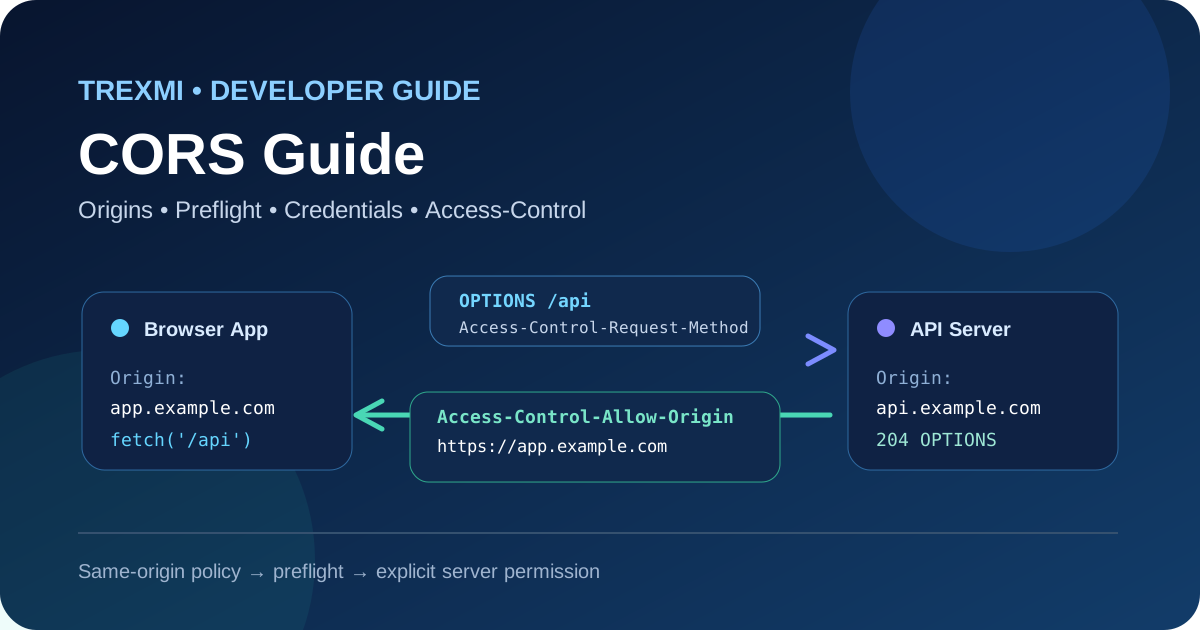
CORS Guide is a practical reference for developers who need to understand Cross-Origin Resource Sharing in browsers, APIs, front-end applications, and authentication workflows. This CORS Guide explains origins, same-origin policy, simple requests, preflight requests, credentials, allowed headers and methods, caching, common errors, security risks, and a reliable debugging process.
Important: CORS is a browser security mechanism. It does not authenticate users, authorize API actions, or protect an API from direct requests made outside a browser.
What is CORS?
CORS stands for Cross-Origin Resource Sharing. It is an HTTP-header mechanism that lets a server tell a browser which external origins may access a response. Browsers apply CORS on top of the same-origin policy, which normally prevents scripts from reading responses from a different origin unless the server explicitly allows it.
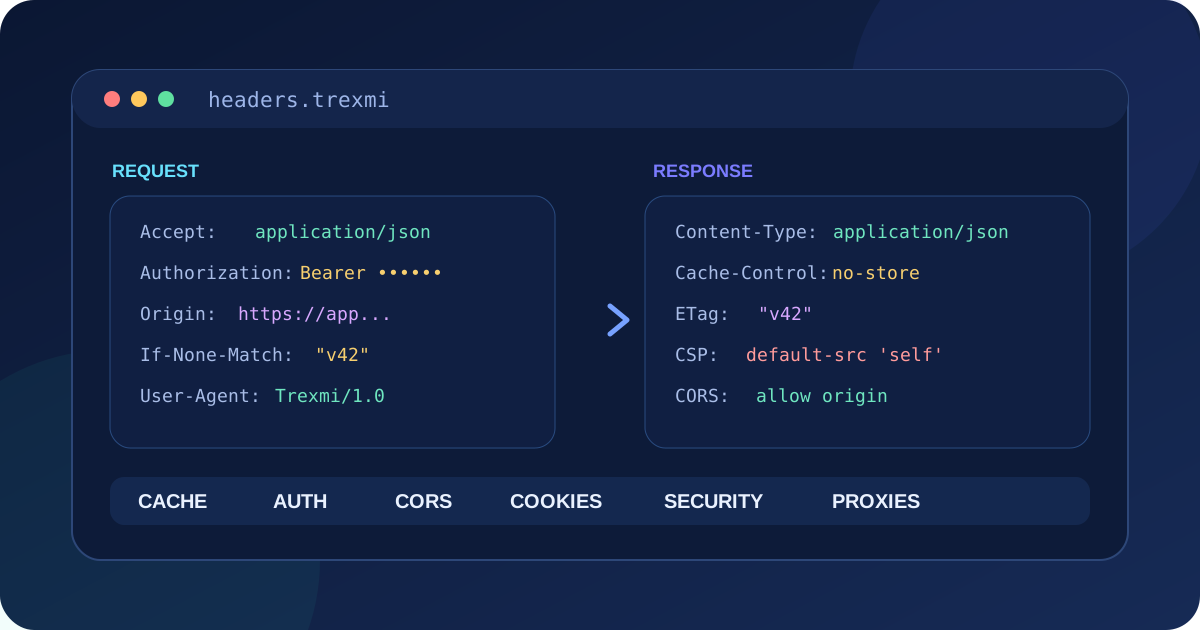
An origin is defined by the combination of scheme, host, and port. Changing any one of those values creates a different origin. For example, https://app.example.com, http://app.example.com, and https://api.example.com are different origins.
CORS Guide to the same-origin policy
The same-origin policy limits how documents and scripts from one origin can interact with resources from another. It is one of the browser’s core isolation controls. Without it, a malicious page could potentially read data from services where a user is already authenticated.
CORS does not remove the same-origin policy globally. Instead, the target server opts into specific cross-origin access by returning response headers such as Access-Control-Allow-Origin.
Essential CORS response headers
| Header | Purpose |
|---|---|
Access-Control-Allow-Origin |
Specifies the allowed requesting origin or wildcard. |
Access-Control-Allow-Methods |
Lists methods permitted in a preflight response. |
Access-Control-Allow-Headers |
Lists request headers permitted by the server. |
Access-Control-Allow-Credentials |
Allows credentials such as cookies when set to true. |
Access-Control-Expose-Headers |
Makes additional response headers readable by browser JavaScript. |
Access-Control-Max-Age |
Controls how long a browser may cache a successful preflight result. |
Build and inspect these fields with HTTP Header Builder. Keep the server policy as narrow as practical rather than enabling every origin, method, and header by default.
Simple CORS requests
Some cross-origin requests are considered simple and can be sent immediately without a preflight. A typical simple GET request may still include an Origin header. The browser then checks the response for a compatible Access-Control-Allow-Origin value before exposing the response to JavaScript.
Origin: https://app.example.comnnAccess-Control-Allow-Origin: https://app.example.comIf the response does not contain an acceptable CORS policy, the browser can block script access even though the server processed the HTTP request successfully.
CORS Guide to preflight OPTIONS requests
Requests that use non-simple methods or headers often trigger a preflight. Before sending the real request, the browser sends an OPTIONS request describing the intended origin, method, and custom headers.
OPTIONS /api/orders HTTP/1.1nOrigin: https://app.example.comnAccess-Control-Request-Method: PUTnAccess-Control-Request-Headers: authorization, content-typeA successful preflight response can look like this:
HTTP/1.1 204 No ContentnAccess-Control-Allow-Origin: https://app.example.comnAccess-Control-Allow-Methods: GET, POST, PUTnAccess-Control-Allow-Headers: Authorization, Content-TypenAccess-Control-Max-Age: 600The preflight checks policy before the actual operation. If the server rejects the requested method, header, or origin, the browser does not proceed with the normal cross-origin request.
Credentials, cookies, and Authorization headers
Credentialed CORS requires extra care. When a request includes cookies or other browser credentials, the server must explicitly opt in with Access-Control-Allow-Credentials: true. A wildcard * cannot be used as the allowed origin for credentialed browser access.
Applications should return the exact trusted origin after validating it against an allowlist. Reflecting any supplied Origin value without validation can expose authenticated data to untrusted sites.
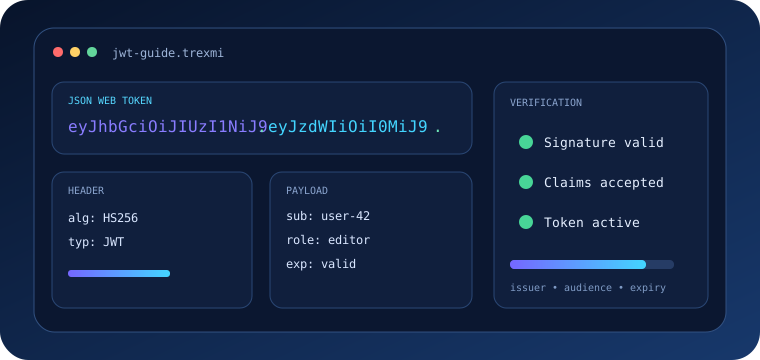
Bearer tokens are frequently sent in an Authorization header, which commonly triggers preflight. Inspect JWT-shaped test tokens with JWT Decoder, but remember that CORS does not verify token validity or permissions.
When can Access-Control-Allow-Origin use *?
The wildcard is useful for truly public resources that can be read by any website and do not rely on browser credentials. Public fonts, static metadata, and open APIs may be appropriate examples. It is not appropriate for private account data or credentialed requests.
Security rule: If a response contains user-specific, confidential, or account data, do not choose
*merely to make a browser error disappear.
Allowed methods and custom headers
Preflight responses should list only methods and request headers the endpoint actually supports. If the application uses PUT and Authorization, the preflight policy must permit those values. Permitting unnecessary methods such as DELETE broadens the exposed surface without providing a benefit.
Create reproducible OPTIONS and API requests with cURL Builder. Command-line clients do not enforce browser CORS, but they are useful for inspecting the exact headers returned by the server.
The Vary: Origin header
When a server dynamically returns different Access-Control-Allow-Origin values depending on the request origin, caches must understand that the response varies by Origin. Returning Vary: Origin helps prevent a shared cache from serving one origin’s CORS response to another origin.
Exposing response headers to JavaScript
Browsers expose a limited set of response headers by default. If JavaScript must read an additional header such as X-Request-ID or a custom pagination header, the server can list it in Access-Control-Expose-Headers.
Access-Control-Expose-Headers: X-Request-ID, X-Total-CountCommon CORS errors and what they mean
No Access-Control-Allow-Origin header
The target response did not opt into access from the requesting origin, or a proxy/error page removed the expected header.
Origin is not allowed
The response returned a specific allowed origin that does not match the page making the request. Compare scheme, hostname, and port exactly.
Preflight request failed
The OPTIONS response may return an error status, omit required allow headers, redirect unexpectedly, or be blocked by authentication middleware before CORS handling runs.
Request header is not allowed
The browser requested permission to send a header that the preflight response did not include in Access-Control-Allow-Headers.
Credentials with wildcard origin
Credentialed browser requests require a specific allowed origin rather than *.
A reliable CORS Guide debugging workflow
- Identify the page origin exactly: scheme, hostname, and port.
- Identify the target API URL and confirm whether it is cross-origin.
- Open browser DevTools and inspect both the OPTIONS preflight and the actual request.
- Check the request
Originheader. - Inspect every
Access-Control-*response header. - Verify the requested method and custom headers against the allow policy.
- Check whether cookies or browser credentials are included.
- Test the same endpoint with cURL to separate server behavior from browser enforcement.
- Inspect CDN, proxy, and authentication middleware because they may answer OPTIONS before the application.
- Retest after clearing or waiting out cached preflight results.
CORS security best practices
- Maintain an explicit allowlist of trusted origins.
- Validate the complete origin, not a loose substring.
- Do not reflect arbitrary origins.
- Avoid wildcard origin for sensitive responses.
- Permit only required methods and headers.
- Use HTTPS for both the application and API.
- Keep authentication and authorization checks independent of CORS.
- Set
Vary: Originwhen the allowed origin changes dynamically. - Review preflight behavior at reverse proxies and CDNs.
- Do not disable browser security features as a production fix.
CORS is not CSRF protection
CORS and CSRF address different problems. CORS controls whether browser JavaScript can read cross-origin responses and, for preflighted requests, whether the browser proceeds. CSRF defenses protect state-changing authenticated actions from unwanted cross-site submission. Applications that use cookies still need appropriate CSRF controls even when CORS is configured correctly.
Origin examples
| Page | API | Same origin? |
|---|---|---|
https://example.com |
https://example.com/api |
Yes |
https://app.example.com |
https://api.example.com |
No |
http://example.com |
https://example.com |
No |
https://example.com:443 |
https://example.com:8443 |
No |
Use URL Parser when you need to inspect scheme, host, port, path, query, and fragment separately while debugging an origin mismatch.
Authoritative CORS references
For browser-focused implementation details, review the MDN CORS guide. For standards behavior around fetching, origins, and CORS processing, consult the WHATWG Fetch Standard.
CORS Guide summary
This CORS Guide recommends starting with the exact browser origin, inspecting preflight separately from the real request, allowing only required origins and capabilities, handling credentials carefully, and treating CORS as a browser access policy rather than authentication. A narrow, explicit CORS configuration is easier to debug and safer than a wildcard configuration added only to silence console errors.
Practice what you learned
Related Trexmi tools
Open a focused workspace and test the patterns from this guide.Clear answers
Frequently asked questions
What is CORS?+
CORS is a browser HTTP-header mechanism that lets a server declare which external origins may read its responses.
What causes a CORS preflight?+
Non-simple methods, custom headers, and certain content types can cause the browser to send an OPTIONS request before the real request.
Can Access-Control-Allow-Origin be * with credentials?+
No. Credentialed browser requests require a specific allowed origin rather than the wildcard.
Does CORS protect an API from direct requests?+
No. CORS is enforced by browsers. APIs still need authentication, authorization, validation, rate limits, and other server-side controls.
Why does cURL work when the browser reports a CORS error?+
Command-line clients do not enforce browser CORS. cURL can confirm server behavior while DevTools shows what the browser blocks.
What does Vary: Origin do?+
It tells caches that the response can vary based on the Origin request header, which is important when a server dynamically returns allowed origins.
Is CORS the same as CSRF protection?+
No. CORS controls cross-origin browser response access, while CSRF defenses protect authenticated state-changing actions from unwanted cross-site requests.
Continue learning