SSL Certificate Guide
SSL Certificate Guide covering TLS, certificate fields, SANs, trust chains, expiration, fingerprints, common errors, renewal, and HTTPS troubleshooting.
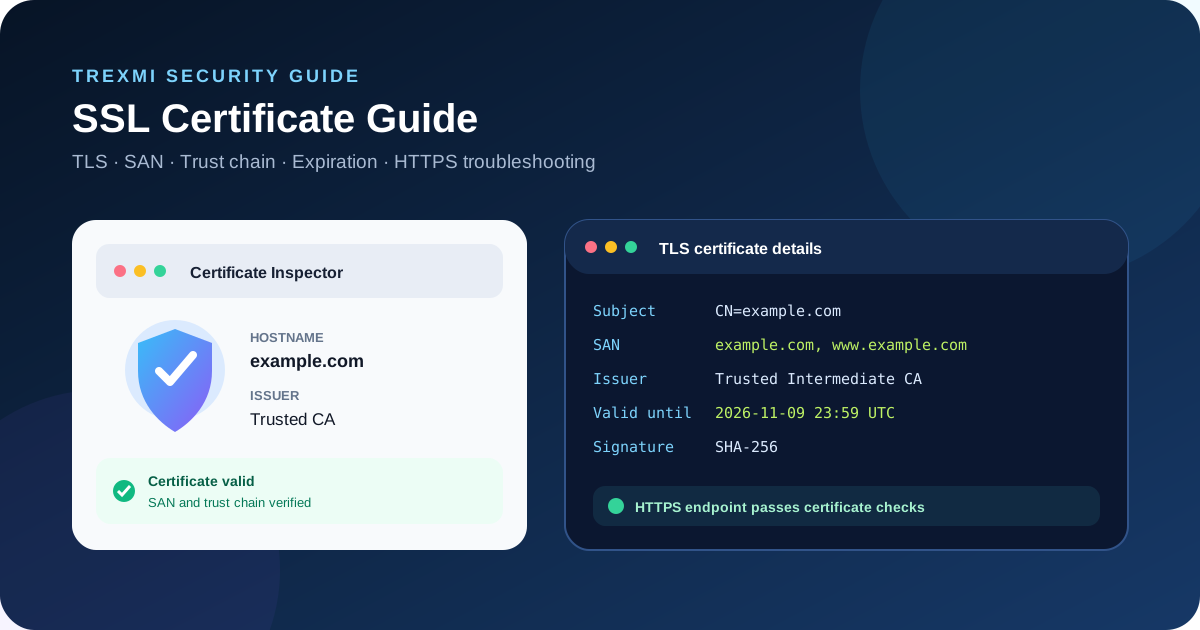
SSL Certificate Guide is a practical reference for developers, site owners, administrators, SEO specialists, and anyone responsible for HTTPS. It explains how SSL certificates and modern TLS work, what a certificate proves, certificate chains, issuers, SANs, expiration dates, fingerprints, common browser errors, renewal checks, and a dependable Trexmi workflow for inspecting certificate details.
Tip: HTTPS can be working while a certificate configuration is still incomplete. Check the hostname, validity period, trust chain, SAN entries, and server configuration together.
What is an SSL certificate?
An SSL certificate is the common name for a digital certificate used by HTTPS. Modern web connections normally use TLS rather than the obsolete SSL protocols, but the phrase “SSL certificate” remains widely used. The certificate binds a public key to one or more domain names and is signed by a certificate authority or another trusted issuer in a chain.
A certificate does not encrypt an entire website by itself. During the TLS handshake, the server presents certificate information and proves possession of the corresponding private key. The client validates the certificate and negotiates cryptographic parameters for the secure session.
SSL Certificate Guide to SSL vs TLS
SSL and TLS are related protocols, but SSL 2.0 and SSL 3.0 are obsolete. Current HTTPS deployments use TLS. When hosting dashboards, certificate vendors, or tools say “SSL,” they usually mean the broader HTTPS certificate setup that is actually used with TLS.
For external reference, see the MDN TLS guidance and the Let's Encrypt documentation. These resources complement this SSL Certificate Guide with browser-security and certificate-authority documentation.
| Term | Meaning today | Practical note |
|---|---|---|
| SSL | Legacy protocol name still used informally | Do not enable obsolete SSL protocol versions |
| TLS | Modern transport security protocol | Used by current HTTPS connections |
| SSL certificate | Common name for an X.509 certificate used with HTTPS/TLS | Check identity, validity and trust chain |
SSL Certificate Guide to important certificate fields
When you inspect a certificate, focus on the fields that determine identity, trust, and validity. The Certificate Decoder helps turn encoded certificate data into readable fields.
Subject and hostname identity
The certificate subject describes the entity represented by the certificate. For web hostname validation, modern clients primarily rely on the Subject Alternative Name extension rather than only the legacy Common Name field.
Issuer
The issuer identifies the certificate authority or intermediate CA that signed the certificate. A browser must be able to build a valid chain from the site certificate through intermediate certificates to a trusted root.
Validity period
The Not Before and Not After timestamps define when the certificate is valid. A certificate used before its start time or after expiration will fail normal validation.
Public key and signature
The certificate contains a public key and a digital signature from its issuer. The private key is separate and must remain secret on the server or secure key-management system.
SSL Certificate Guide to Subject Alternative Names
The SAN extension lists the DNS names covered by a certificate. A certificate for example.com does not automatically cover every subdomain unless the required names or an appropriate wildcard are present.
DNS:example.comnDNS:www.example.comnDNS:api.example.comIf users receive a hostname mismatch error, compare the exact requested hostname with the SAN list. Scheme, redirects, CDN hostnames, alternate domains, and forgotten subdomains can expose a mismatch that is not obvious from the main homepage.
Wildcard certificates
A wildcard such as *.example.com can cover many first-level subdomains, such as www.example.com and api.example.com. It does not generally mean unlimited coverage for deeper names such as a.b.example.com, and the apex domain example.com should be included separately when required.
SSL Certificate Guide to certificate chains
A typical public HTTPS chain contains the leaf certificate for the website, one or more intermediate CA certificates, and a trusted root CA. Servers normally send the leaf certificate plus the required intermediate certificates. Clients already maintain trusted root stores.
- The browser connects to the HTTPS server.
- The server presents its certificate and intermediate chain.
- The browser checks the requested hostname against certificate identities.
- The browser checks validity dates and certificate constraints.
- The browser builds a chain toward a trusted root.
- The TLS handshake completes only when the required validation succeeds.
SSL Certificate Guide to checking a certificate
Use the SSL Certificate Checker to inspect the certificate presented by a live HTTPS host. A useful check should confirm the hostname, issuer, expiration, SAN entries, chain information, and other certificate details rather than only reporting that port 443 responds.
- Enter the hostname you want to verify.
- Check that the certificate is currently within its validity period.
- Confirm the requested hostname is included in the SAN list.
- Review the issuer and certificate chain.
- Check the remaining lifetime before expiration.
- Repeat the check for important alternate hostnames and subdomains.
- Verify the final production endpoint if a CDN, proxy, or load balancer terminates TLS.
SSL Certificate Guide to expiration and renewal
Expired certificates cause browser warnings and can break API clients, webhooks, integrations, payment flows, crawlers, and automated jobs. Renewal automation reduces risk, but it should still be monitored because DNS challenges, HTTP challenges, permission changes, rate limits, or deployment failures can prevent a renewed certificate from reaching the production endpoint.
Do not check only the certificate file stored on a server. Check the certificate actually presented by the public hostname after renewal, especially when traffic passes through a CDN or reverse proxy.
SSL Certificate Guide to certificate fingerprints
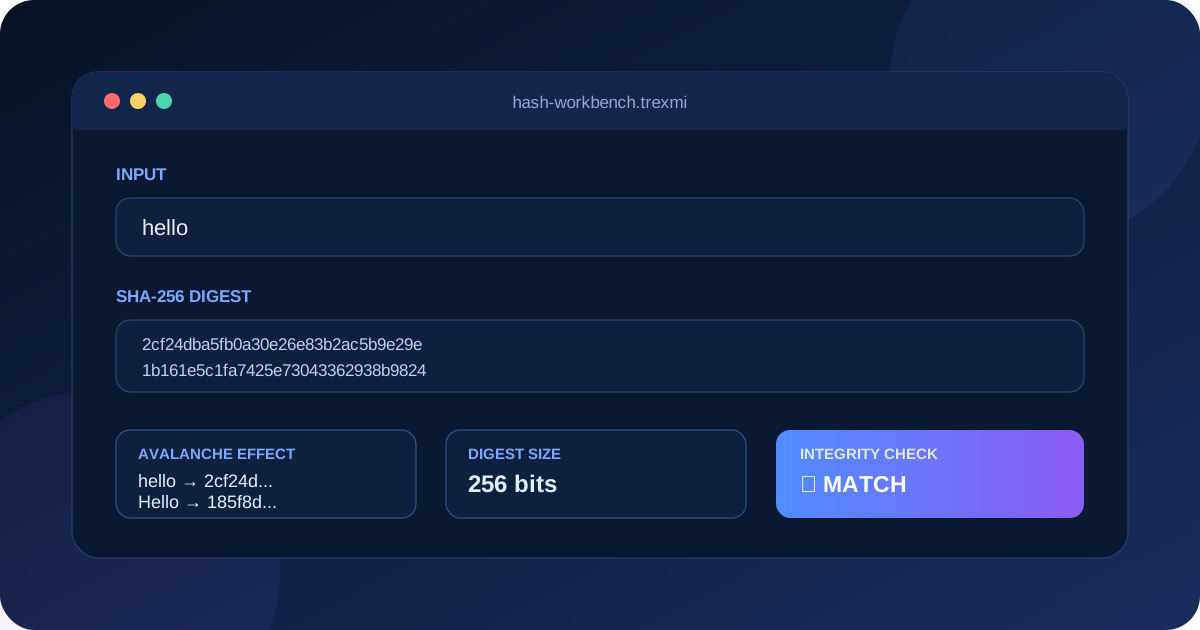
A certificate fingerprint is a digest calculated from the encoded certificate. It provides a compact way to compare a specific certificate. SHA-256 fingerprints are commonly used for inspection and verification workflows.
When you need to calculate or compare digests for certificate-related data, the Hash Generator can help with general hashing tasks. A fingerprint identifies certificate bytes; it does not replace normal hostname and trust-chain validation.
SSL Certificate Guide to PEM certificate format
Certificates and keys are often stored in PEM text blocks. Certificates typically use BEGIN CERTIFICATE and END CERTIFICATE boundaries. Formatting errors, missing line breaks, or accidentally mixing certificate and key blocks can break deployments.
-----BEGIN CERTIFICATE-----nMIIF...n-----END CERTIFICATE-----Use the PEM Formatter when certificate or key material needs consistent PEM boundaries and line formatting. Never paste production private keys into tools or systems you do not trust.
SSL Certificate Guide to common certificate errors
Certificate expired
The current time is later than the certificate Not After value. Renew the certificate and confirm the renewed certificate is actually deployed to every TLS endpoint.
Hostname mismatch
The requested hostname is not covered by the certificate SAN entries. Install a certificate containing the correct hostname or route traffic to the endpoint configured for that name.
Incomplete certificate chain
The server does not provide an intermediate certificate needed by some clients to build trust. Configure the server with the appropriate full chain rather than only the leaf certificate.
Certificate not yet valid
The current time is earlier than the certificate Not Before timestamp. Check deployment timing and system clocks.
Untrusted issuer
The client cannot build a valid chain to a trusted root. This is expected for many private or self-signed certificates unless the relevant trust anchor has been deliberately installed.
Self-signed certificates
A self-signed certificate is signed by its own key instead of a publicly trusted CA chain. It can be useful in controlled internal environments, development, labs, or private PKI systems, but public browsers will not trust it automatically. Do not train users to click through certificate warnings on production services.
SSL Certificate Guide security best practices
- Use modern TLS configurations and disable obsolete SSL protocol versions.
- Protect private keys with restrictive permissions and appropriate key management.
- Automate certificate renewal where practical and monitor renewal failures.
- Deploy the complete intermediate certificate chain.
- Include every required production hostname in the certificate SAN list.
- Check the live public endpoint after certificate changes.
- Use HTTPS consistently and redirect plain HTTP intentionally.
- Do not reuse exposed or compromised private keys.
- Keep server, proxy, CDN, and TLS libraries updated.
- Test important API and subdomain endpoints, not only the homepage.
SSL certificates, HTTPS and SEO
HTTPS is part of a healthy production website configuration, but certificate mistakes can make pages inaccessible to users and crawlers. Expired certificates, hostname mismatches, broken HTTPS redirects, and inconsistent HTTP/HTTPS canonicalization can create crawling and indexing problems. After migrations or certificate changes, verify important URLs from the public internet rather than assuming the control panel status reflects the final endpoint.
A reliable SSL Certificate Guide debugging workflow
- Record the exact failing hostname and URL.
- Check the live certificate presented by that hostname.
- Compare the hostname with the SAN entries.
- Check
Not BeforeandNot After. - Inspect the issuer and intermediate chain.
- Determine where TLS terminates: origin server, reverse proxy, load balancer, or CDN.
- Compare working and failing subdomains.
- Check server time and deployment state.
- Verify that the private key matches the deployed certificate where applicable.
- Retest externally after the fix.
SSL certificate checklist
| Check | What to verify |
|---|---|
| Hostname | Requested DNS name exists in SAN |
| Validity | Current time is between Not Before and Not After |
| Issuer | Certificate chains to an expected trusted authority |
| Chain | Required intermediate certificates are served |
| Key | Correct private key is securely deployed |
| Endpoint | Public CDN/proxy/origin presents the intended certificate |
| Renewal | Automation and expiry monitoring are working |
SSL Certificate Guide summary
This SSL Certificate Guide recommends checking certificate identity, SAN coverage, validity dates, issuer, trust chain, live deployment, and renewal as one workflow. Use the Trexmi SSL Certificate Checker for live endpoints, Certificate Decoder for certificate fields, and PEM Formatter for certificate text formatting. A valid certificate is only one part of secure HTTPS, but it is a critical part that should be tested before and after every infrastructure change.
Practice what you learned
Related Trexmi tools
Open a focused workspace and test the patterns from this guide.Clear answers
Frequently asked questions
What is an SSL certificate?+
An SSL certificate is the common name for an X.509 digital certificate used with HTTPS and modern TLS to bind a public key to one or more identities such as domain names.
Is SSL the same as TLS?+
Not exactly. SSL is the older protocol family and is obsolete for modern web security. Current HTTPS connections use TLS, although the term SSL certificate is still commonly used.
How do I check when an SSL certificate expires?+
Inspect the certificate Not After timestamp on the live HTTPS endpoint and monitor the remaining lifetime so renewal problems are detected before users see warnings.
What causes an SSL hostname mismatch?+
A mismatch occurs when the hostname being requested is not covered by the certificate Subject Alternative Name entries.
What is an incomplete certificate chain?+
It means the server has not supplied one or more intermediate certificates needed by clients to build a trust path from the site certificate to a trusted root.
What is a certificate fingerprint?+
A certificate fingerprint is a cryptographic digest of the encoded certificate, commonly using SHA-256, that can be used to compare a specific certificate.
Are self-signed certificates safe?+
They can be appropriate in controlled private environments when trust is deliberately managed, but public browsers do not trust them automatically and they are generally unsuitable for normal public websites.
What should I check after renewing a certificate?+
Check the live public endpoint, expiration date, SAN coverage, issuer, chain, important subdomains, and any CDN or proxy that terminates TLS to confirm the renewed certificate is actually deployed.
Continue learning