API Keys Guide
API Keys Guide covering secure generation, storage, scopes, headers, rotation, revocation, logging, HMAC signing, and credential security.
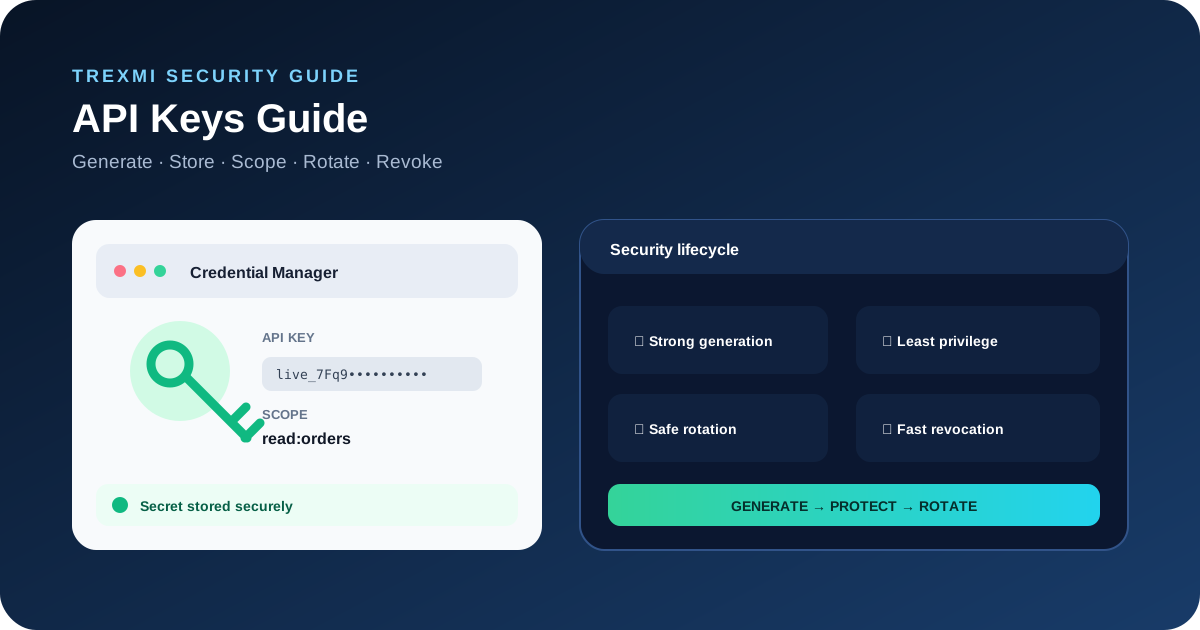
API Keys Guide explains how developers should generate, store, transmit, scope, rotate, and revoke API credentials. This API Keys Guide focuses on practical security decisions that reduce credential leaks and limit the damage when a secret is exposed.
Rule: Treat every production API key as a secret. Never place private credentials in public source code, screenshots, frontend JavaScript, documentation examples, or repositories.
API Keys Guide to what an API key is
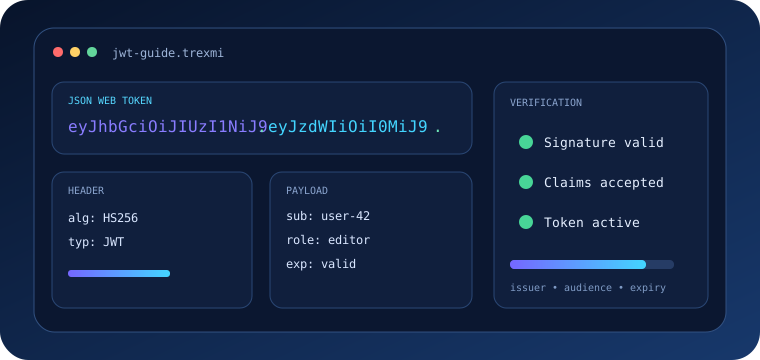
An API key is a credential that a service can use to identify or authorize an application, project, integration, or account. Some keys identify a project while others permit sensitive operations, so the provider security model always matters.
For external security guidance, see the OWASP API Security Project and the OWASP Secrets Management Cheat Sheet.
API Keys Guide to keys, tokens, and passwords
| Credential | Typical purpose | Typical lifetime |
|---|---|---|
| API key | Application or project access | Often long-lived |
| Access token | Session or delegated authorization | Often short-lived |
| Password | Human/account authentication | User managed |
| Signing secret | Request signature generation | Rotatable secret |
API Keys Guide to secure generation
Secret credentials need enough unpredictable entropy to resist guessing. Avoid words, timestamps, sequential IDs, usernames, or other predictable values. Use the API Key Generator for purpose-built keys, the Secure Random Generator for cryptographically strong random material, or the Token Generator when an integration expects token-style credentials.
API key structure and prefixes
Many services combine a recognizable prefix with a random secret. Prefixes can distinguish test and production credentials without weakening the random secret portion.
service_live_7Fq9...random-secret...nservice_test_2Km4...random-secret...API Keys Guide to secure storage
Keep production API keys in a secret manager, protected runtime configuration, or another access-controlled server-side store. Keep them out of source code and restrict access to the people and services that actually need each credential.
- Never commit production keys to Git.
- Keep private keys out of browser-delivered code.
- Separate development, staging, and production credentials.
- Restrict secret access and audit it where possible.
- Use placeholders rather than real secrets in example configuration files.
Environment variables and configuration
Environment variables are useful for runtime configuration but are not automatically secure. Debug pages, deployment dashboards, process inspection, crash reports, or logs can expose them if access controls are weak.
API_KEY=replace-with-secret-from-secure-storeAPI Keys Guide to sending keys safely
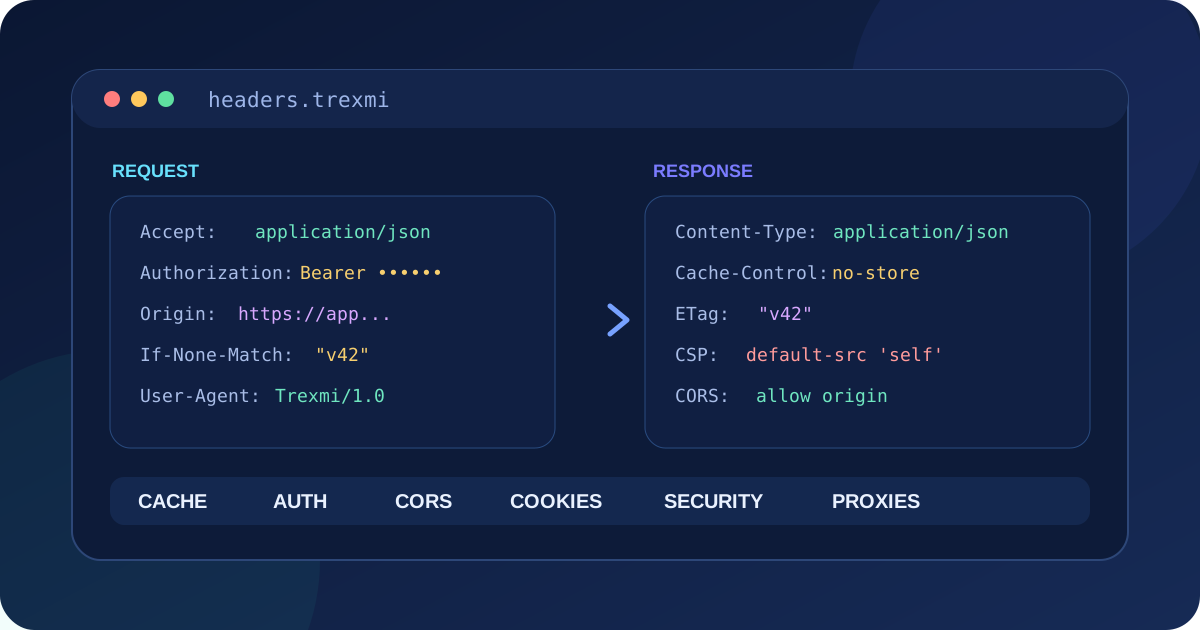
Transmit credentials only over HTTPS and follow the API provider documentation. Keys are commonly sent in an authorization header or a dedicated request header.
Authorization: Bearer YOUR_TOKENnX-API-Key: YOUR_API_KEYAvoid secrets in URLs because URLs can appear in browser history, proxy logs, analytics, referrer data, monitoring systems, and screenshots.
API Keys Guide to scopes and least privilege
A credential should receive only the permissions required by its integration. Use scopes, roles, endpoint restrictions, IP restrictions, or resource restrictions when the provider supports them. A read-only integration should not receive administrative access.
API Keys Guide to safe rotation
Rotation replaces an old credential with a new one. Create the replacement first, deploy it to legitimate consumers, verify traffic, and revoke the old credential only after the new one is working.
- Create a new credential.
- Apply the minimum required permissions.
- Deploy it to all legitimate consumers.
- Verify successful requests.
- Revoke the old credential.
- Check that no service still uses it.
API Keys Guide to exposed credentials
If a key appears in a public repository, ticket, chat, screenshot, log, or client-side bundle, assume it may have been copied. Deleting the visible secret is not enough because history and caches can preserve it.
- Revoke the exposed key immediately.
- Create a replacement.
- Update legitimate consumers.
- Review logs for suspicious activity.
- Remove the secret from code and history where practical.
- Fix the process that caused the exposure.
API Keys Guide to safe logging
Logs should diagnose authentication without recording complete secrets. Redact credentials from headers, request objects, environment dumps, exception contexts, and third-party monitoring payloads.
Bad: X-API-Key: service_live_7Fq9CompleteSecretnGood: X-API-Key: service_live_7Fq9…REDACTEDWhy private API keys do not belong in frontend code
Anything delivered to a browser should be considered observable. Minification or bundling cannot make a browser-visible credential private. Put privileged requests behind a controlled backend when a private server credential is required.
API Keys Guide to HMAC signing
Some APIs use a key identifier and a separate signing secret. HMAC can prove possession of the shared secret by signing selected request data. The HMAC Generator can help test inputs and signatures during development. Signing still requires HTTPS, secure storage, replay protection, and correct canonicalization.
Monitoring and abuse controls
Rate limits can reduce abuse but do not replace credential security. Watch for unusual request volume, unfamiliar IP addresses, unexpected regions, repeated authorization failures, and sudden changes in endpoint usage when those signals are available.
API Keys Guide to common mistakes
Committing a key to Git
Repository history can preserve a credential after the current file is edited. Rotate it.
Using one key everywhere
Shared credentials across environments and services make rotation and incident investigation harder.
Giving every key full access
Broad permissions increase the impact of exposure. Apply least privilege.
Logging authorization headers
Verbose logging can replicate a protected secret into multiple systems.
Never rotating credentials
Long-lived secrets accumulate exposure opportunities. Maintain a tested rotation process.
A reliable API Keys Guide workflow
- Define what the integration needs.
- Create a separate credential for the correct environment.
- Generate the secret securely.
- Apply minimum permissions.
- Store it outside source code.
- Send it only through the approved HTTPS mechanism.
- Redact it from logs and screenshots.
- Monitor usage.
- Maintain a rotation procedure.
- Revoke immediately after suspected exposure.
API Keys Guide checklist
| Area | What to verify |
|---|---|
| Generation | Cryptographically secure randomness |
| Storage | Outside source code and access controlled |
| Transport | HTTPS only |
| Permissions | Least privilege |
| Logging | Secrets redacted |
| Environments | Separate credentials |
| Rotation | Replacement process tested |
| Incident response | Fast revocation available |
API Keys Guide summary
This API Keys Guide recommends treating credentials as lifecycle-managed secrets: generate them securely, grant only necessary permissions, store them outside source code, transmit them over HTTPS, redact them from logs, monitor their use, rotate them safely, and revoke them immediately after suspected exposure.
Practice what you learned
Related Trexmi tools
Open a focused workspace and test the patterns from this guide.Clear answers
Frequently asked questions
What is an API key?+
An API key is a credential used by a service to identify or authorize an application, project, integration, or account.
Where should API keys be stored?+
Store production API keys in an access-controlled secret-management system or protected server-side runtime configuration rather than source code.
Can I put an API key in frontend JavaScript?+
Private API keys should not be placed in browser-delivered JavaScript because users can inspect application bundles and network traffic.
Should API keys be sent in URLs?+
Avoid secrets in URLs because URLs can be copied into logs, history, analytics, referrer data, monitoring systems, and screenshots.
What should I do if an API key is exposed?+
Revoke it immediately, create a replacement, update legitimate consumers, review usage, and fix the source of the exposure.
What is least privilege for API keys?+
Give each credential only the scopes, resources, endpoints, or actions required by its specific integration.
How should API keys be rotated?+
Create and deploy the replacement first, verify it works, and then revoke the old credential.
Is an API key the same as an access token?+
Not necessarily. API keys are often long-lived application credentials while access tokens are commonly shorter-lived authorization credentials.
Continue learning